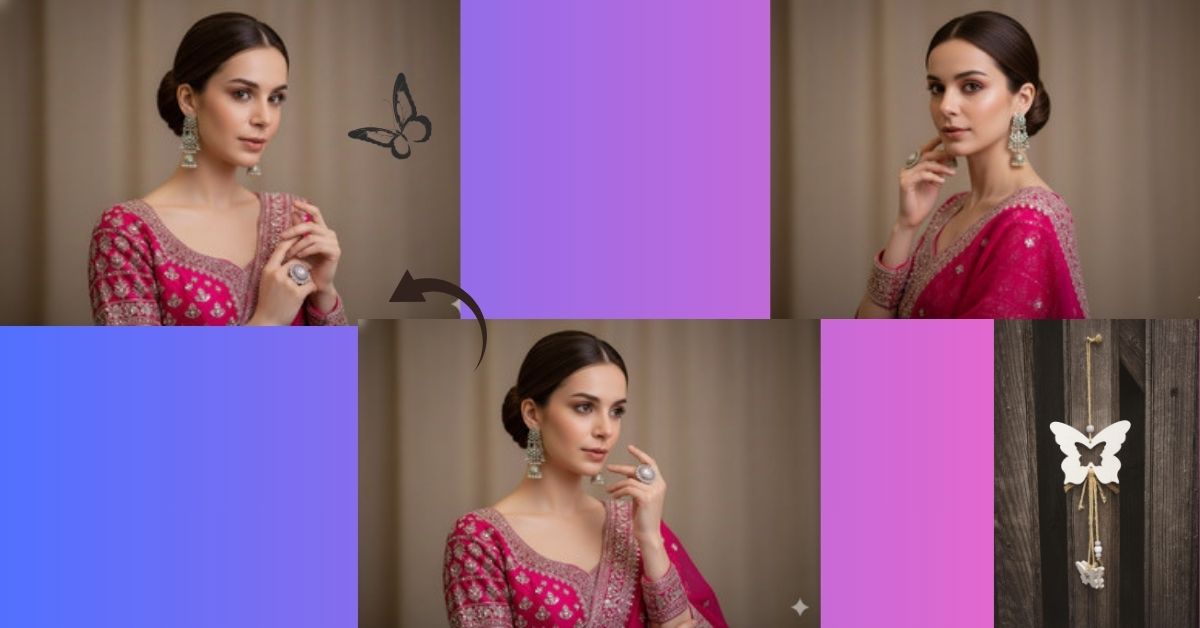
Elegant Indian traditional portraits are trending massively on Instagram Reels and fashion pages.
People love close-up, graceful poses with rich embroidery, soft makeup, and classy expressions.
This style looks premium, timeless, and perfect for reels, DP, and festive posts.
The best part is—you can create this Viral AI Image for FREE using Google Gemini, without any editing or studio setup.
The Viral Prompt (Google Gemini Prompt)
<!– wp:code –>
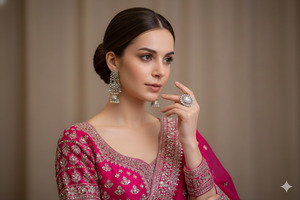
<pre class=”wp-block-code”><code>Create a high-quality, ultra-realistic cinematic portrait of an elegant woman whose face must remain exactly the same as the uploaded reference image, with no changes at all. Her hair is neatly styled in a classic bun, enhancing her graceful and refined appearance.
She is wearing a vibrant fuchsia pink traditional Indian outfit, richly embroidered with intricate silver patterns and detailed craftsmanship. She is adorned with elaborate silver earrings, and her makeup is subtle yet refined, naturally highlighting her facial features.
Her hand is gently raised near her face, gracefully showcasing a ring on her finger. The background is simple and muted, keeping full focus on her attire, expression, and elegant pose.
Use cinematic soft lightin, realistic skin texture, detailed fabric embroidery, gentle shadows, shallow depth of field, professional DSLR photography style, ultra-detailed environment, high quality, stunning 8K resolution.
Create the image in 9:16 aspect ratio.
</code></pre>
<!– /wp:code –>
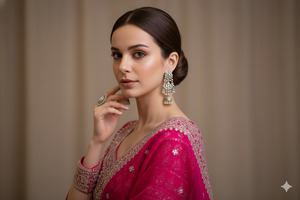
Pose Variant 1 – Side-Face Elegant Hand Pose
<!– wp:code –>
<pre class=”wp-block-code”><code>Create a high-quality, ultra-realistic cinematic portrait of an elegant woman whose face must remain exactly the same as the uploaded reference image, with no changes at all. Her hair is styled neatly in a classic bun.
She is wearing a vibrant fuchsia pink traditional Indian outfit richly embroidered with intricate silver patterns. She is adorned with elaborate silver earrings and subtle refined makeup.
Her body is slightly angled sideways, and her head is gently turned toward the camera. One hand is raised softly near her cheek, showcasing a ring on her finger, creating a graceful and elegant side-face pose.
The background is simple and muted, keeping full focus on her expression and attire. Use cinematic soft lighting, realistic skin texture, detailed fabric embroidery, gentle shadows, shallow depth of field, professional DSLR photography style, ultra-detailed, stunning 8K resolution.
Create the image in 9:16 aspect ratio.
</code></pre>
<!– /wp:code –>
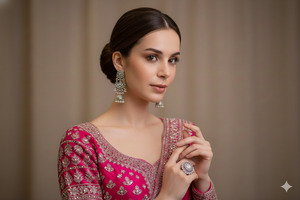
Pose Variant 2 – Both Hands Together Royal Pose
<!– wp:code –>
<pre class=”wp-block-code”><code>Create a high-quality, ultra-realistic cinematic portrait of an elegant woman whose face must remain exactly the same as the uploaded reference image, with no changes at all. Her hair is styled in a clean, elegant bun.
She is dressed in a vibrant fuchsia pink traditional Indian outfit with rich silver embroidery and is wearing elaborate silver earrings. Her makeup is soft and refined.
She is facing the camera directly with both hands gently placed together near her chest, fingers relaxed and elegant, creating a classic royal Indian portrait pose. A ring is visible on her finger.
The background remains simple and muted. Use cinematic lighting, realistic skin texture, detailed embroidery, soft shadows, shallow depth of field, professional DSLR photography style, ultra-detailed, stunning 8K resolution.
Create the image in 9:16 aspect ratio.</code></pre>
<!– /wp:code –>
How to Customize This Prompt
You can easily personalize this viral AI image:
- Change outfit color (royal blue, emerald green, maroon)
- Modify jewelry style (gold, pearl, kundan)
- Adjust background tone (beige, grey, pastel)
- Upload your own face image when Google Gemini asks
- Change hairstyle (low bun, braided bun)
Just replace the words inside the prompt—simple and beginner-friendly.
How to Create This Image Using Google Gemini
Follow these easy steps
Step 1
Open Google Gemini on your mobile or laptop.
Step 2
Paste the Google Gemini Prompt given above.
Step 3
Type this line along with the prompt:
Create an image in 9:16 aspect ratio (Instagram Reel size)
Step 4
Click generate, wait a few seconds, and download your AI image.
Your Trending Viral AI Image is now ready.
Conclusion
This elegant pink Indian traditional AI image style is perfect for Instagram Reels, festive posts, wedding inspiration, and classy profile photos.
It reflects grace, tradition, and modern elegance—everything that goes viral on social media today.
Create your image using Google Gemini, share it on Instagram, and let everyone admire your timeless beauty.
For more Trending Viral AI Image Google Gemini Prompts, keep visiting Techy Gabru and keep creating







