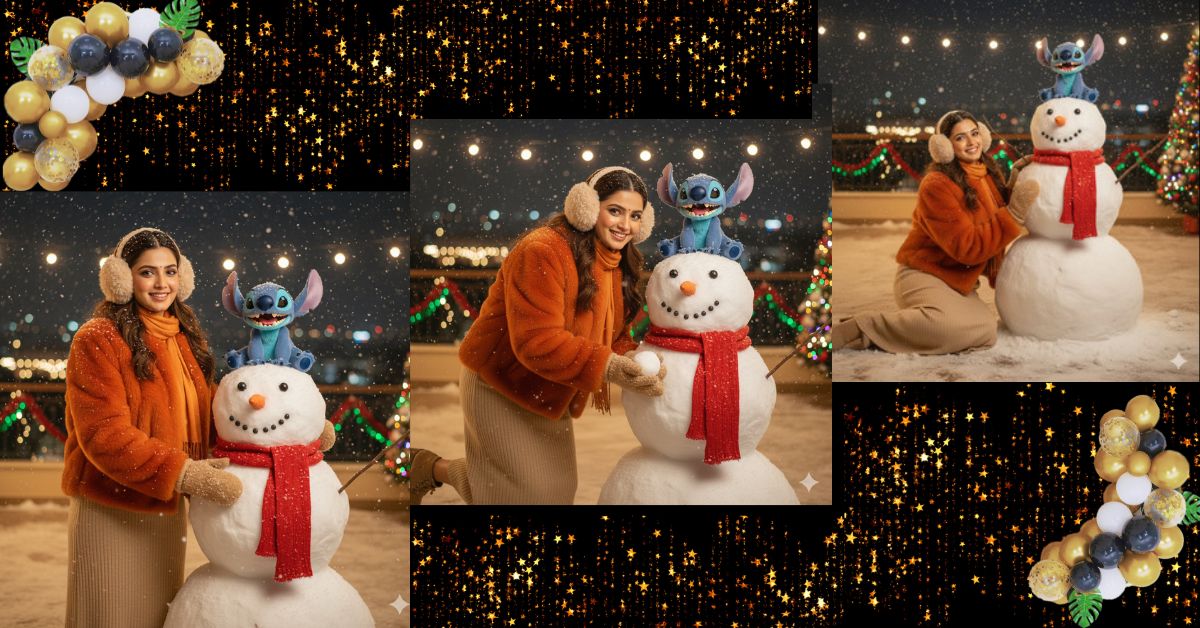
Winter cinematic AI portraits are trending fast on Instagram Reels and Pinterest.
People love this style because it feels magical, emotional, and movie-like, especially with snow, warm lights, and cute characters like Stitch.
You can create this viral winter AI image for free using Google Gemini.
No editing skills needed—just one powerful prompt and the correct 9:16 aspect ratio.
The Viral Prompt (Copy–Paste Ready)
Below is a single, high-quality English prompt, carefully refined from your input and optimized for Google Gemini.
Copy and paste it exactly as written.
<!– wp:code –>
<pre class=”wp-block-code”><code>Create a high-detail, ultra-photorealistic cinematic winter photograph based on my uploaded photo.
Do not change my face, facial structure, skin tone, or body proportions in any way.
Focus strongly on the eyes, realistic skin texture that looks fine, velvety, and softly detailed.
Use a 50–85mm lens look, f/1.8, shallow depth of field, ultra-realistic lighting, 8K quality.
Scene:
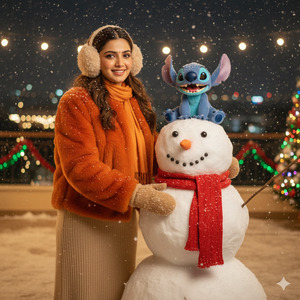
A young woman (same face as reference image) and Stitch are playfully building a snowman together
in a snowy patio at night. Soft snow lightly covers their hair and clothing.
Outfit:
She is wearing a bright orange fur coat, a beige knitted dress, fluffy beige earmuffs,
warm mittens, and an orange scarf. Stitch is laughing playfully while sitting on the snowman.
Lighting & Mood:
Warm cinematic lights, colorful festive garlands glowing in the background,
joyful Christmas atmosphere, soft bokeh lights, editorial fashion photography style.
Overall look:
Ultra-detailed, photorealistic, winter cinematic mood, joyful and magical.
Create the image in 9:16 aspect ratio (Instagram Reel size).
</code></pre>
<!– /wp:code –>
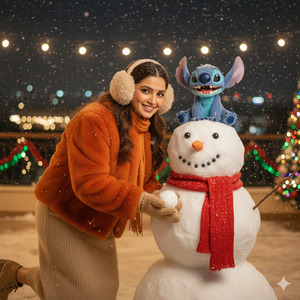
Pose Variant 1: Playful Leaning Pose
<!– wp:code –>
<pre class=”wp-block-code”><code>Pose:
The woman is slightly leaning forward toward the snowman, one knee gently bent,
both hands shaping a snowball. She is smiling playfully while looking slightly
toward Stitch, creating a candid and joyful moment.
</code></pre>
<!– /wp:code –>
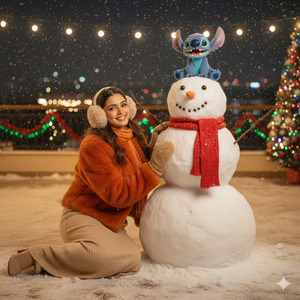
Pose Variant 2: Sitting Side-by-Side Pose
<!– wp:code –>
<pre class=”wp-block-code”><code>Pose:
The woman is sitting on the snowy ground beside the snowman with one leg folded
and the other slightly extended. One hand rests on her knee while the other
touches the snowman’s arm. She looks toward the camera with a warm, happy smile,
while Stitch laughs beside her.</code></pre>
<!– /wp:code –>
How to Customize This Prompt
You can personalize this prompt very easily:
- Coat color → replace orange with red, white, or pastel pink
- Season vibe → add words like Christmas, New Year, or holiday magic
- Expression → change laughing playfully to soft smile or joyful surprise
Always keep the line “Do not change my face” for best realism.
How to Create This Image Using Google Gemini
Follow these simple steps:
- Open Google Gemini
- Upload your photo and paste the prompt above
- Add at the end: “Create an image in 9:16 ratio”
- Generate and download your image
That’s it—your viral winter AI portrait is ready
Conclusion
This winter cinematic AI image style is perfect for Instagram Reels, profile photos, and festive posts.
It looks emotional, premium, and story-driven—exactly what performs best on social media.
Use this Google Gemini prompt, share your creation, and enjoy the festive engagement boost.
Don’t forget to tag your friends and spread the winter magic







