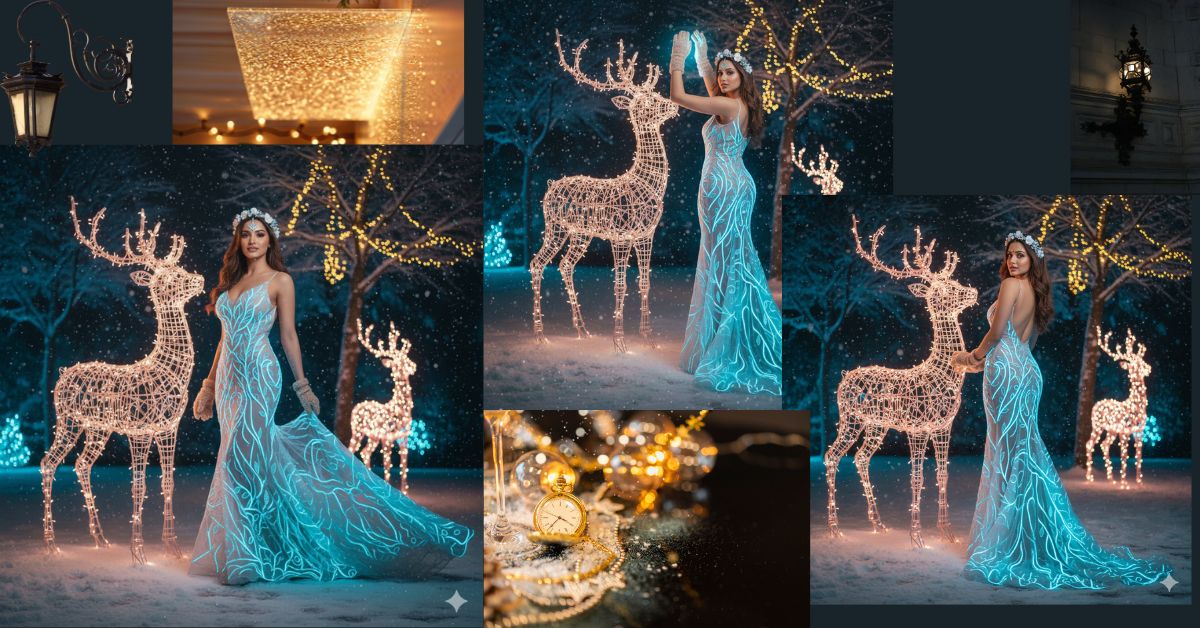
Fantasy winter portraits with glowing dresses and magical lighting are going viral on Instagram and Reels right now.
People love this style because it looks cinematic, dreamy, and premium—perfect for festive and winter posts.
The best part? You can create this ultra-realistic viral AI image for free using Google Gemini, without changing your face at all. This guide will help you do it step by step.
The Viral Prompt (Copy & Paste)
Use the exact prompt below inside Google Gemini for best results.
<!– wp:code –>
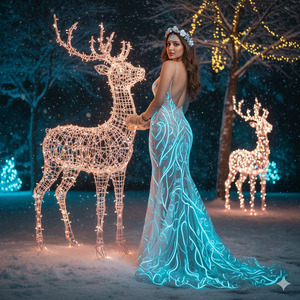
<pre class=”wp-block-code”><code>Create an ultra-realistic, cinematic winter fantasy portrait using my face exactly as provided.
Do not alter my facial features, facial structure, or identity in any way.
A beautiful woman wearing a striking floor-length, form-fitting gown made of sheer tulle fabric,
adorned with intricate glowing neon-blue vine and wave-like patterns. The blue patterns appear
luminescent and highly detailed, standing out in low light. The gown has delicate spaghetti straps,
a low open back, and hugs the body until the knees before flaring into an elegant trailing hem.
She wears a soft floral crown made of white and pale blue flowers, contrasting gently with her
dark chestnut hair.
Pose: She stands gracefully with her weight on one leg, looking back over her shoulder directly
at the camera in a natural, glamorous pose.
Scene: A nighttime snowy winter setting filled with cool blue and white decorative lights.
She stands beside a large illuminated wireframe reindeer sculpture glowing with blush-wine LED lights.
Snow beneath reflects the blue glow. A smaller glowing reindeer appears softly in the background.
Background includes dark snow-covered trees with warm golden bokeh lights hanging between branches
Ultra-realistic photography, 8K resolution, cinematic lighting, shallow depth of field,
sharp focus, high detail, realistic textures, premium fantasy editorial style.
Create the image in 9:16 aspect ratio (Instagram Reel size).
</code></pre>
<!– /wp:code –>
Pose Variant 1 – Over-the-Shoulder Elegance
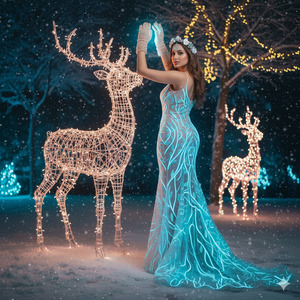
She stands beside the illuminated reindeer sculpture, her body angled slightly away from the camera.
Her head is turned back over her shoulder, eyes looking directly into the lens.
One hand rests softly on her hip while the other hangs naturally by her side, creating a graceful, confident silhouette.
Pose Variant 2 – Gentle Forward Step
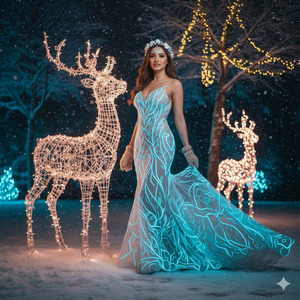
She takes a slow step forward in the snow, the trailing hem of the glowing dress flowing behind her.
Her upper body is slightly turned toward the camera, chin lifted gently.
Both arms are relaxed, with one hand lightly touching the fabric of her gown, giving a soft, cinematic motion effect.
How to Customize This Prompt
You can easily personalize this prompt by changing a few details:
- Replace dress color (neon blue → emerald green, purple, gold)
- Change flower crown colors
- Adjust background mood (more snow, more lights, darker night)
- Modify reindeer lighting color (warm gold, icy white)
Do not remove the line about face accuracy if you want your face unchanged.
How to Create This Image Using Google Gemini
Follow these simple steps:
- Open Google Gemini
- Paste the full prompt given above
- Add this line at the end:
“Create an image in 9:16 ratio” - Generate and download your image
That’s it—your viral winter fantasy image is ready!
Conclusion
This glowing winter fantasy style is perfect for Instagram Reels, festive posts, and viral content.
It looks professional, magical, and eye-catching—exactly what people stop scrolling for.
Once you create your image, share it on Instagram and tag your friends.
You’ll be surprised how many people ask, “Which AI did you use?”
Keep experimenting, stay creative, and let Google Gemini turn your imagination into stunning visuals







