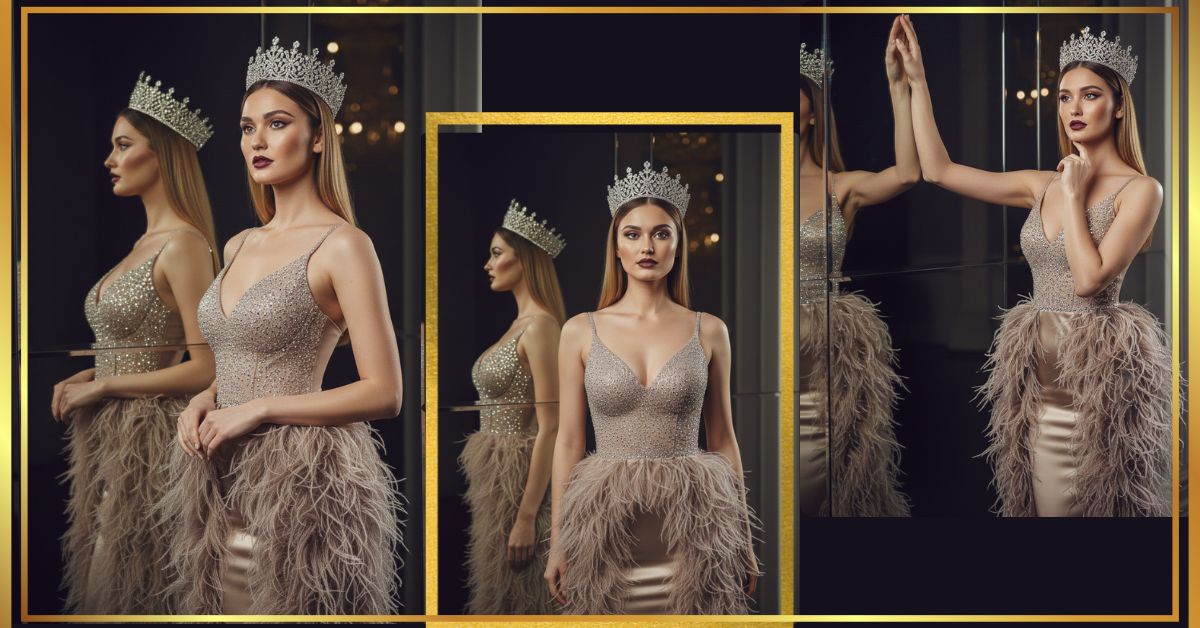
Royal, luxury, and cinematic portraits are trending heavily on Instagram Reels right now.
Creators love this style because it looks expensive, powerful, and high-fashion, just like a magazine cover.
You can create this viral AI image for FREE using Google Gemini, without any design skills.
You only need one perfect prompt and the correct 9:16 aspect ratio.
The Viral Prompt (Copy & Paste)
<!– wp:code –>
<pre class=”wp-block-code”><code>Ultra-realistic cinematic portrait of a young woman, preserving the exact facial features, identity, and natural skin texture from the reference photo with zero alteration or aging.
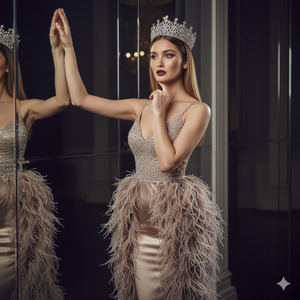
She stands in an elegant, confident pose, body slightly turned to the right. Her left arm is raised gracefully with the hand gently resting on a mirror surface, while her right arm bends naturally with the index finger softly touching her chin, expressing calm authority and inner strength.
She wears a luxurious high-fashion evening gown featuring rich champagne and grey-brown tones. The gown is decorated with detailed ostrich feather fringes flowing from the waist downward and along the sides, creating a regal silhouette. The bodice is crafted from glossy satin with embedded micro-crystals, a subtle V-shaped neckline, and thin straps.
A tall, radiant silver crown adorned with sparkling crystals rests on her head. Her straight hair with soft golden highlights is center-parted and smoothly falls over her shoulders. Makeup is flawless with deep burgundy lips, sculpted contouring, and luminous skin finish.
Cinematic studio lighting with soft highlights and controlled shadows enhances fabric textures, feathers, skin realism, and crystal reflections. Shot on a DSLR 85mm lens, shallow depth of field, ultra-sharp focus.
High quality, 8K resolution, ultra-photorealistic, realistic textures, cinematic lighting, luxury fashion photography, editorial magazine style.
</code></pre>
<!– /wp:code –>
Pose Variant 1 – Power & Elegance (Mirror Touch)
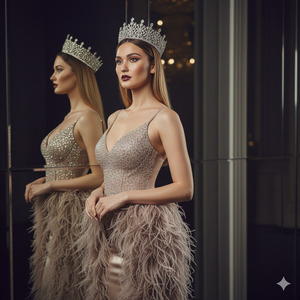
Body slightly turned to the right
Left arm raised upward, palm gently resting on a tall mirror
Right hand softly touching the chin
Head tilted slightly down, eyes looking directly into the camera
Expression confident, calm, and royal
Pose Variant 2 – Regal Stillness (Arms Relaxed)
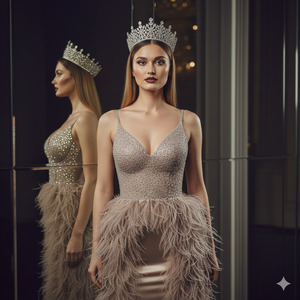
Body facing forward
Both arms relaxed by the sides
Shoulders straight and posture tall
Chin slightly lifted
Direct eye contact with the camera
Expression composed, elegant, and powerful
- Body facing forward
- Both arms relaxed by the sides
- Shoulders straight and posture tall
- Chin slightly lifted
- Direct eye contact with the camera
- Expression composed, elegant, and powerful
How to Customize This Prompt
You can easily personalize this prompt without breaking the realism:
- Change gown color (champagne, ivory, black, emerald)
- Modify lip color (burgundy, nude, wine red)
- Adjust crown style (crystal, gold, minimal)
- Replace pose description if you want a softer or bolder look
Do not change facial features if you want the same face.
How to Create This Image Using Google Gemini
Follow these simple steps:
- Open Google Gemini
- Paste the full prompt given above
- Add this line at the end:
“Create an image in 9:16 aspect ratio” - Generate and download your image
That’s it! Your viral AI image is ready
Conclusion
This royal cinematic portrait style is perfect for Instagram Reels, profile branding, fashion pages, and viral content.
With Google Gemini, you don’t need expensive photoshoots or editing tools.
Just copy the prompt, keep the 9:16 ratio, and let AI do the magic.
Once created, share your image on Instagram, tag it as AI-generated, and watch the engagement grow
If you love viral AI prompts like this, keep following Techy Gabru for more trending Google Gemini image ideas.







