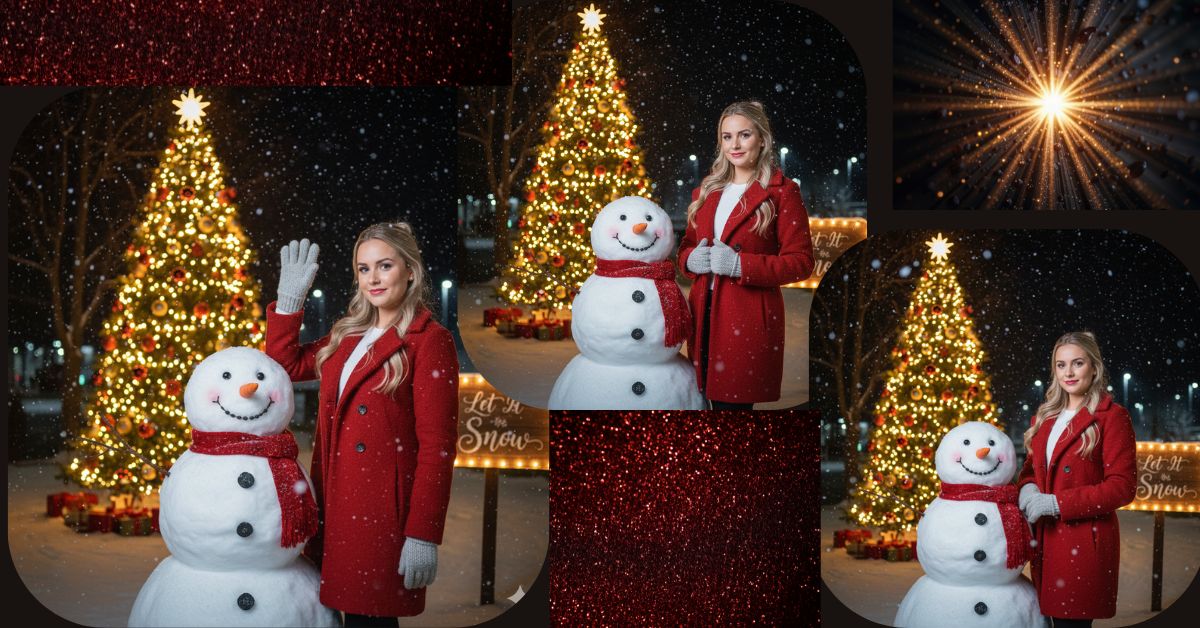
Christmas-themed AI images are trending everywhere on Instagram, Reels, and Shorts.
People love festive photos with snow, Christmas trees, winter outfits, and warm lighting.
This Christmas, you don’t need a photoshoot or editing apps.
You can create a Viral AI Christmas Image for free using Google Gemini, while keeping your face and posture unchanged and making it perfect for 9:16 Instagram Reels.
The Viral Prompt (Google Gemini Prompt)
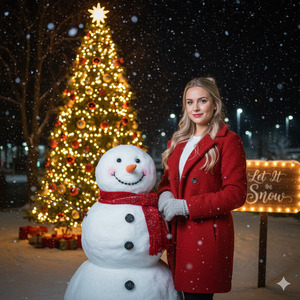
Use my uploaded image as the base reference. Keep my facial features, face shape, expression, and body posture exactly the same without any changes.
Create a festive Christmas special nighttime outdoor scene with a stylish and confident holiday mood. I am wearing a red winter coat and gray gloves, standing confidently beside a realistic snowman that is wearing a red scarf.
The background features a glowing, beautifully decorated Christmas tree with warm yellow lights and ornaments. Include a softly illuminated sign in the background that reads “Let It Snow”. Snow is gently falling, creating a magical winter atmosphere.
Lighting & Mood: Warm and realistic holiday lighting, soft glow from Christmas lights, cinematic shadows, cozy winter vibe.
Style & Quality: High-quality magazine photography style, ultra-realistic details, realistic skin texture, cinematic lighting, high quality, 8K resolution, sharp focus, no blur
IMPORTANT: Create the image in 9:16 aspect ratio (Instagram Reel size).
Negative Prompt:
cartoon, anime, illustration, painting, unrealistic skin, face change, identity change, blur, noise, watermark, logo, text distortion, extra fingers, bad anatomy, low quality, overexposed, underexposed
Pose Variant 1 – Wave & Smile Pose
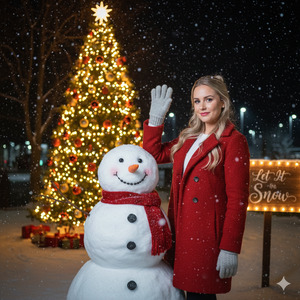
Pose: I am standing confidently beside the snowman, one hand slightly raised in a friendly wave (gray glove visible), and the other hand relaxed by my side. My posture stays the same as the reference image, with a warm confident expression.
Pose Variant 2 – Hands-in-Coat Pose
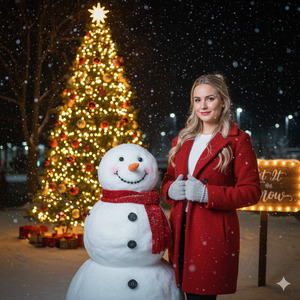
Pose: I am standing beside the snowman with a confident winter look, both gloved hands gently holding the front edges of my red coat. My posture and face remain exactly the same as the reference image.
How to Customize This Prompt
You can easily personalize the Christmas image by changing small details:
- Change coat color (red → green, white, beige)
- Change snowman accessory (red scarf → green scarf or hat)
- Change sign text (“Let It Snow” → “Merry Christmas”)
- Change background vibe (street → park or Christmas market)
- Always keep lines like “keep my facial features unchanged” to protect identity.
How to Create This Image Using Google Gemini
Follow these 4 simple steps:
Step 1
Open Google Gemini on your phone or computer.
Step 2
Upload your image and paste the Viral Prompt above.
Step 3
Type clearly at the end:
“Create an image in 9:16 aspect ratio”
Step 4
Generate the image and download it for Instagram Reels.
That’s it—your Christmas AI image is ready.
Conclusion
This Christmas Special Viral AI Image is perfect for Instagram posts, Reels, profile photos, and festive greetings.
The combination of snow, Christmas lights, winter fashion, and cinematic lighting makes the image eye-catching and emotional.
With Google Gemini, you can turn a simple photo into a professional Christmas magazine-style image—for free.
Always use 9:16 ratio, keep lighting warm, and focus on festive details.
Once your image is ready, share it on Instagram with holiday music and spread the Christmas vibes.
Keep creating and celebrating creativity with Techy Gabru







