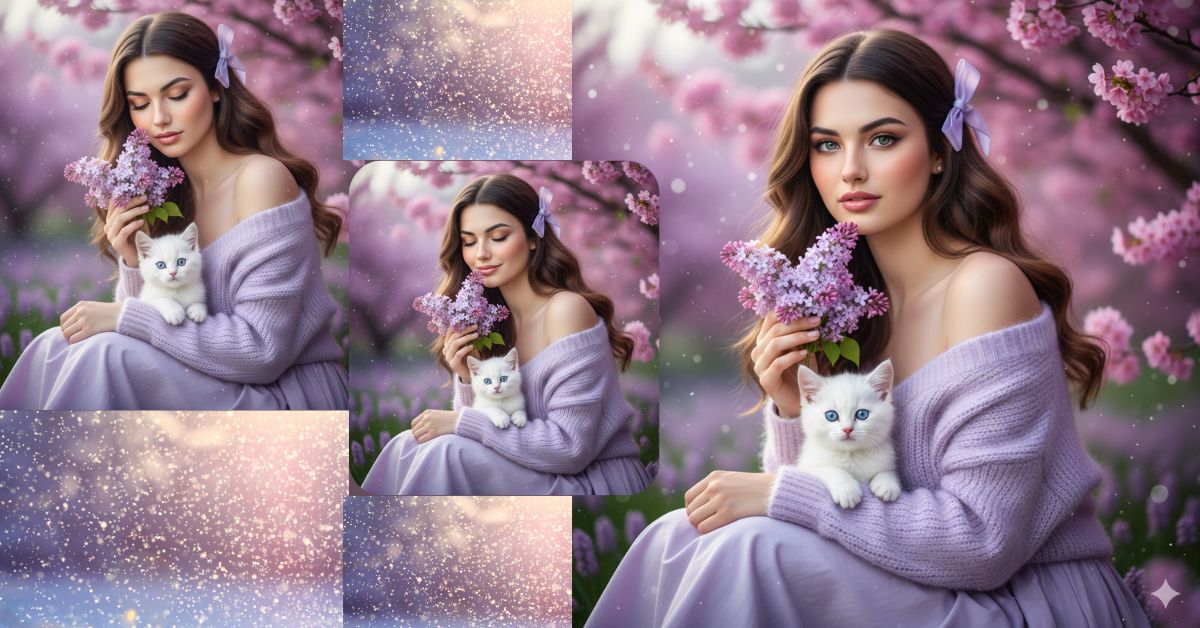
Soft spring garden portraits with pastel colors and dreamy vibes are going viral on Instagram and Reels.
People love this style because it feels romantic, calm, feminine, and aesthetic, perfect for profile photos and reels.
You can create this Viral AI Image for free using Google Gemini, without any editing skills.
Just use the right prompt and always choose 9:16 Aspect Ratio (Instagram Reel size).
The Viral Prompt (Google Gemini Prompt)
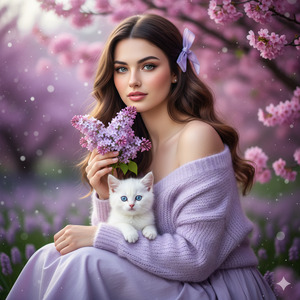
Use the uploaded reference image and match the woman’s face exactly with 100% accuracy. Do not change facial features, face shape, skin tone, or identity in any way.
Create an ultra-realistic, cinematic medium close-up portrait of a beautiful young woman sitting outdoors in a blooming spring garden filled with soft lavender and pink cherry blossoms. She is looking slightly toward the left side with slightly open eyes and a calm, elegant expression.
She has long, wavy brown hair with a silky natural texture, styled with a light purple ribbon bow placed gently on one side. Her skin is fair, smooth, and softly glowing. Makeup is natural and feminine with gentle blush, high-detail eyes, and soft glossy lips.
Outfit: She is wearing a pastel lavender off-shoulder dress paired with a fluffy knitted lavender cardigan, giving a soft romantic look.
Pose & Details: She is gently holding a small bouquet of lilac flowers near her face as if smelling them. A tiny white kitten with blue eyes is sitting calmly on her lap, looking toward the camera.
Background & Mood: The background is filled with blurred violet blossoms, bokeh lights, and a soft spring ambience creating a dreamy romantic atmosphere.
Lighting & Quality: Soft, dreamy cinematic lighting, shallow depth of field, ultra-sharp details, realistic textures, photo-realistic skin, high quality, 8K resolution, professional DSLR look.
IMPORTANT: Create the image in 9:16 aspect ratio (Instagram Reel size).
Negative Prompt:
face change, identity change, cartoon, anime, illustration, painting, unrealistic skin, blur, noise, watermark, logo, text, extra fingers, bad anatomy, low quality, overexposed, underexposed
Pose Variant 1 – Bouquet Near Lips Pose
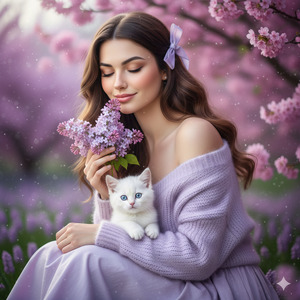
Pose & Details: She is holding the small lilac bouquet gently near her lips, as if about to kiss the flowers, with a calm romantic expression. Her head is slightly tilted left. The tiny white kitten with blue eyes sits on her lap, looking toward the camera.
Pose Variant 2 – Looking at Kitten Pose
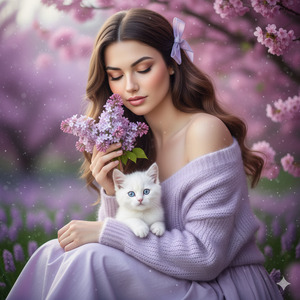
Pose & Details: She is holding the lilac bouquet softly in one hand near her cheek while her other hand gently pets the tiny white kitten on her lap. She is looking slightly down toward the kitten with a peaceful, elegant expression. The kitten looks toward the camera.
How to Customize This Prompt
You can personalize the image easily by changing small details:
- Change dress color (lavender → pastel pink, cream, mint)
- Change flower bouquet (lilac → roses or daisies)
- Change hair accessory (ribbon → floral clip)
- Change background flowers (cherry blossom → garden roses)
Always keep lines like “match the face exactly” to protect identity.
How to Create This Image Using Google Gemini
Follow these 4 simple steps:
Step 1
Open Google Gemini on your mobile or desktop.
Step 2
Upload your reference image and paste the Viral Prompt above.
Step 3
Type clearly at the end:
“Create an image in 9:16 aspect ratio”
Step 4
Generate the image and download it for Instagram Reels.
That’s it—your spring aesthetic AI image is ready.
Conclusion
This Viral AI Spring Garden Image is perfect for Instagram Reels, aesthetic profiles, soft-girl themes, and romantic content.
The combination of pastel outfits, flowers, kitten, and cinematic lighting creates instant emotional appeal.
With Google Gemini, you can create professional-looking photos without a photoshoot.
Always use 9:16 ratio, keep lighting soft, and focus on realistic textures.
Once your image is ready, share it on Instagram with calm music and let the aesthetic speak for itself.
Keep creating beautiful visuals with Techy Gabru







