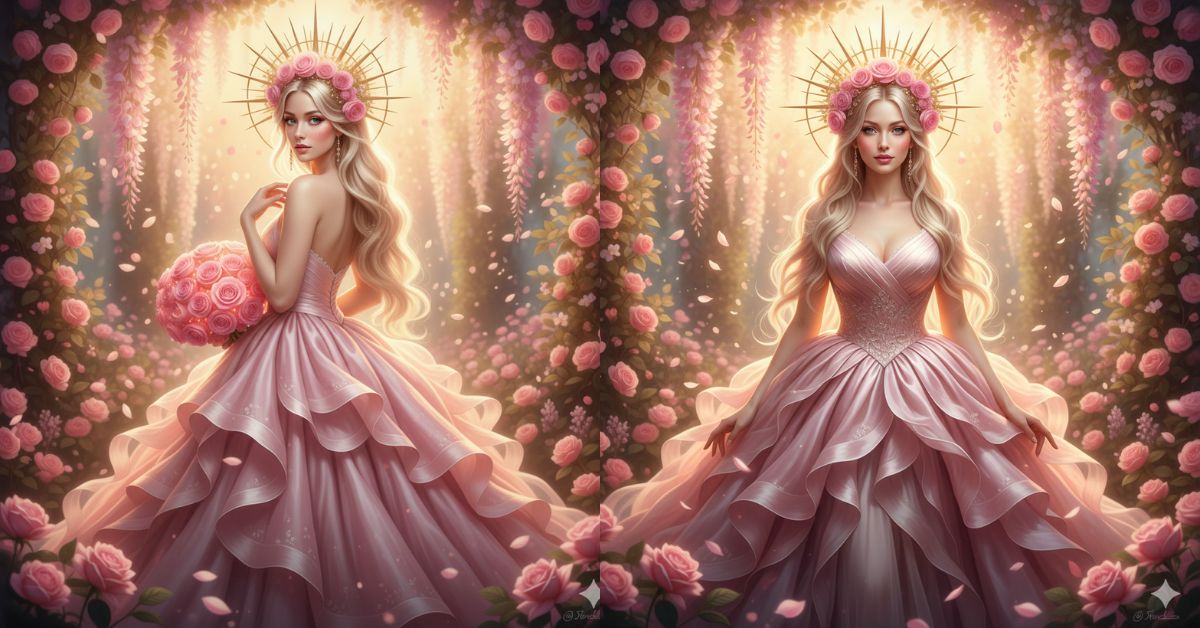
Creating Viral AI Images is one of the biggest Instagram trends right now, especially the celestial goddess / dreamy pastel aesthetic. It looks premium, magical, and “editorial” — perfect for Reels, Stories, and Pinterest-style posts.
The best part? You can create this for free using Google Gemini. You only need one strong Google Gemini Prompt, and your image will look like a high-end fantasy fashion shoot.
The Viral Prompt (Copy-Paste for Google Gemini)
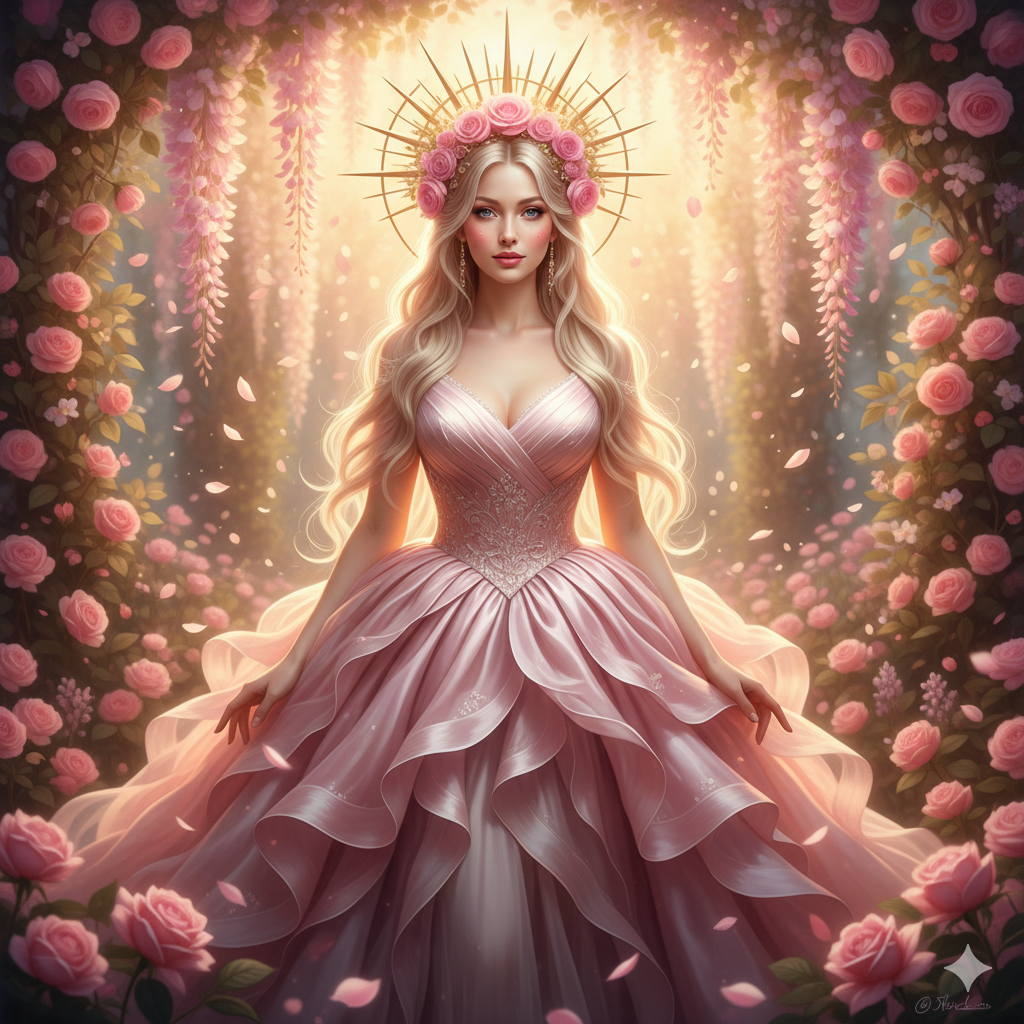
Create a hyper-realistic, ethereal digital painting of a beautiful celestial goddess standing in a blooming luxury garden at golden hour. She wears an exquisite, voluminous layered ruffle gown in blush pink made of silk organza and tulle tiers, with realistic fabric texture, soft shimmer, and detailed folds. She has long, flowing blonde hair with natural movement and shine. On her head, a radiant glowing golden sunburst crown/halo adorned with delicate pink roses, emitting soft warm light
She is surrounded by hanging wisteria, lush pink roses, and floating petals drifting in the air. Add gentle god rays filtering through foliage, dreamy bokeh highlights, and a pastel color palette with cinematic composition. Ultra-detailed flowers, realistic skin texture, glossy eyes, soft glow, and premium editorial fantasy styling.
Lighting: soft magical golden hour glow + subtle rim light, cinematic lighting, depth, and atmosphere.
Quality: high quality, 8K resolution, hyper-realistic details, realistic textures, sharp subject focus with soft background blur.
No text, no logos, no watermark, no artifacts.
Aspect Ratio: 9:16 (vertical Instagram Reel size).
Pose Variant 1 (Front-facing, bouquet close)

She stands facing the camera, shoulders relaxed, chin slightly lifted, holding the glowing bouquet at chest level with both hands, calm confident gaze.
Pose Variant 2 (Three-quarter turn, looking over shoulder)
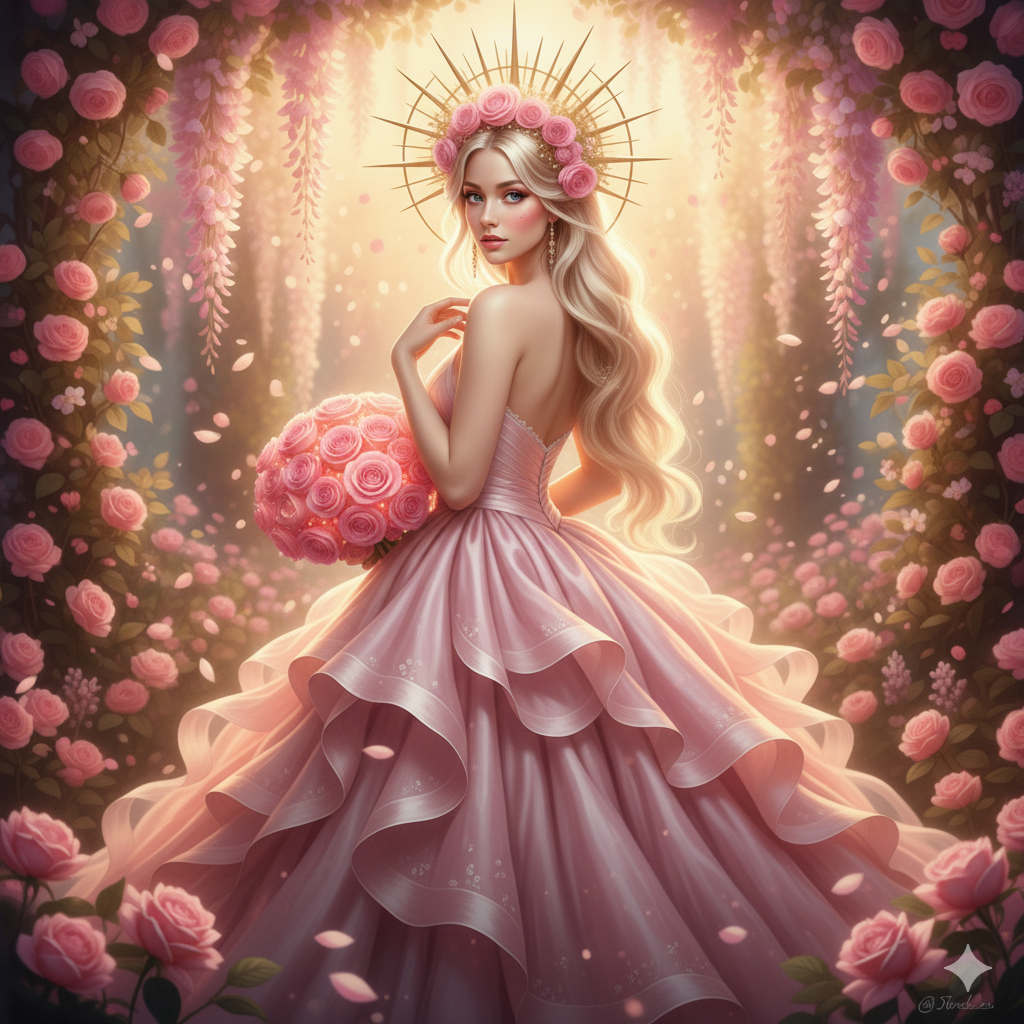
She stands in a 3/4 angle, body turned slightly away, head turned back toward the camera over her shoulder, one hand lightly touching her hair, the other holding the bouquet down by her hip.
How to Customize This Prompt (Easy Changes)
You can customize the image by replacing a few words. Keep everything else the same for best quality.
Change the Dress Style
Replace:
- “blush pink layered ruffle gown” with
- “white pearl bridal gown”
- “midnight blue satin gown”
- “silver crystal couture dress”
Change the Lighting Mood
Replace:
- “golden hour glow” with
- “moonlight glow”
- “soft studio lighting”
- “sunset pastel glow”
Change the Background Setting
Replace:
- “blooming luxury garden” with
- “enchanted forest with mist”
- “ancient Greek marble temple garden”
- “royal palace courtyard”
Tip: If you change the setting, keep wisteria + roses + floating petals to maintain the viral dreamy vibe.
How to Create This Image Using Google Gemini (4 Simple Steps)
- Open Google Gemini (on your phone or desktop).
- Paste the prompt given above into the chat.
- Type this line before the prompt:
“Create an image in 9:16 Aspect Ratio (Instagram Reel Size).” - Generate and download the best result (you can regenerate once or twice for perfect details).
Conclusion
This Trending Viral AI Image style is perfect for creators who want a premium, dreamy, “main character” look without spending money on editing apps. With the right Google Gemini Prompt and the 9:16 Aspect Ratio, your image is ready for Instagram Reels instantly.
Try it today, post your final image on Instagram, and tag your friends who love aesthetic content. If you want, you can also create a full carousel by changing only the dress color or location while keeping the same goddess style!







