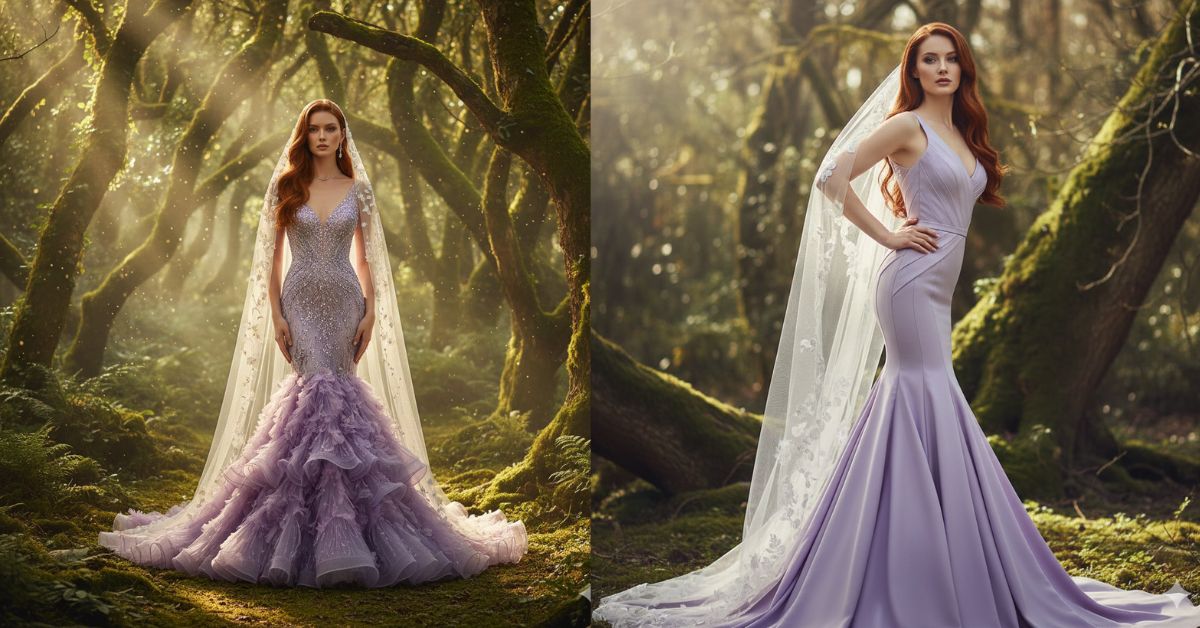
Instagram is full of fairycore + luxury bridal editorial photos right now.
This “enchanted forest + couture gown + sunbeam lighting” style looks dreamy, cinematic, and super premium in Reels.
The best part? You can create this for free using Google Gemini—and you should always generate it in 9:16 Aspect Ratio (Instagram Reel size) for the perfect vertical look.
The Viral Prompt (Copy-Paste for Google Gemini)
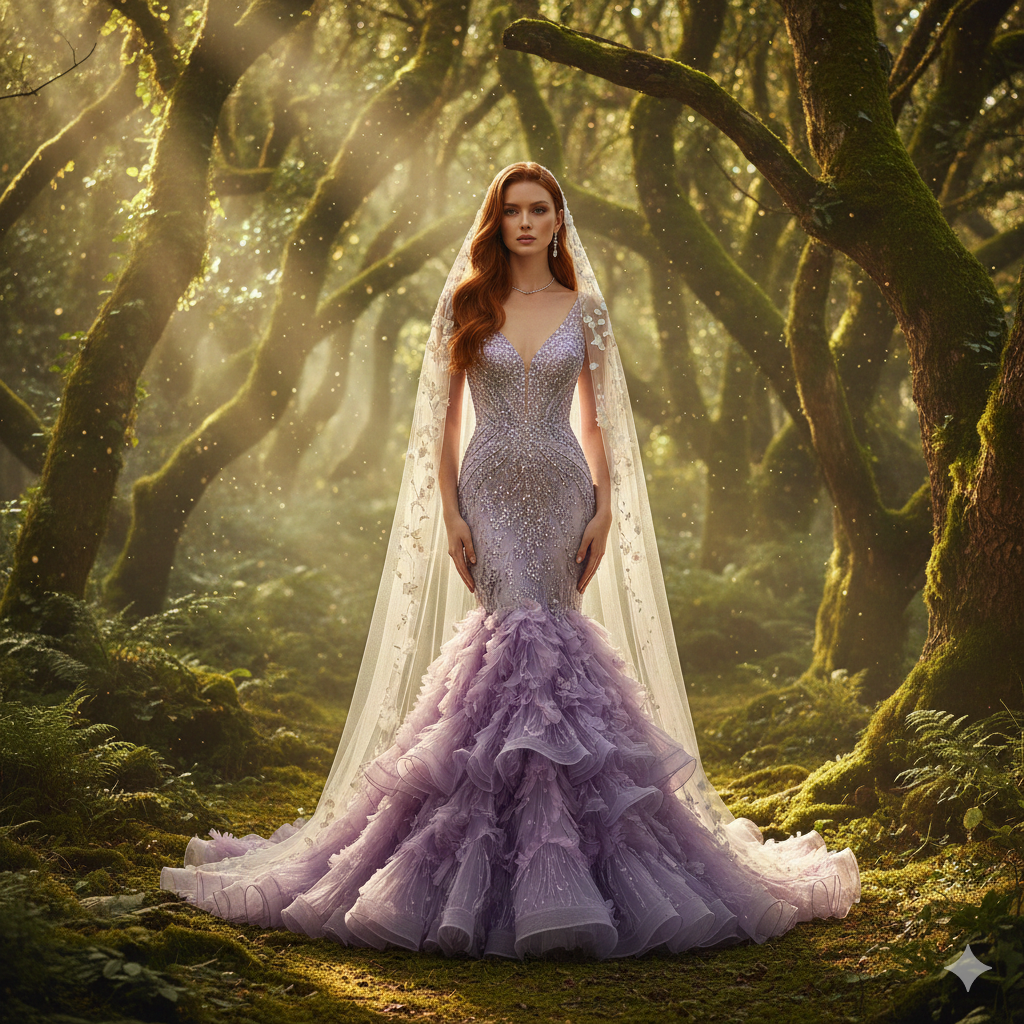
Create a hyper-realistic high-fashion editorial photograph in 8K resolution, vertical 9:16 aspect ratio (Instagram Reel).
Scene: a sun-drenched, mossy enchanted forest with ancient trees, vibrant green moss, soft mist, and floating dust particles.
Lighting: ethereal cinematic lighting with warm sunbeams (god rays) breaking through dense tree canopies, dappled light on the subject, soft haze, premium color grading.
Subject: a confident, elegant woman with long, rich red hair (smooth, glossy, slightly wavy), standing in the center of the forest.
Outfit: couture lavender/amethyst mermaid gown with a shimmering sequined bodice and an intricate 3D floral ruffled skirt (organza-like petals, layered texture).
Accessories: sheer cathedral-length white veil with delicate floral appliqués that catch the sunlight, subtle fine jewelry (minimal, luxury).
Pose: poised editorial stance, shoulders relaxed, chin slightly lifted, calm romantic expression, eyes softly focused forward.
Camera & style: realistic texture, sharp focus on fabric and hair, shallow depth of field, creamy bokeh background, 35mm lens look, f/1.8–2.8, ISO 100, fashion magazine quality, Vogue editorial, fine art photography, ultra-detailed.
No text, no watermark, no logo, no cartoon, no AI artifacts, no extra fingers.
Pose Variant 1 (Classic Vogue Power Stance)
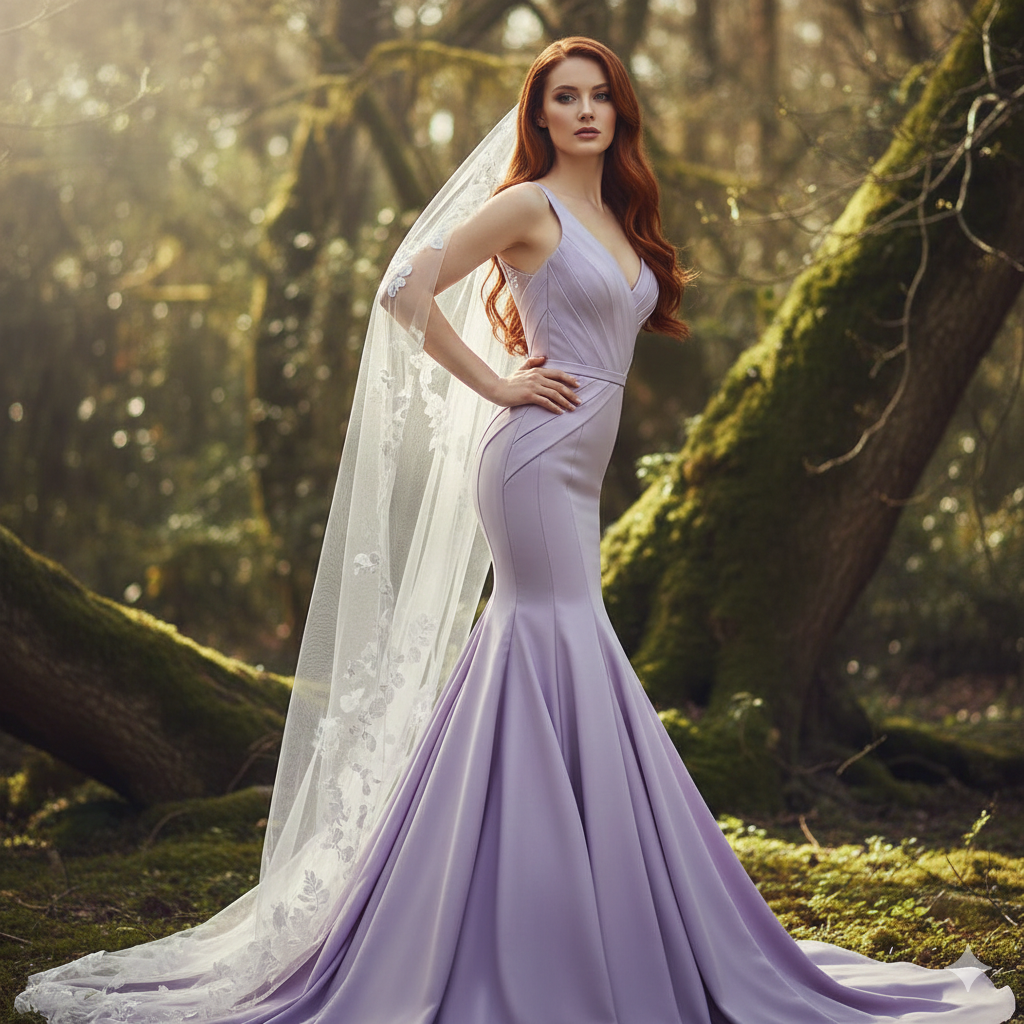
strong Vogue editorial power stance, body angled 30° to the side, one hand resting lightly on the waist, the other hand holding the veil near the shoulder, chin slightly lifted, direct confident gaze into the camera.
Pose Variant 2 (Soft Romantic “Veil Lift”)
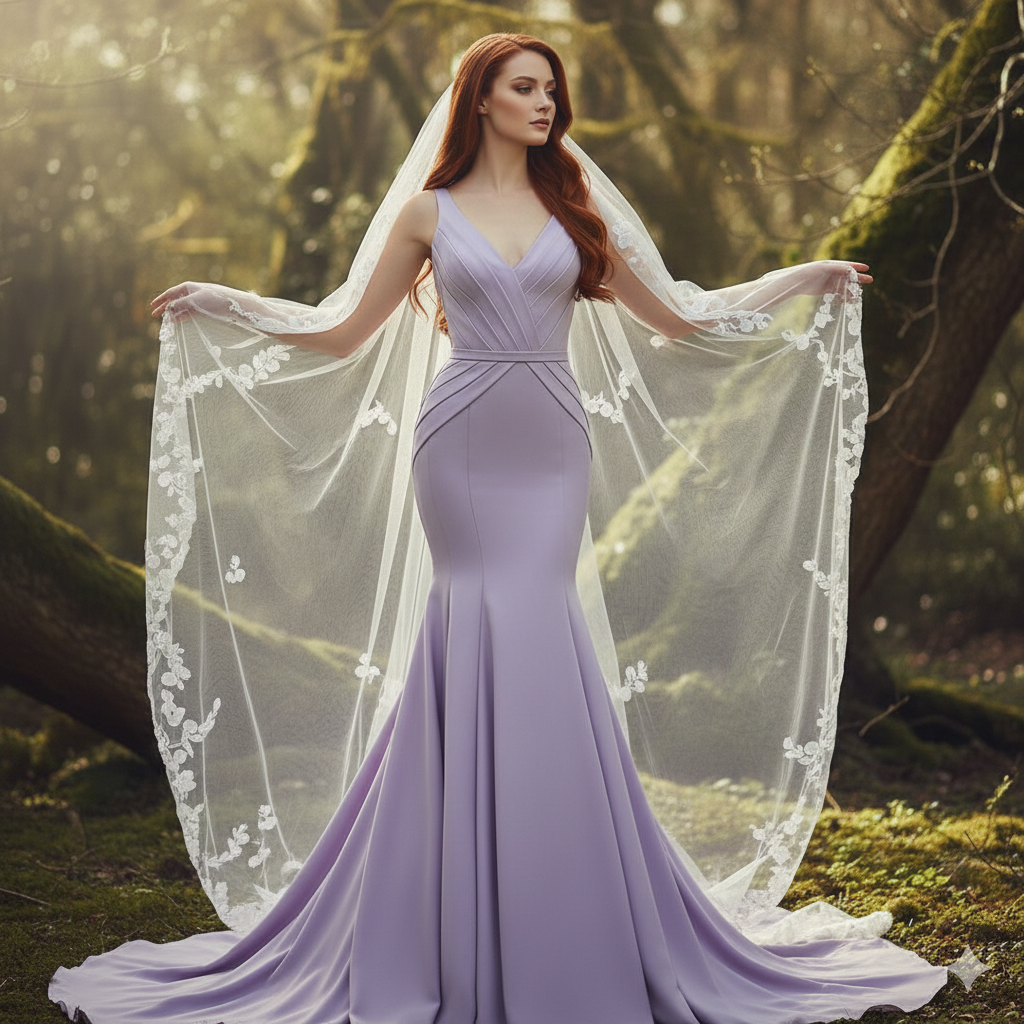
soft romantic editorial pose, both hands gently lifting the cathedral veil outward like wings, elbows slightly bent, shoulders relaxed, head tilted slightly to the right, dreamy calm expression, eyes softly focused forward.
How to Customize This Prompt (Easy Changes)
You can personalize the image by changing only a few words inside the prompt:
- Replace “long, rich red hair” with “long black hair” or “golden blonde hair”
- Replace “lavender/amethyst” with “lilac”, “emerald green”, or “champagne gold”
- Replace “mossy enchanted forest” with “flower garden” or “foggy mountain forest”
- Want more drama? Add: “strong rim light, deeper shadows, high contrast”
- Want softer romance? Add: “soft pastel tones, gentle glow, dreamy haze”
Tip: Keep 8K, realistic texture, cinematic lighting, Vogue editorial in your prompt. These words help the result look premium.
How to Create This Image Using Google Gemini (4 Steps)
- Open Google Gemini (app or web).
- Paste the prompt given above.
- Add this line at the end: “Create an image in 9:16 ratio.”
- Generate and download the best result to post as an Instagram Reel/Story.
Conclusion
This Trending Viral AI Image style is perfect for Reels because it instantly looks like a luxury fashion shoot.
The enchanted forest background, the couture mermaid gown, and the cinematic sunbeams make the image feel magical and expensive—exactly what grabs attention on Instagram.
Now it’s your turn: generate your image in Google Gemini, keep the 9:16 aspect ratio, and post it with confidence.
If you create one, share it on Instagram and tag your friends—because this aesthetic is made for going viral!







