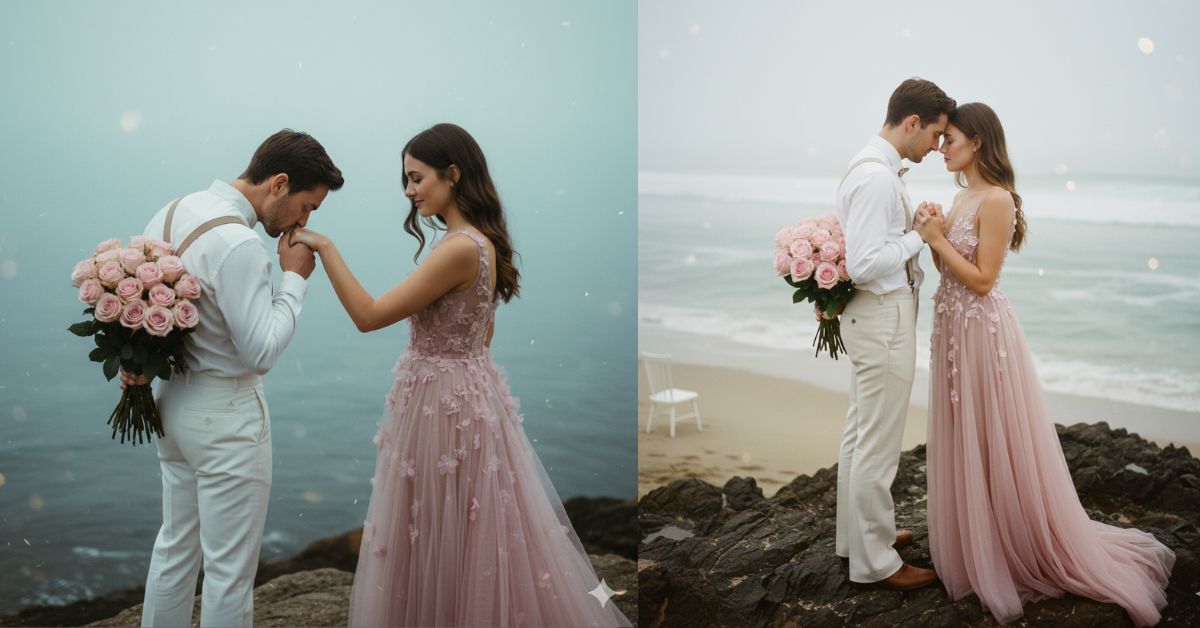
Instagram is full of cinematic couple photos right now. People love this trend because it looks like a luxury pre-wedding shoot—soft colors, dreamy fog, and emotional eye contact.
The best part? You can create the same Viral AI Image for free using Google Gemini. Just use one strong Google Gemini Prompt, and always request a 9:16 Aspect Ratio (Instagram Reel Size) for the perfect vertical look.
The Viral Prompt (Copy-Paste for Google Gemini)
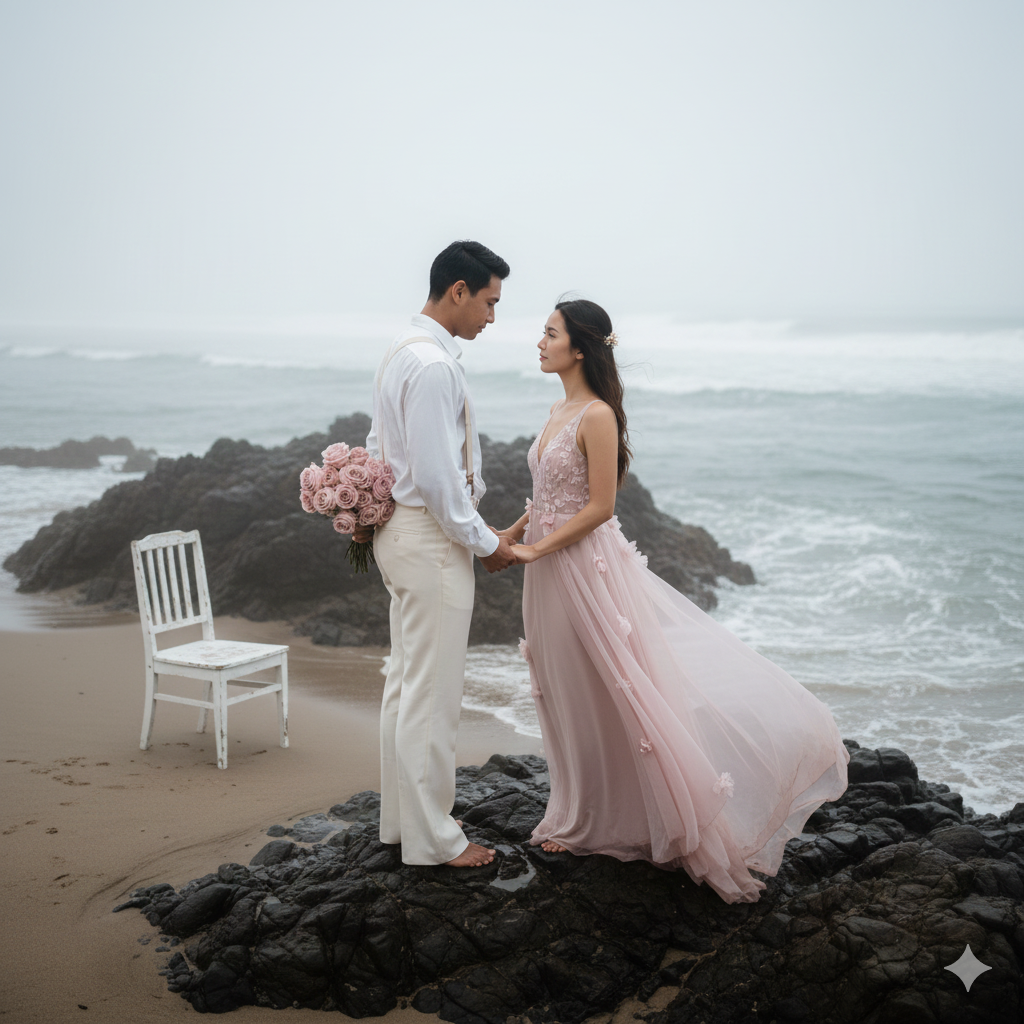
Create a hyper-realistic, cinematic high-angle romantic photo of a couple standing on dark, jagged coastal rocks at a misty beach.
The man is wearing a vintage-style all-white outfit: white shirt, suspenders, and flared trousers, holding a bouquet of soft pink roses behind his back.
The woman is wearing a flowing dusty pink sleeveless gown with delicate floral accents, fabric moving slightly in the sea breeze.
They are holding hands and looking deeply into each other’s eyes with a calm, intimate expression.
Background: soft foggy ocean waves, overcast sky, minimal distractions, dreamy atmosphere. Add a white wooden chair placed nearby on the sand for a subtle fairytale detail.
Color grading: warm natural skin tones, muted desaturated blues in the sea and sky, pastel pink highlights.
Lighting: soft overcast natural light, gentle shadows, subtle glow, romantic haze, bokeh particles in the distance.
Shot style: high-end wedding photography, 35mm lens look, shallow depth of field, sharp focus on the couple, slightly blurred background, realistic texture, ultra-detailed fabrics, 8k resolution, HDR, cinematic composition.
IMPORTANT: Create an image in 9:16 aspect ratio (Instagram Reel size).
Pose Variant 1 (Romantic “forehead touch”)
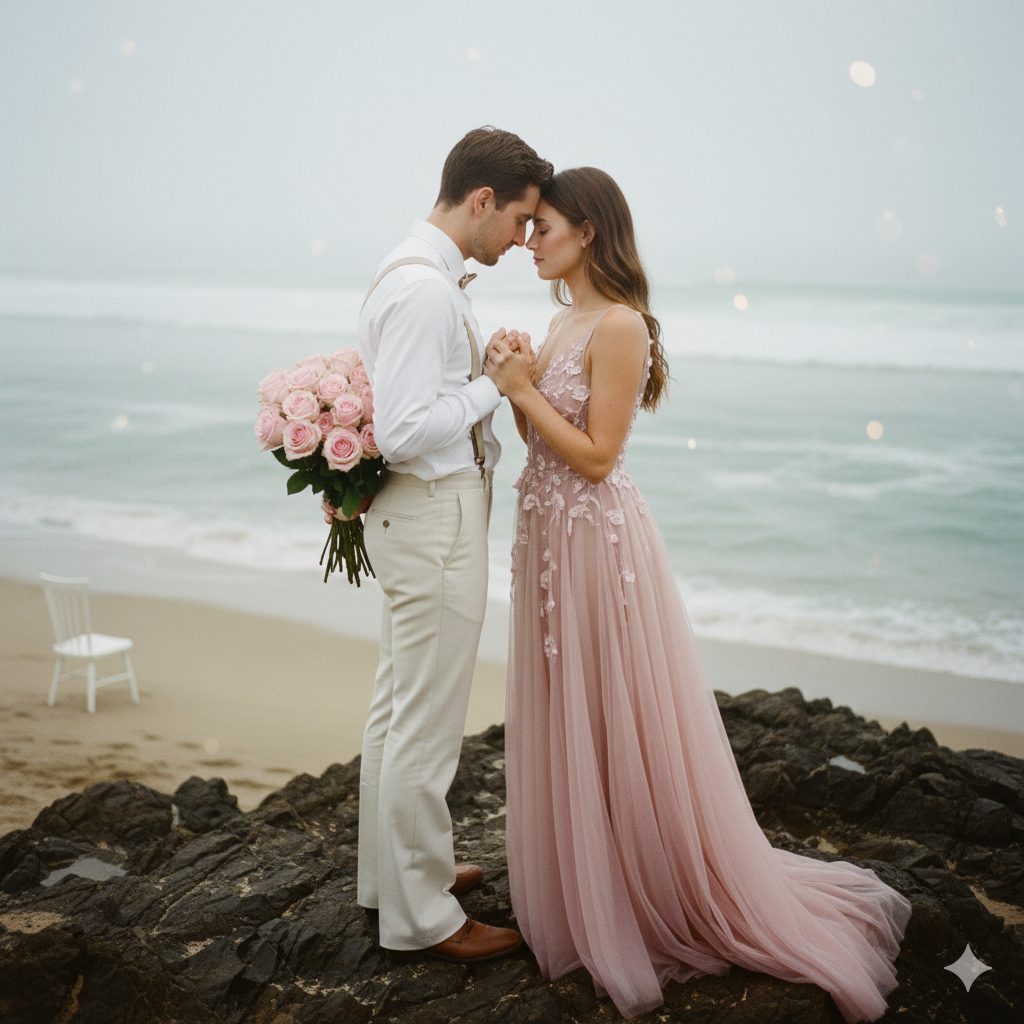
A romantic high-angle shot of a couple standing on dark, jagged coastal rocks at a beach. The man is wearing a vintage-style all-white outfit with suspenders and flared trousers, holding a bouquet of pink roses behind his back. The woman is wearing a flowing dusty pink sleeveless gown with floral accents. POSE: They stand very close, foreheads gently touching, eyes softly closed, hands intertwined at chest level, bodies angled slightly inward for intimacy. The background features a soft, misty ocean under an overcast sky, creating a dreamy, cinematic atmosphere. Soft-focus romantic photography, pastel color palette, warm skin tones and muted desaturated blues, high-end wedding photography style, 8k ultra-HD, hyper-realistic details, cinematic lighting, natural film grain, shot on 35mm lens, f/1.8 depth of field, bokeh, vertical 9:16 aspect ratio.
Pose Variant 2 (Classic “lifted hand kiss”)
<!– wp:quote –>
<blockquote class=”wp-block-quote”><!– wp:paragraph –>
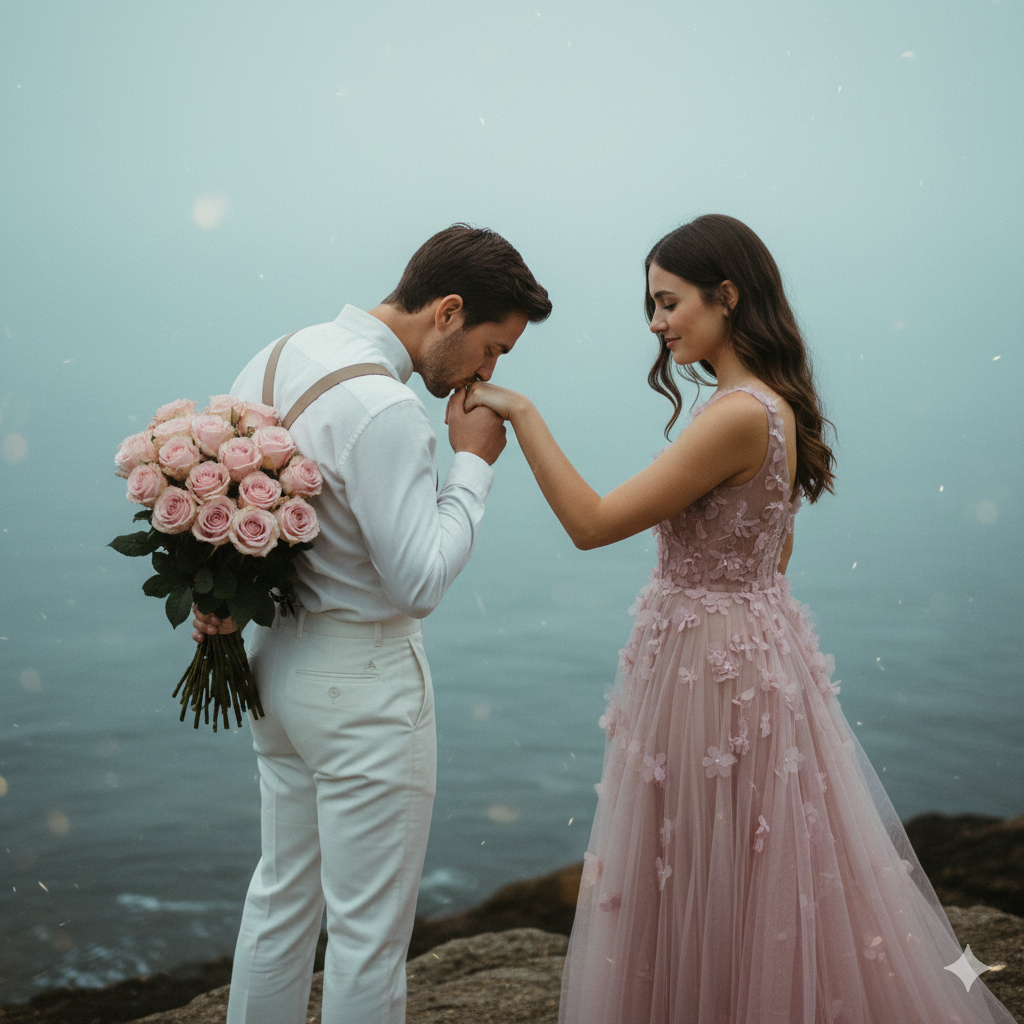
<p>A romantic high-angle shot of a couple standing on dark, jagged coastal rocks at a beach. The man is wearing a vintage-style all-white outfit with suspenders and flared trousers, holding a bouquet of pink roses behind his back. The woman is wearing a flowing dusty pink sleeveless gown with floral accents. <strong>POSE: The man gently lifts the woman’s hand and kisses her knuckles; the woman looks down at him with a soft smile, her free hand resting lightly on his shoulder, both bodies slightly turned toward the ocean.</strong> The background features a soft, misty ocean under an overcast sky, creating a dreamy, cinematic atmosphere. Soft-focus romantic photography, pastel color palette, warm skin tones and muted desaturated blues, high-end wedding photography style, 8k ultra-HD, hyper-realistic details, cinematic lighting, natural film grain, shot on 35mm lens, f/1.8 depth of field, bokeh, <strong>vertical 9:16 aspect ratio</strong>.</p>
<!– /wp:paragraph –></blockquote>
<!– /wp:quote –>
How to Customize This Prompt (Super Easy)
You can personalize the same prompt by changing only a few words:
- Dress color: Replace “dusty pink gown” with “red satin gown” or “white lace gown”
- Bouquet flowers: Replace “pink roses” with “white lilies” or “red tulips”
- Weather mood: Replace “misty” with “golden hour” or “sunset light”
- Extra props: Replace “white wooden chair” with “vintage umbrella” or “old suitcase”
Tip: Keep the keywords “hyper-realistic, 8k, cinematic lighting, 35mm lens, shallow depth of field” to maintain the trending look.
How to Create This Image Using Google Gemini (4 Steps)
Step 1: Open Google Gemini
Go to Google Gemini on your phone or laptop.
Step 2: Paste the Prompt
Copy the prompt from the code box and paste it into Gemini.
Step 3: Add the Size Command
At the end, type clearly:
“Create an image in 9:16 ratio”
(Instagram Reel Size)
Step 4: Download the Image
Once Gemini generates the image, download it and post it as a Reel cover or Story.
Conclusion
Now you have a powerful Google Gemini Prompt to create a Trending Viral AI Image that looks like an expensive coastal couple photoshoot. This style is perfect for Instagram because it feels emotional, cinematic, and premium—exactly what people stop scrolling for.
After you generate your image, post it on Instagram with a romantic caption, and tag your partner or best friend. If you make something beautiful, share it proudly—because your creativity deserves attention. And if you want more trending Google Gemini prompts like this, keep following Techy Gabru and come back for the next viral style!







