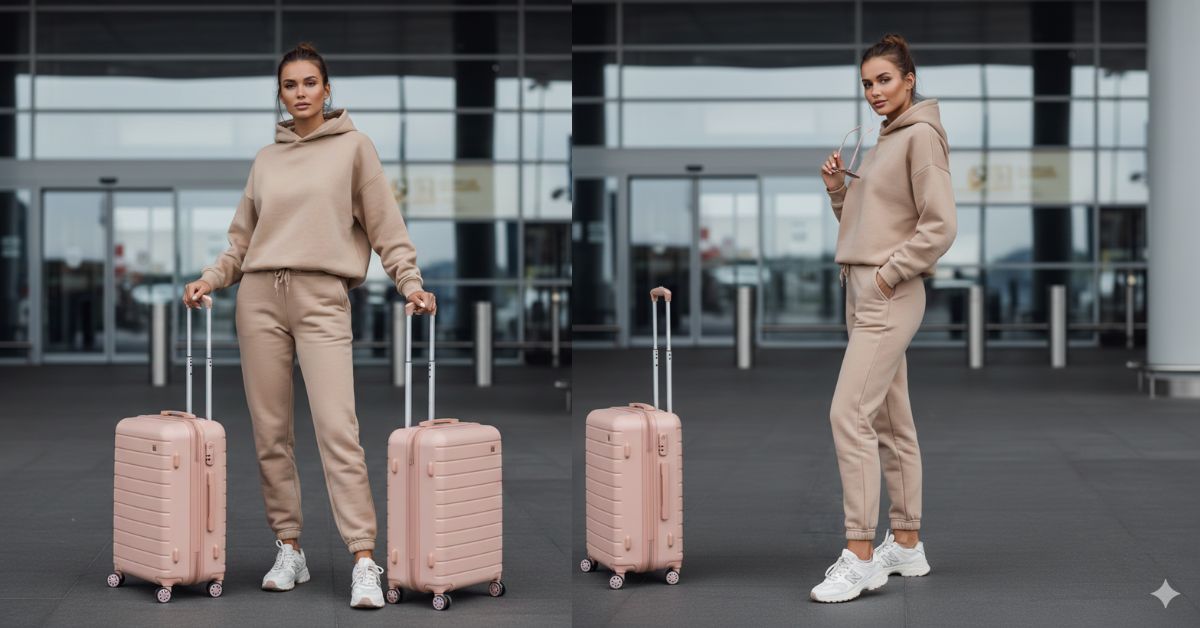
Airport travel photos are super trending on Instagram right now because they look classy, confident, and “clean lifestyle” in just one frame.
This vibe works perfectly for Reels and Stories.
The best part? You can create this for free using Google Gemini with one strong prompt.
Just remember to always ask for 9:16 Aspect Ratio (Instagram Reel Size) so it fits your social posts perfectly.
The Viral Prompt (Copy-Paste for Google Gemini)
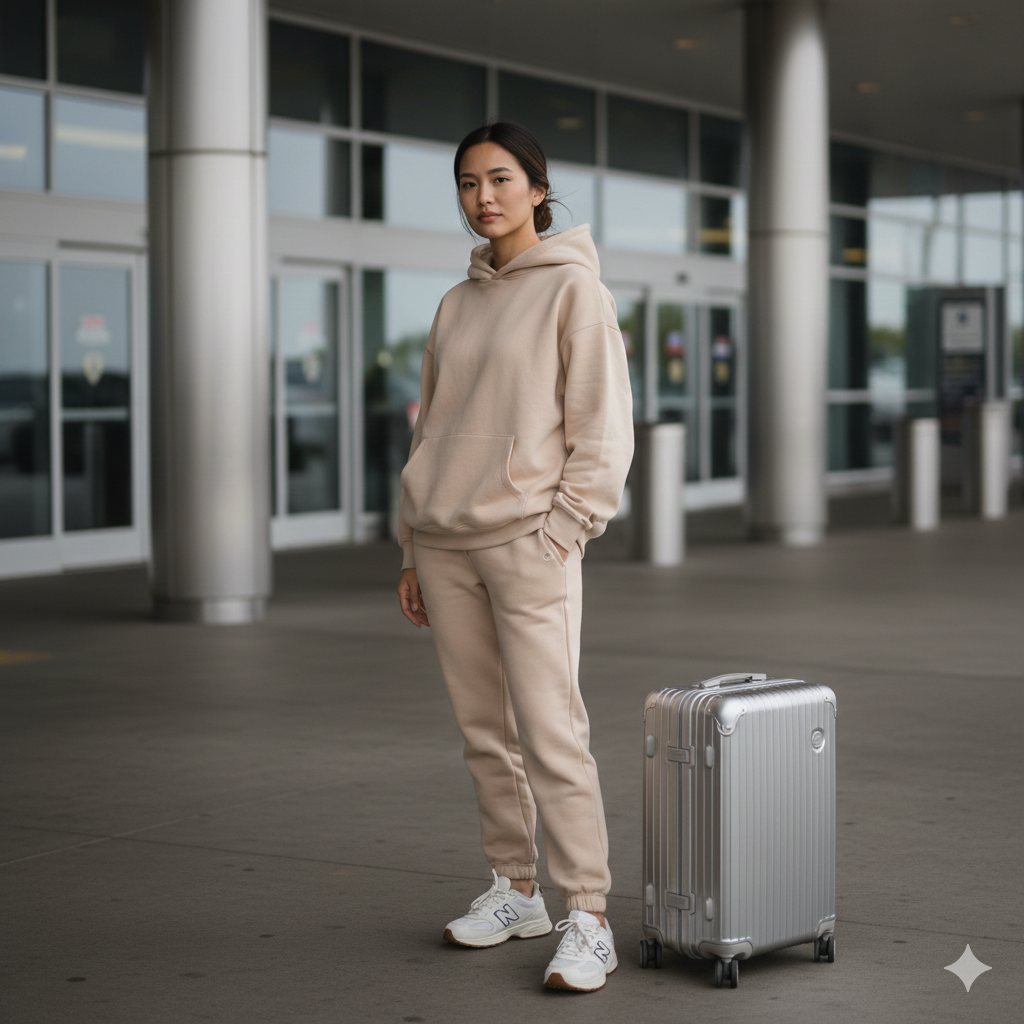
Use my uploaded reference photo ONLY to match the same person’s facial features and identity (same face shape, eyes, nose, lips, skin tone). Do NOT copy the reference photo composition. Create a NEW photo.
Create an ultra-realistic influencer-style vertical portrait in 9:16 aspect ratio (Instagram Reel size), high quality, 8K resolution, maximum face sharpness, realistic skin texture, cinematic natural lighting, soft background bokeh, DSLR look.
SCENE: Outdoor airport drop-off / arrival area. Modern airport exterior with smooth concrete floor, metallic pillars, and blurred glass doors in the background. Real depth of field like f/2.8.
SUBJECT: A stylish young woman looking directly at the camera with a calm, confident travel mood. Framing from knees up, ensuring both face and luggage are visible.
OUTFIT: Beige oversized hoodie and matching beige sweatpants, comfy minimal “clean girl” travel style. White chunky New Balance sneakers with thick sole.
HAIR: Hair tied in a casual low bun with a few natural loose strands around the face (keep it realistic and soft).
Pose Variant 1 (Confident “Suitcase Grip”)
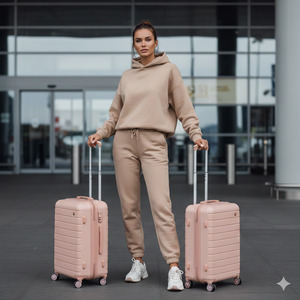
She is standing straight and looking directly at the camera. Both hands are gently holding the telescopic handles of the two light-pink hard-shell suitcases beside her. Shoulders relaxed, chin slightly lifted, calm confident expression. Feet shoulder-width apart, weight slightly on one hip for a natural influencer stance.
Pose Variant 2 (One Hand Sunglasses, One Hand Hoodie Pocket)
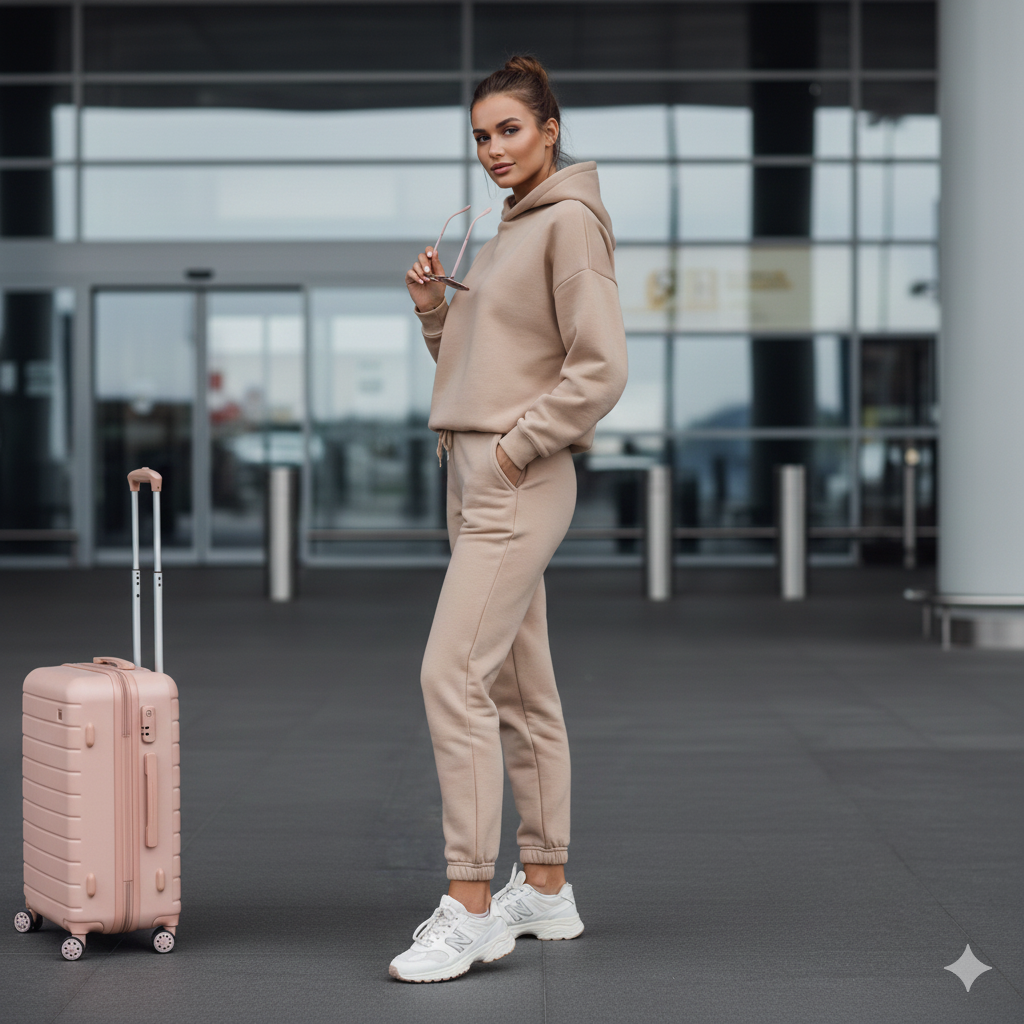
She is looking directly at the camera. One hand is casually holding the pastel pink-lens sunglasses near her chest (not blocking the face). The other hand is inside the oversized beige hoodie pocket. Body slightly angled 20 degrees to the side, head turned back to the camera. Soft confident half-smile, relaxed posture.
How to Customize This Prompt
You can change small parts to match your style without ruining the realism. Replace only these words:
- Outfit color: change “beige” → “white”, “cream”, “light grey”
- Luggage color: change “light-pink” → “pastel blue”, “lavender”, “black”
- Sunglasses position: keep either “on top of head” or “held in one hand”
- Mood: change “calm, confident” → “happy smile”, “serious model look”
- Airport vibe: add your city like “airport drop-off in Dubai / Paris / Mumbai” (optional)
Tip: Don’t remove “sharp focus on face” and “soft background bokeh” — that’s the secret sauce.
How to Create This Image Using Google Gemini
Step 1: Open Google Gemini
Open Google Gemini on your phone or laptop.
Step 2: Upload Your Reference Photo
Upload the photo you want Gemini to use for matching your face.
Step 3: Paste the Prompt + Add 9:16 Instruction
Paste the prompt above and type this line at the top or bottom:
“Create an image in 9:16 ratio (Instagram Reel size).”
Step 4: Download the Image
Once Gemini generates the image, download it and post it on Instagram Reels or Stories.
Conclusion
This airport travel influencer style is perfect when you want a photo that looks rich, clean, confident, and modern without doing a real photoshoot.
With the Google Gemini prompt above, you can create a Viral AI Image that looks like a real luxury travel moment.
Try it today, post it as a Reel cover, and watch the engagement grow.
And if you create your version, share it on Instagram and tag your friends — because this trending aesthetic is made for going viral!







