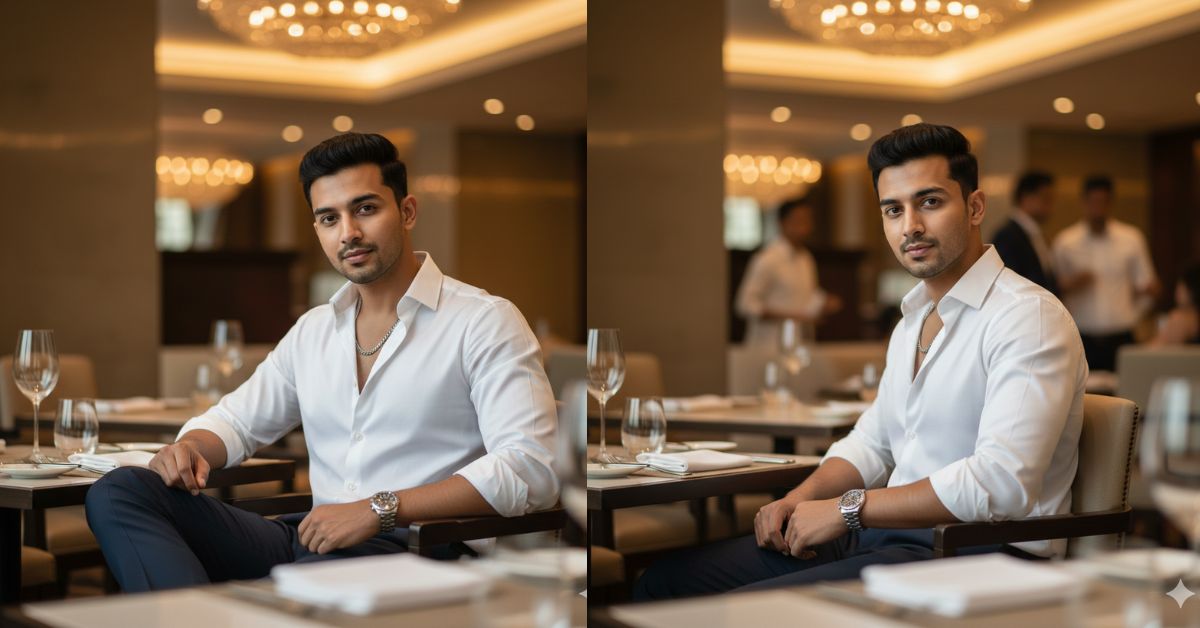
Instagram is full of high-fashion, cinematic “luxury lifestyle” portraits right now. This style looks like a magazine editorial—clean background blur, warm premium lighting, and sharp face details.
The best part? You can create this for free using Google Gemini. Just use the same prompt below and ask Gemini for a 9:16 Aspect Ratio (Instagram Reel size).
The Viral Prompt (Google Gemini)
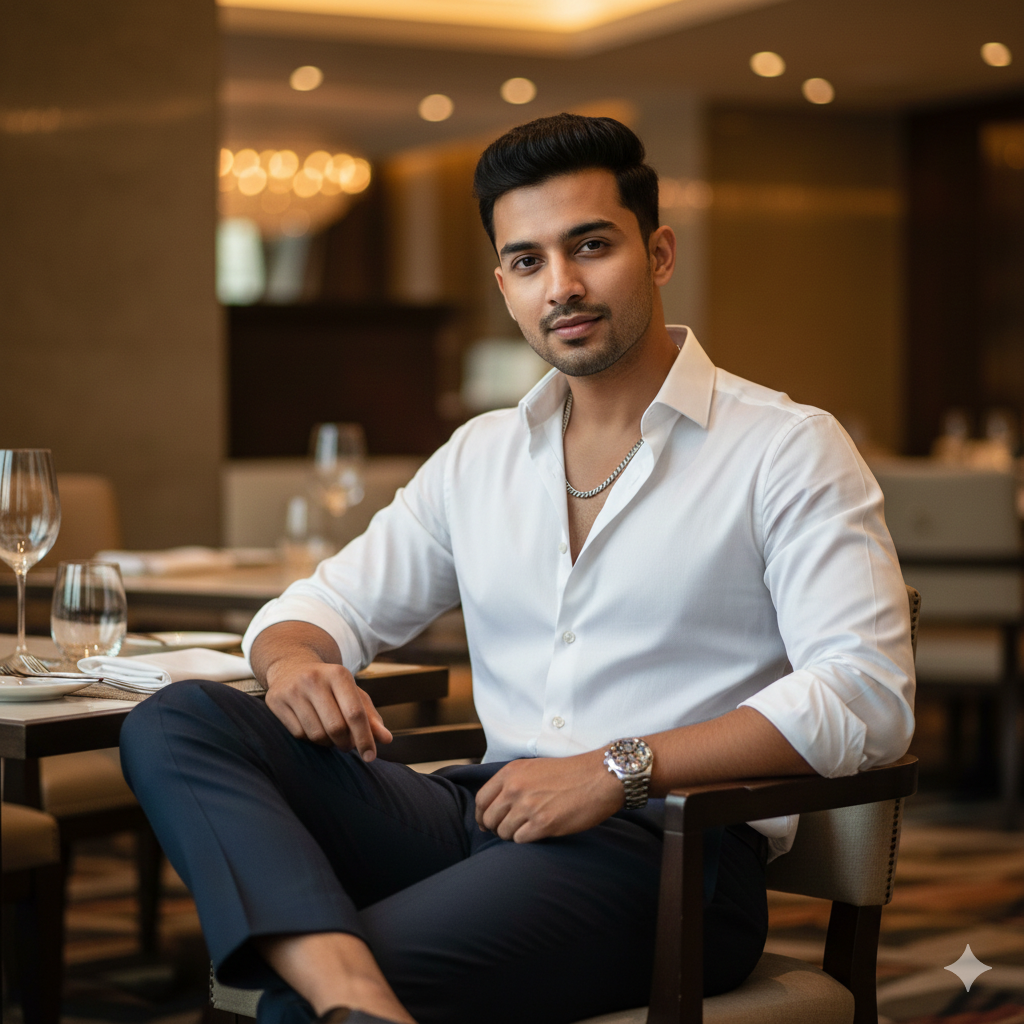
Create an ultra-realistic 8K cinematic fashion editorial portrait in 9:16 aspect ratio (vertical, Instagram Reel size).
Subject: a stylish man with face and hairstyle exactly matching my uploaded reference photo (same facial features, same hairline, same haircut, same identity). He is looking directly into the camera with maximum facial sharpness. Expression: confident and relaxed with a subtle smile.
Outfit: vibrant crisp white long-sleeve shirt worn unbuttoned at the top (open collar), a clean silver chain necklace, dark tailored trousers, and a luxury stainless-steel wristwatch (Rolex-style). Premium grooming, natural skin texture, realistic pores.
Pose: seated at an elegant restaurant table, leaning slightly backward into the chair, both arms resting naturally on the armrests, one leg slightly forward and crossed at the ankle. Confident body language.
Environment: upscale fine-dining restaurant interior with luxurious decor—polished surfaces, warm ambient lighting, subtle golden accents, soft reflections, premium modern aesthetic. Table elements: minimal, classy (a water glass, a neatly folded napkin, subtle cutlery), no clutter.
Lighting & Camera: soft natural light gently illuminating the face and shirt, warm cinematic glow in the background, shallow depth of field (35mm lens look, f/1.8), creamy bokeh, sharp focus on face and outfit, realistic shadows, high dynamic range.
Quality: hyper-realistic textures, high fashion editorial photography, cinematic color grading, clean composition, no AI look, no distortion.
Avoid: blurry face, extra fingers, warped hands, unnatural skin, cartoon effect, over-smoothing, text, watermark, logo.
Pose Variant 1 – Seated Elegance, Hand on Table
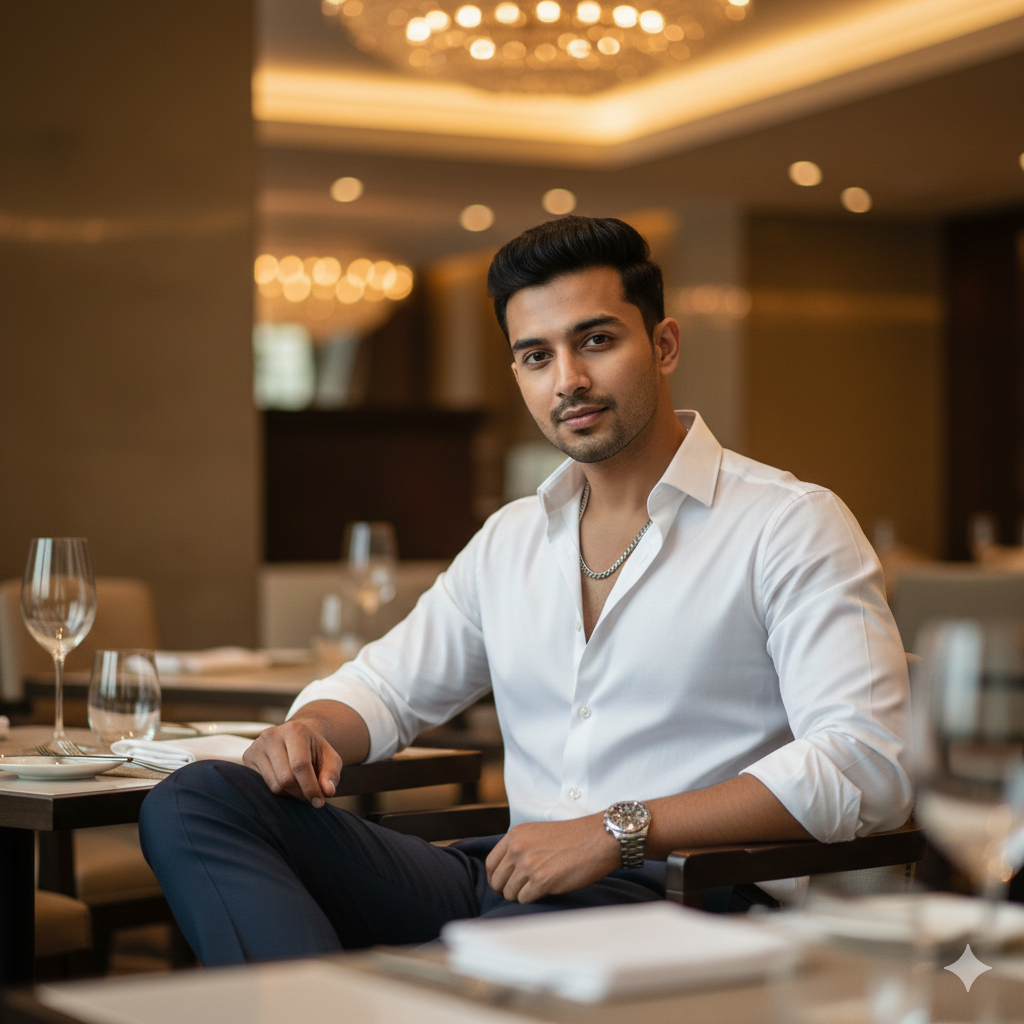
Create a high-quality, ultra-realistic cinematic luxury restaurant portrait in 8K resolution with realistic texture and soft cinematic lighting.
Pose: the person is seated elegantly at a fine-dining restaurant table, body facing slightly toward the camera. One hand rests gently on the table near a wine glass, while the other arm is relaxed by the side. The posture is calm and confident, with a subtle luxury expression.
The background shows a premium restaurant interior with warm ambient lights, blurred chandeliers, and a rich, upscale atmosphere. Cinematic depth of field, professional photography look. Create the image in 9:16 aspect ratio (Instagram Reel size).
Pose Variant 2 – Side Profile, Leaning Back in Chair (Luxury Calm)
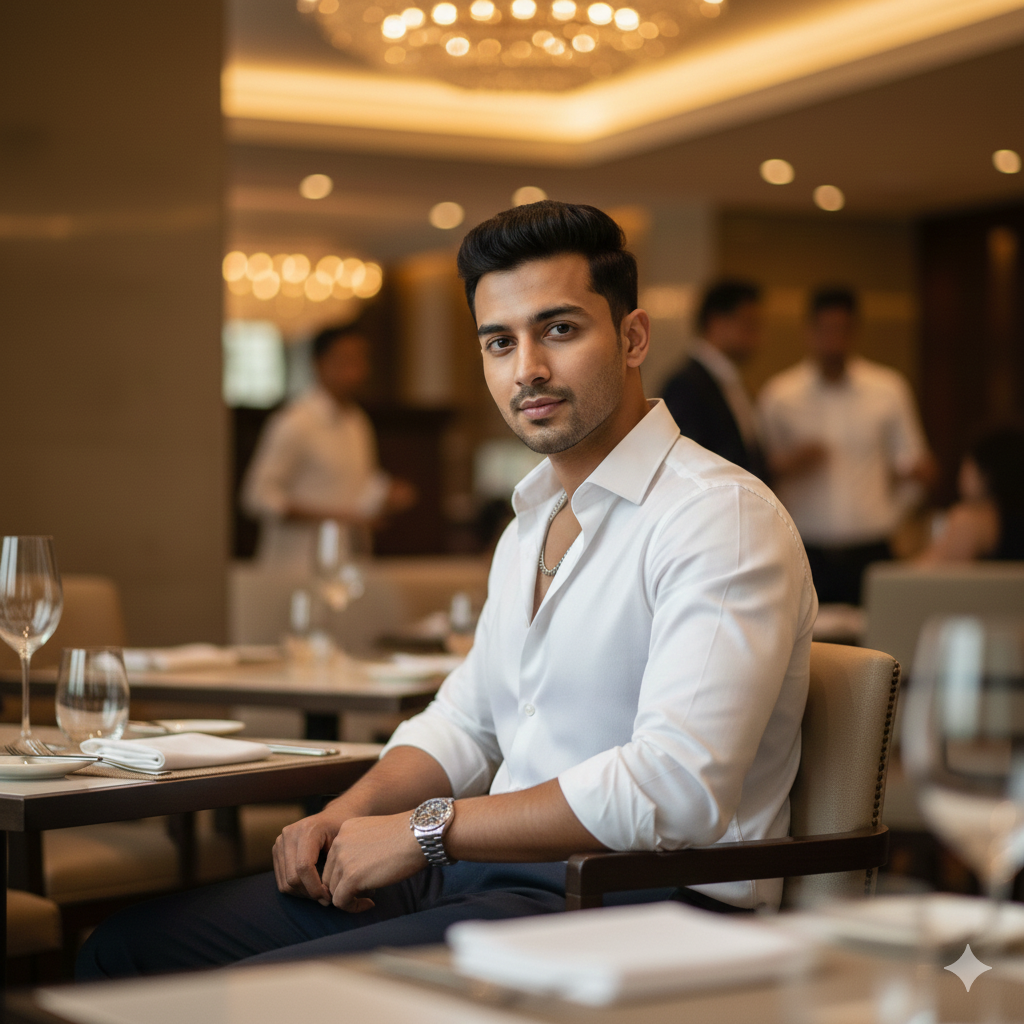
Create a high-quality, ultra-realistic cinematic luxury restaurant portrait in 8K resolution with realistic texture and soft cinematic lighting.\
Pose: the person is seated slightly sideways on a luxury restaurant chair, leaning back comfortably with one arm resting on the chair’s armrest. The head is turned gently toward the camera, showing a composed and classy expression.
The setting remains a high-end restaurant with warm golden lights, blurred background diners,
How to Customize This Prompt
You can easily personalize the image by changing only these parts:
- Outfit color: Replace
vibrant crisp whitewithblack,beige,navy, orpastel. - Watch style: Replace
Rolex-stylewithminimal leather straporsilver chronograph. - Restaurant vibe: Replace
modern aestheticwithclassic Italian restaurantorluxury rooftop dining. - Mood: Replace
warm ambient lightingwithmoody candlelightorgolden hour window light.
Tip: Keep words like “ultra-realistic, 8K, cinematic, shallow depth of field, sharp focus” unchanged for the best quality.
How to Create This Image Using Google Gemini (4 Steps)
- Open Google Gemini (app or website).
- Upload your reference photo (so Gemini matches the same face and hairstyle).
- Paste the prompt and add this line at the top or bottom:
“Create an image in 9:16 ratio (Instagram Reel size).” - Generate and download the best result in high quality.
Conclusion
This Trending Viral AI Image style is perfect for Instagram Reels, fashion pages, and luxury lifestyle content because it looks premium, confident, and cinematic—like a real editorial photoshoot.
Once you generate your image in Google Gemini Prompt style, post it on Instagram and tag your friends. Try the same prompt with different outfit colors and restaurant vibes, and build a full luxury carousel for your profile. Your feed will instantly look more high-end and professional!







