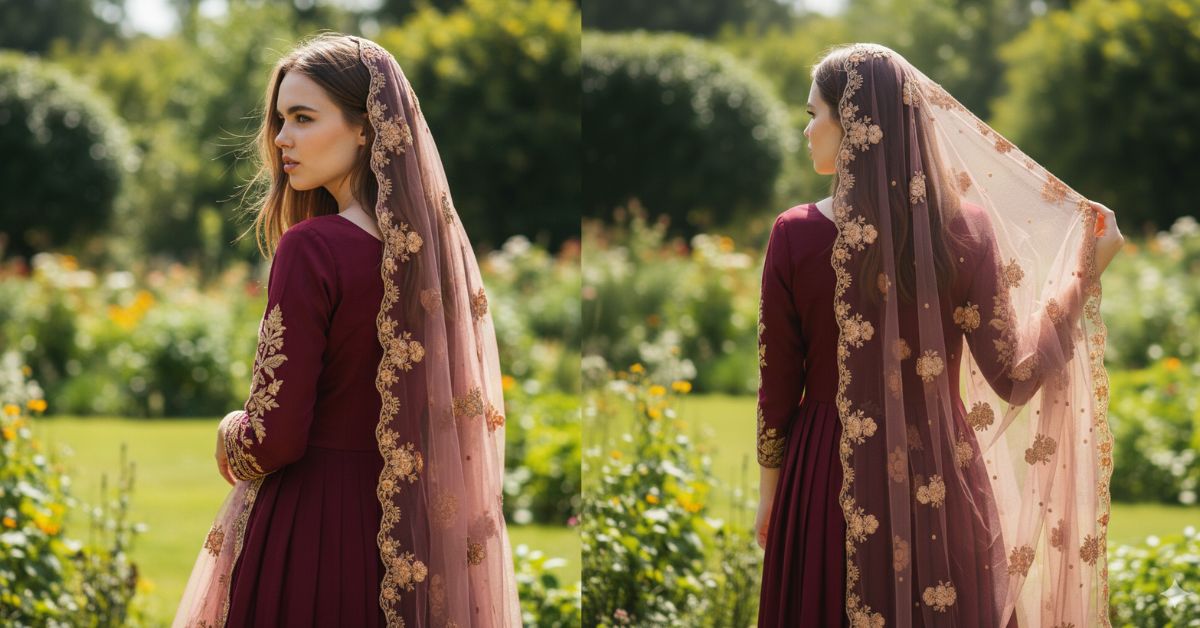
Traditional back-pose portraits are trending heavily on Instagram and Pinterest right now.
People love this style because it looks elegant, cultural, and mysterious at the same time.
The soft sunlight, flowing dupatta, and garden background create a calm and aesthetic vibe.
The good news is—you can create this for free using Google Gemini, even if you are a beginner.
The Viral Prompt (Google Gemini Prompt)
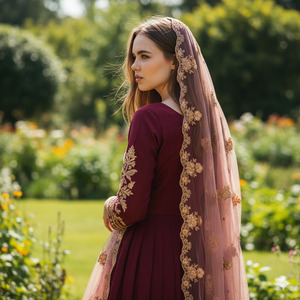
Convert the uploaded image into a high-quality, ultra-realistic cinematic portrait of a young woman with the same face features preserved exactly, no facial changes.
She is standing sideways with her full back turned toward the camera. Her straight, medium-length hair is open with a natural brown tone. She is wearing a dark maroon traditional dress with beautifully embroidered sleeves. A transparent light maroon dupatta with delicate floral embroidery is draped gracefully over her head.
The setting is an outdoor garden in bright daytime sunlight, with soft natural light falling gently on her hair and shoulders. The background is lush greenery with a calm, elegant atmosphere.
High quality, 8K resolution, realistic fabric texture, natural skin tone, cinematic lighting, soft shadows, professional portrait photography, cultural aesthetic.
Create the image in 9:16 aspect ratio.
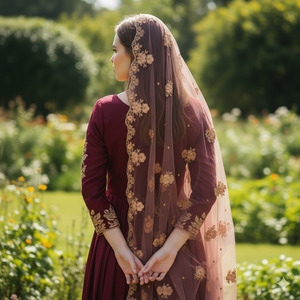
Pose Variant 1 – Over-the-Shoulder Glance
<!– wp:code –>
<pre class=”wp-block-code”><code>Pose: She stands sideways with her full back facing the camera, both arms relaxed. One hand subtly</code></pre>
<!– /wp:code –>
Pose Variant 2 – Dupatta Flow Pose
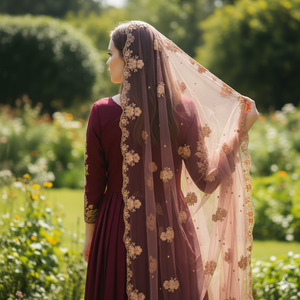
She stands sideways with her full back facing the camera, both arms relaxed. One hand subtly lifts the dupatta near her shoulder, allowing the transparent fabric to flow naturally in the sunlight. Her posture feels calm, traditional, and poetic.
How to Customize This Prompt
You can easily adjust this prompt to match your personal preference:
- Change dress color (maroon → navy blue, emerald green, beige)
- Modify dupatta style (over head → flowing from shoulder)
- Adjust hair length (medium → long)
- Switch background (garden → courtyard or terrace)
Keep lighting, pose style, and realism unchanged for best results.
How to Create This Image Using Google Gemini
Follow these simple steps:
- Open Google Gemini on your browser or app.
- Upload your reference image.
- Paste the prompt above and type: “Create an image in 9:16 ratio.”
- Generate the image and download it in high quality.
That’s it—no paid tools required.
Conclusion
This traditional back-pose AI image style is perfect for Instagram Reels, profile pictures, and aesthetic posts.
The soft sunlight, flowing dupatta, and graceful posture make the image look elegant and timeless.
Use this Google Gemini prompt, share your creation on Instagram, and enjoy the compliments.
If you love calm, cultural, and classy visuals—this viral AI image trend is perfect for you.







