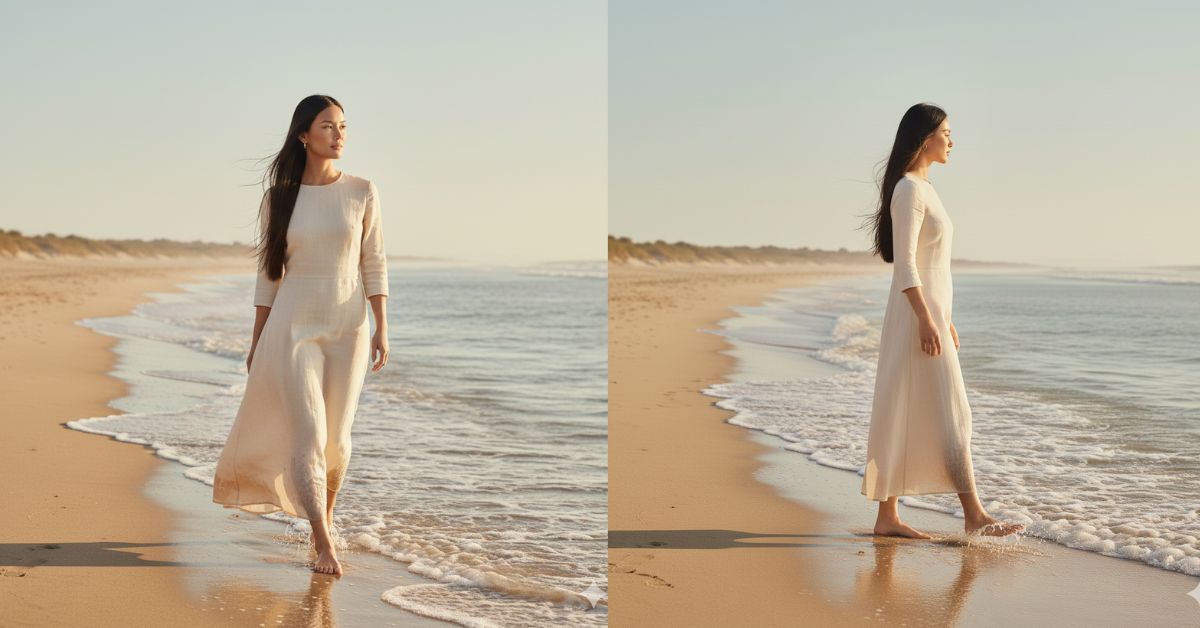
Soft cinematic beach photos are trending everywhere on Instagram and Reels.
People love this calm, luxury, and effortless coastal vibe because it feels real, peaceful, and premium.
The best part? You can create this viral AI image for free using Google Gemini, without any design skills.
The Viral Prompt (Google Gemini Prompt)
Use the uploaded reference photo as the base. Keep the exact same person, face, identity, and body proportions from the reference image. Do not change facial features or appearance.
Create a hyper-realistic cinematic portrait of the person walking along a sunny coastline during early morning golden hour. The person is barefoot, walking gently where soft ocean waves touch their feet, looking calmly toward the horizon with a relaxed and confident expression.
The scene features warm golden sunlight reflecting on wet sand and calm ocean waves, creating a peaceful coastal atmosphere. The outfit is casual and elegant, suitable for a seaside walk, with natural movement and effortless style.
Capture the image using a cinematic Leica camera look with a 35mm prime lens. High quality, ultra-detailed, 8K resolution, realistic skin texture, natural film grain, soft depth of field, cinematic lighting, warm tones, and smooth highlights.
The mood is serene, luxurious, and minimal, with an editorial lifestyle aesthetic. Natural colors, realistic shadows, and a calm coastal background. Vertical composition, full-frame portrait.
Create the image in 9:16 aspect ratio (Instagram Reel size).
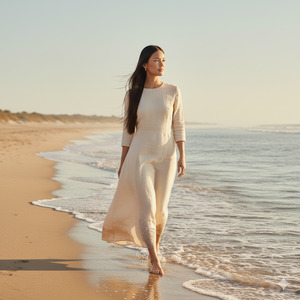
Pose Variant 1 – Walking Forward (Calm Power)
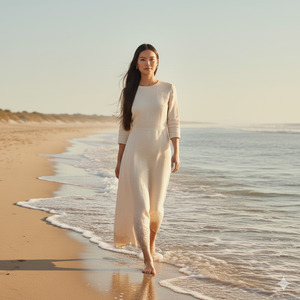
The person is walking slowly toward the camera along the shoreline, shoulders relaxed, arms naturally swinging, eyes softly focused ahead, with gentle waves touching the feet.
Pose Variant 2 – Side Profile (Editorial Elegance)
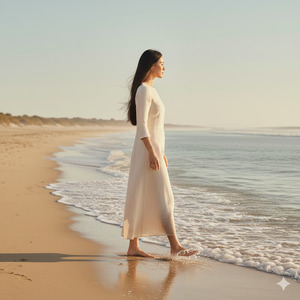
The person is captured in a side-profile walking pose, body angled slightly away from the camera, head turned toward the horizon, one foot stepping into shallow water, creating a graceful editorial silhouette.
How to Customize This Prompt
You can easily adjust small details if needed:
- Change outfit style (casual, linen, summer dress).
- Adjust time of day (early sunrise or late golden hour).
- Modify mood (more joyful smile or calm neutral look).
Do not change face, identity, or realism instructions.
How to Create This Image Using Google Gemini
- Open Google Gemini.
- Upload your reference photo.
- Paste the prompt above and add: “Create an image in 9:16 ratio.”
- Generate and download your cinematic image.
Conclusion
This cinematic beach walk AI image style is perfect for Instagram Reels, lifestyle posts, and luxury aesthetics.
It feels peaceful, expensive, and natural—exactly what audiences love right now.
Create your image using Google Gemini, post it on Instagram, and watch the engagement grow.
If you enjoyed this prompt, share it and inspire others to create calm, cinematic AI art.







