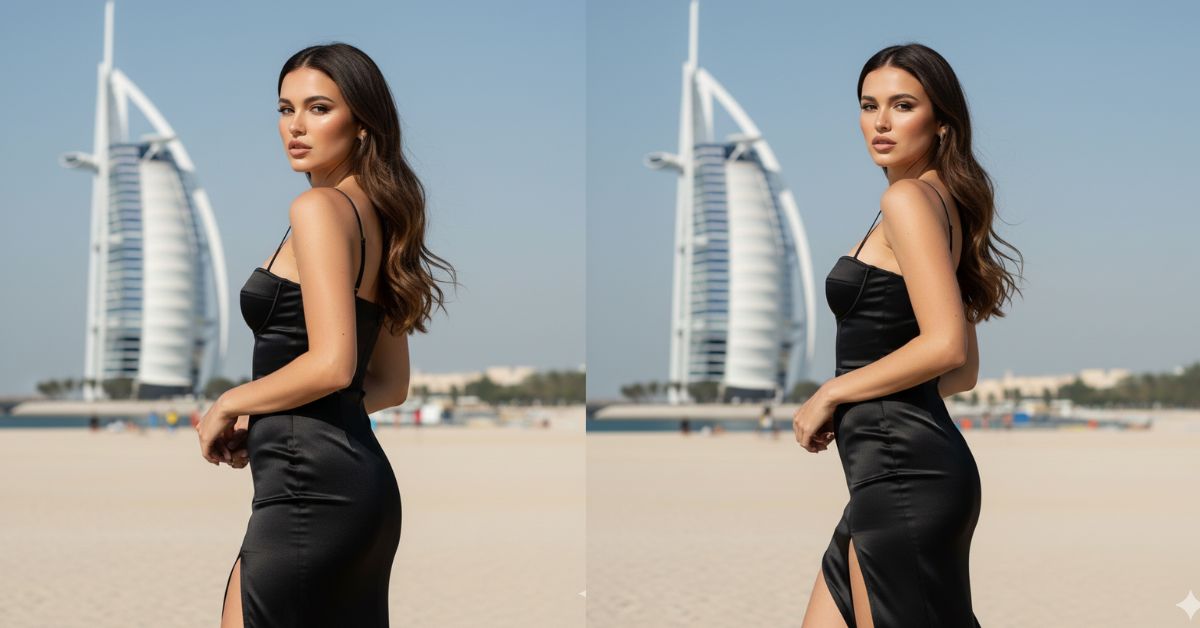
Luxury Dubai-style portraits are trending on Instagram because they look rich, clean, and super cinematic. The “over-the-shoulder confident look” with a famous landmark in the background feels like a real high-fashion shoot.
You can create this Viral AI Image for free using Google Gemini. Just use your reference photo to keep your face the same, and always generate it in 9:16 aspect ratio (Instagram Reel size) for the best Reels look.
The Viral Prompt (Google Gemini Copy-Paste)
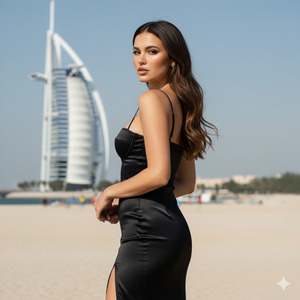
Use the uploaded reference photo as the identity guide. Keep the SAME woman 100% identical to the reference (do not change identity, face, facial features, body proportions, hair color, eye color, or skin tone). Hyper-realistic result.
Shot & composition: Vertical portrait in a luxury editorial style. Absolute focus on the face: the face must be 100% sharp and highly detailed with no blur. Use a very short depth of field with soft bokeh so the background is gently blurred. Frame as a close-up to medium portrait (upper body / American shot feel) while keeping the face dominant.
Pose & expression: The model is turned to the side with her body slightly rotated, looking back over her shoulder toward the camera. Expression is confident, elegant, and powerful (not smiling too much). Posture is classy and high-fashion.
Wardrobe: A long black spaghetti-strap dress, body-hugging fit, satin fabric with realistic shine. Include a stylish thigh slit. Keep the dress elegant and premium.
Hair: Hair is loose with polished waves, glossy finish. Add subtle movement from a light wind (very natural). Do not change hair color.
Background: Burj Al Arab visible in the distance under a clean, clear sky. Keep the landmark recognizable but softly blurred due to depth of field. The overall vibe should feel like “quiet luxury” and Dubai glamour.
Lighting & camera: Strong natural daylight that illuminates the skin beautifully with realistic highlights and soft shadows. Camera distance about 2.3 meters. DSLR look, 85mm lens, cinematic contrast, HDR, realistic skin texture, realistic fabric texture, premium editorial color grading.
Quality rules: ultra-realistic, high quality, 8K resolution feel, sharp eyes, detailed eyelashes, natural pores/skin texture, no distortion, no extra fingers, no extra limbs, no text, no watermark, no logo, not cartoon, not anime.
Create an image in 9:16 aspect ratio (Instagram Reel size).
Pose Variant 1 (Over-the-Shoulder + Hand on Hip)
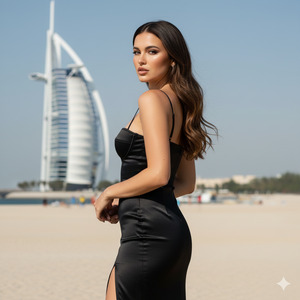
Use the uploaded reference photo as the identity guide. Keep the SAME woman 100% identical to the reference (do not change identity, face, facial features, body proportions, hair color, eye color, or skin tone). Hyper-realistic result.
Shot & composition: Vertical portrait in a luxury editorial style. Absolute focus on the face: the face must be 100% sharp and highly detailed with no blur. Use a very short depth of field with soft bokeh so the background is gently blurred. Frame as a close-up to medium portrait (upper body / American shot feel) while keeping the face dominant.
POSE & expression (only focus): The model stands with her body turned slightly away from the camera, looking back over her shoulder. One hand rests on her hip to create a strong silhouette, and the other arm hangs relaxed by her side. Chin slightly raised, confident elegant expression, eyes sharp and directed toward the camera through the over-the-shoulder look.
Wardrobe: A long black spaghetti-strap dress, body-hugging fit, satin fabric with realistic shine. Include a stylish thigh slit. Keep the dress elegant and premium.
Hair: Hair is loose with polished waves, glossy finish. Add subtle movement from a light wind (very natural). Do not change hair color.
Background: Burj Al Arab visible in the distance under a clean, clear sky. Keep the landmark recognizable but softly blurred due to depth of field. The overall vibe should feel like “quiet luxury” and Dubai glamour.
Lighting & camera: Strong natural daylight that illuminates the skin beautifully with realistic highlights and soft shadows. Camera distance about 2.3 meters. DSLR look, 85mm lens, cinematic contrast, HDR, realistic skin texture, realistic fabric texture, premium editorial color grading.
Quality rules: ultra-realistic, high quality, 8K resolution feel, sharp eyes, detailed eyelashes, natural pores/skin texture, no distortion, no extra fingers, no extra limbs, no text, no watermark, no logo, not cartoon, not anime.
Create an image in 9:16 aspect ratio (Instagram Reel size).
Pose Variant 2 (Walking Turn + Looking Back Mid-Step)
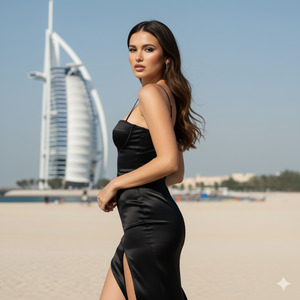
Use the uploaded reference photo as the identity guide. Keep the SAME woman 100% identical to the reference (do not change identity, face, facial features, body proportions, hair color, eye color, or skin tone). Hyper-realistic result.
Shot & composition: Vertical portrait in a luxury editorial style. Absolute focus on the face: the face must be 100% sharp and highly detailed with no blur. Use a very short depth of field with soft bokeh so the background is gently blurred. Frame as a close-up to medium portrait (upper body / American shot feel) while keeping the face dominant.
POSE & expression (only focus): The model is captured mid-step as if walking forward, then turning her upper body slightly to look back over her shoulder at the camera. One leg steps ahead naturally to suggest motion, while one hand lightly grazes the side seam of the dress (subtle) and the other arm stays relaxed. Expression is confident and elegant, natural movement, not stiff.
Wardrobe: A long black spaghetti-strap dress, body-hugging fit, satin fabric with realistic shine. Include a stylish thigh slit. Keep the dress elegant and premium.
Hair: Hair is loose with polished waves, glossy finish. Add subtle movement from a light wind (very natural). Do not change hair color.
Background: Burj Al Arab visible in the distance under a clean, clear sky. Keep the landmark recognizable but softly blurred due to depth of field. The overall vibe should feel like “quiet luxury” and Dubai glamour.
Lighting & camera: Strong natural daylight that illuminates the skin beautifully with realistic highlights and soft shadows. Camera distance about 2.3 meters. DSLR look, 85mm lens, cinematic contrast, HDR, realistic skin texture, realistic fabric texture, premium editorial color grading.
Quality rules: ultra-realistic, high quality, 8K resolution feel, sharp eyes, detailed eyelashes, natural pores/skin texture, no distortion, no extra fingers, no extra limbs, no text, no watermark, no logo, not cartoon, not anime.
Create an image in 9:16 aspect ratio (Instagram Reel size).
How to Customize This Prompt
You can edit a few words to match your style. Just replace the bracket parts below:
- Dress color: Replace “black” with “red / white / emerald green”
- Landmark: Replace “Burj Al Arab” with “Burj Khalifa / Dubai Marina / Palm Jumeirah”
- Mood: Replace “confident, elegant” with “soft romantic” or “serious editorial”
- Lighting: Replace “strong natural daylight” with “golden hour sunlight” for warmer vibes
Tip: If you want the face to stay the same, never remove:
- “Use the uploaded reference photo as the identity guide”
- “Keep the SAME woman 100% identical…”
How to Create This Image Using Google Gemini
Step 1: Open Google Gemini
Open Google Gemini on your phone or laptop.
Step 2: Paste the Prompt
Upload your reference photo in Gemini, then paste the prompt above.
Step 3: Add the 9:16 Command
Type this along with the prompt (or keep the last line):
“Create an image in 9:16 ratio.”
Step 4: Download the Image
Download the image and upload it to Instagram as a Reel or Story.
Conclusion
This Burj Al Arab luxury portrait is perfect if you want a Trending Viral AI Image that looks clean, powerful, and high-fashion. The sharp face focus, satin black dress, soft bokeh, and Dubai landmark background create a premium vibe that instantly stops scrolling.
Now open Google Gemini, generate your image in 9:16 aspect ratio, and share it on Instagram. Use classy captions, add trending audio, and post it on Stories too. If your image looks amazing, people will ask where you shot it—tell them you created it using a Google Gemini Prompt and inspire them to try it as well!







