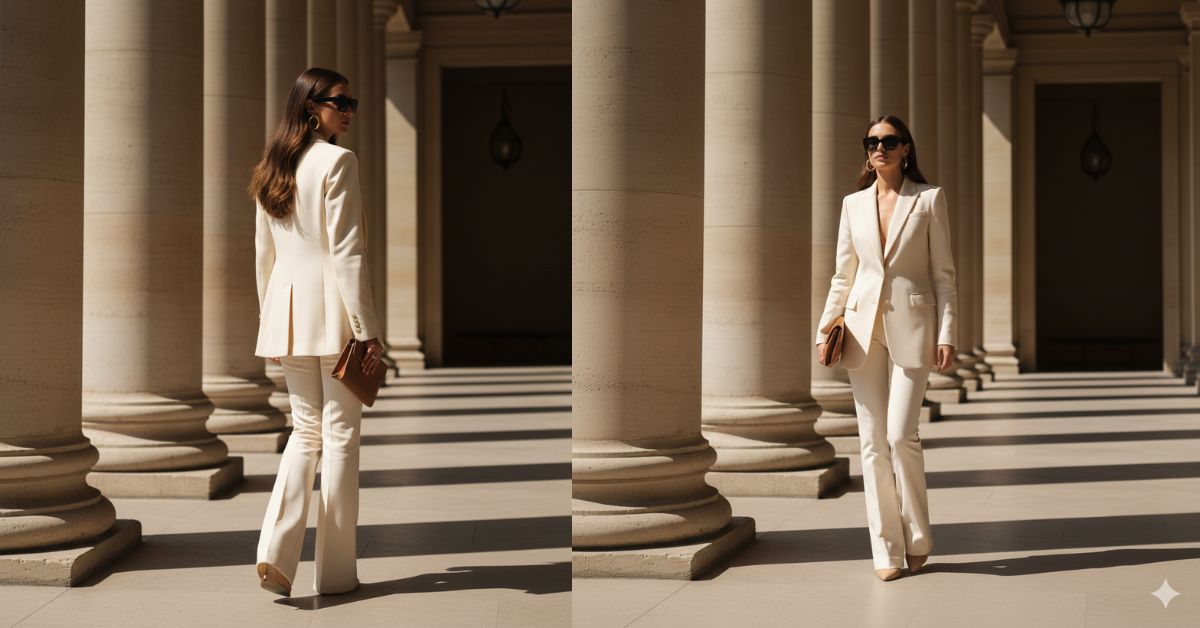
Luxury fashion editorial images are trending fast on Instagram and Pinterest.
People love powerful, minimal, high-fashion looks inspired by Paris museums and global brands like Céline.
The best part?
You can now create this viral AI image for free using Google Gemini, without changing your real face.
This style looks premium, confident, and perfect for reels, profile photos, and fashion content.
The Viral Prompt (Google Gemini Prompt)
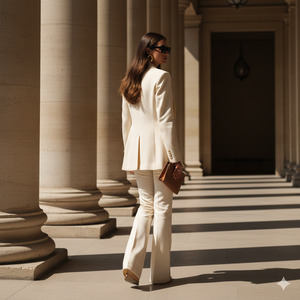
Create a high-quality, ultra-realistic cinematic fashion editorial image in 8K resolution.
Strictly keep the exact face, identity, proportions, and skin texture from the uploaded reference image. Do not change facial features, body structure, or visual identity.
Scene: A powerful fashion editorial set between monumental limestone columns inside a classical architecture museum in Paris. The environment feels minimal, architectural, and luxurious.
Subject: A confident woman walking forward with strong, elegant steps, captured from behind and slightly turned sideways, emphasizing silhouette and movement.
Outfit: Impeccable cream-colored tailored suit with a structured blazer and long flare-cut trousers. Under the blazer, a matching structured top in the same tone. Clean, elegant, non-transparent, non-sensual styling.
Styling: Illuminated brunette hair parted in the middle, gently swept back by the wind creating natural motion. Accessories include oversized square black sunglasses, gold statement hoop earrings, and a minimal caramel-toned clutch.
Lighting: Warm late-afternoon natural sunlight creating long shadows between the columns. Soft golden highlights on the fabric showing realistic texture and drape.
Camera & Style: Vertical composition, 50mm lens look, editorial museum fashion photography, cinematic lighting, realistic skin texture, no plastic effect, premium luxury aesthetic.
Mood: Minimalist, architectural, confident, powerful, timeless Paris fashion editorial.
Pose Variant 1 – Walking Power Pose
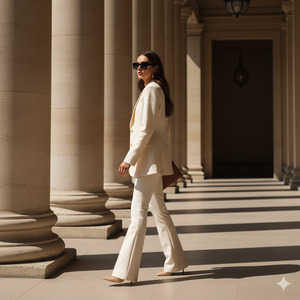
Same prompt as above, but change the pose to:
The woman is walking forward confidently between the limestone columns, one leg stepping ahead, shoulders relaxed, chin slightly raised. Her arms swing naturally by her sides as the blazer flows subtly with motion. Captured from behind at a slight diagonal angle to emphasize movement and authority.
Create the image in 9:16 aspect ratio.
Pose Variant 2 – Paused Editorial Turn
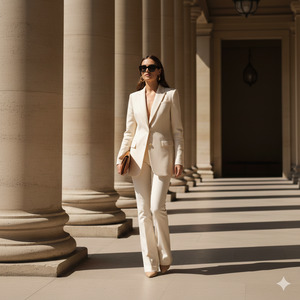
Same prompt as above, but change the pose to:
The woman is standing still between the columns, body facing forward while her upper torso turns slightly toward the camera. One hand holds the clutch near her waist, the other rests naturally along her thigh. Her posture is calm, composed, and editorial, emphasizing elegance and control.
Create the image in 9:16 aspect ratio.
How to Customize This Prompt
You can easily personalize this prompt while keeping the style intact:
- Replace outfit color (cream → beige, white, black)
- Change accessories (clutch color, sunglasses style)
- Adjust hair style (sleek bun, loose waves, low ponytail)
Do not remove the lines about keeping the same face and identity if you want accurate results.
How to Create This Image Using Google Gemini
Follow these simple steps:
- Open Google Gemini
- Upload your reference image
- Paste the full prompt above and add:
“Create an image in 9:16 aspect ratio” - Generate and download your image
That’s it! Your luxury editorial AI image is ready.
Conclusion
This Paris museum fashion editorial AI image style is perfect for anyone who wants a bold, confident, high-end look on social media.
It feels premium, modern, and timeless — exactly what performs well on Instagram Reels and fashion feeds.
Create your image using Google Gemini, post it proudly, and let your audience feel the luxury vibe.
Don’t forget to share your creation and inspire others to try this trending AI image style.







