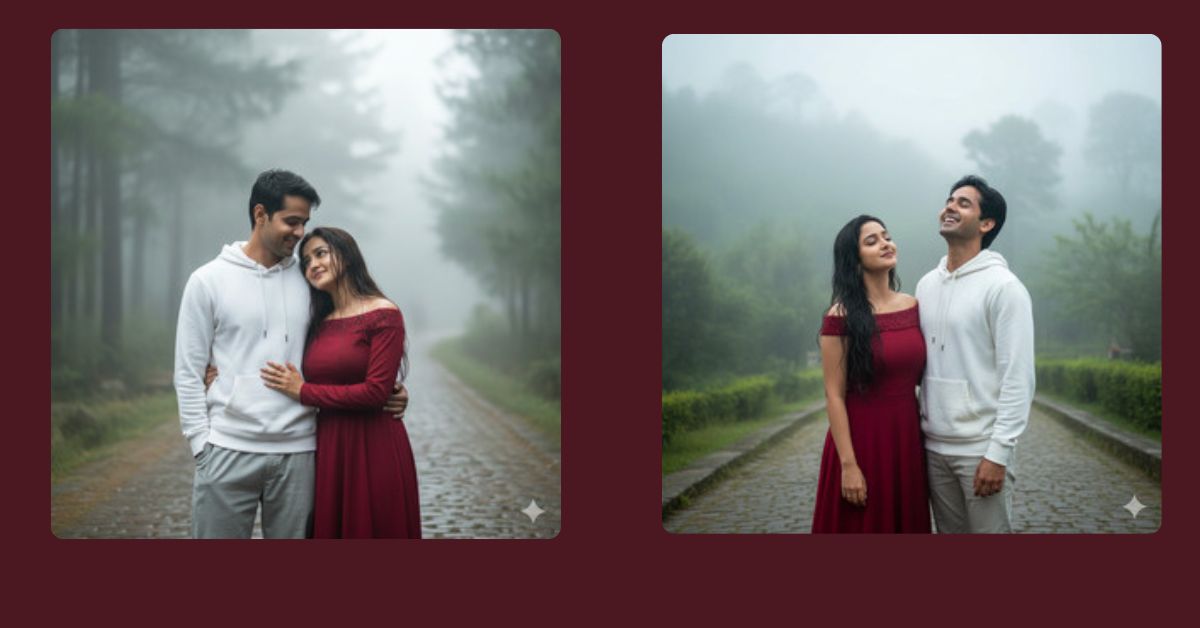
Romantic and cinematic AI-generated images are trending heavily on Instagram and social media right now. Scenes featuring couples in misty or rainy environments instantly grab attention because of their dreamy and emotional appeal. With Google Gemini, you can create this exact romantic hill station moment for free, producing stunning, photorealistic results that look like professional cinematography.
The Viral Prompt
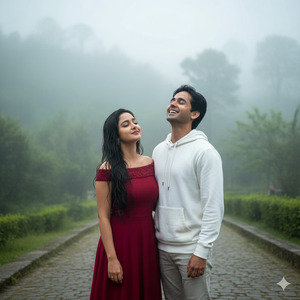
Create a cinematic, romantic 8K portrait of a young couple standing together in a misty, rain-soaked hill station. The girl has long, wet hair and wears a deep red dress with subtle embellishments near the collar, exuding elegance. The boy wears a white hoodie and light-colored pants, smiling joyfully as he looks upward toward the falling rain or mist. The background features lush greenery enveloped in fog, with blurred trees and soft diffused natural light, creating a dreamy, ethereal atmosphere. Highlight the contrast between the red dress and cool misty tones to enhance emotional warmth. Ultra-realistic textures, cinematic lighting, high-resolution, sharp focus, photorealistic skin tones, and natural reflections on wet surfaces. Maintain exact facial features as per the reference images. Create the image in 9:16 aspect ratio.
Pose Variant 1 – Girl Leaning on Boy’s Shoulder
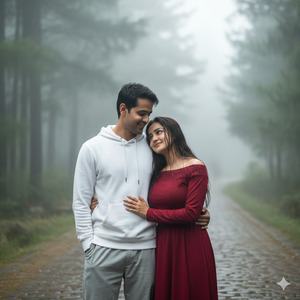
Create a cinematic, romantic 8K portrait of a young couple standing together in a misty, rain-soaked hill station. The girl, with long wet hair, leans gently on the boy’s shoulder while looking at him with a soft smile. She wears a deep red dress with subtle embellishments near the collar. The boy wears a white hoodie and light-colored pants, smiling warmly as he glances at her. Background: lush greenery with fog and blurred trees, soft diffused light creating dreamy, ethereal atmosphere. Highlight the contrast between the red dress and cool misty tones. Ultra-realistic textures, cinematic lighting, photorealistic skin, high-resolution. Maintain exact facial features as per reference images. Create the image in 9:16 aspect ratio.
How to Customize This Prompt
You can easily adapt the prompt to match your preferences:
- Replace “deep red dress” with any color you like for a different vibe.
- Change the boy’s hoodie color to create color harmony or contrast.
- Swap the hill station or misty background with mountains, waterfalls, or foggy forests.
- Modify pose descriptors (like looking at each other or holding hands) to suit the story you want to convey.
How to Create This Image Using Google Gemini
Follow these 4 simple steps to generate your stunning AI image:
- Open Google Gemini on your browser or app.
- Paste the refined prompt from above into the input field.
- Type “Create an image in 9:16 ratio” along with the prompt to ensure Instagram Reel dimensions.
- Download the final image once generated and share it on social media.
Conclusion
This cinematic romantic hill station image is perfect for Instagram stories, Reels, or even as a wallpaper. Using Google Gemini, you can effortlessly recreate this dreamy atmosphere, adjusting colors, poses, or background elements to make it unique. Don’t forget to share your AI creations on Instagram, tag friends, and showcase your creativity with stunning, photorealistic effects.







