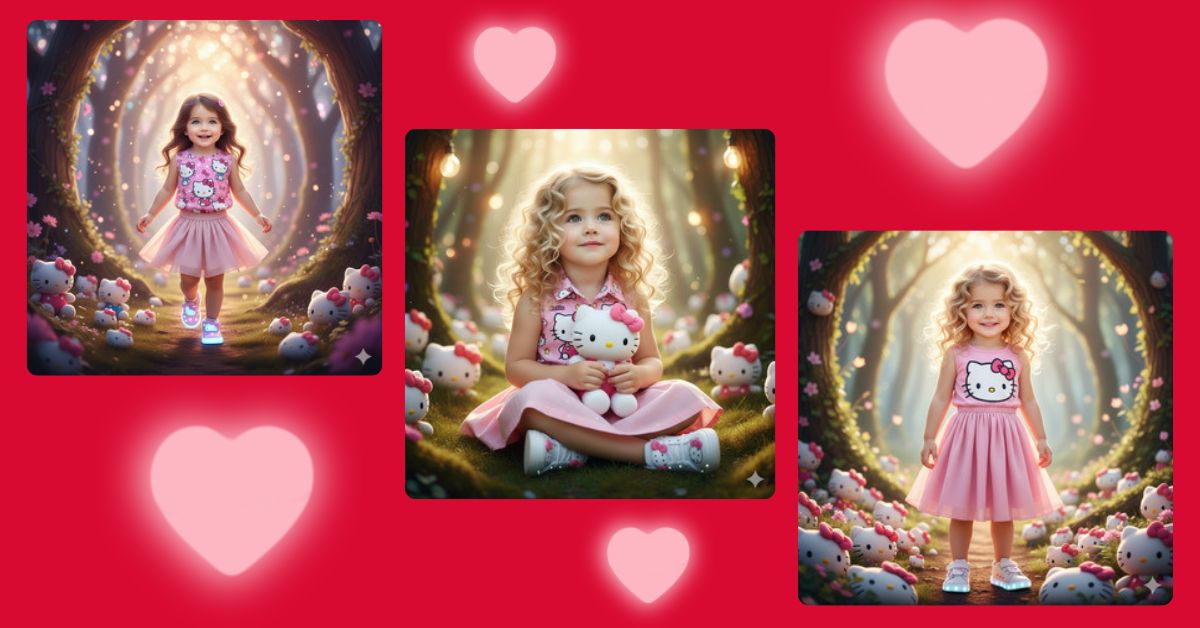
Cute fantasy baby portraits are going viral on Instagram and Reels right now.
Parents and creators love these images because they mix real emotions, soft lighting, and magical themes that feel straight out of a storybook.
The best part?
You can create this high-quality viral AI image for free using Google Gemini, even if you are a beginner. Just follow the simple steps below and use the perfect prompt.
The Viral Prompt
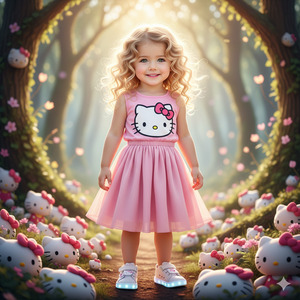
Create a high-quality, ultra-detailed 8K photorealistic portrait of a 4-year-old baby girl based exactly on the uploaded reference photo, without changing her natural facial features, face shape, or expressions. She is standing inside a magical fantasy forest filled with Hello Kitty plush toys of all sizes scattered around softly glowing trees. The lighting is warm, soft, and cinematic with gentle sunlight rays filtering through the forest, creating a dreamy fairy-tale atmosphere. The baby girl is wearing a pink Hello Kitty design blouse, a pink pleated skirt, and cute luminous Hello Kitty sneakers. Her brown, naturally wavy hair flows freely just above her shoulders with soft movement. Her skin texture is realistic and natural, with innocent expressions and childlike charm. Background includes pastel colors, soft bokeh effects, and magical ambiance. Ultra-sharp focus, realistic textures, cinematic lighting, professional photography style, no text, no watermark. Create the image in 9:16 aspect ratio (Instagram Reel size).
Pose Variant 1 – Sitting Among Plushies
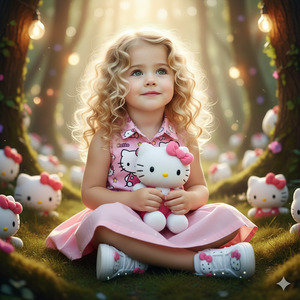
Create a high-quality, ultra-detailed 8K photorealistic portrait of a 4-year-old baby girl based exactly on the uploaded reference photo, without changing her natural facial features, face shape, or expressions. She is sitting on soft forest grass surrounded by Hello Kitty plush toys, holding one plush gently in her lap with both hands. Her legs are folded comfortably, and she looks slightly upward with a sweet, curious expression. The magical forest background glows with pastel colors, soft bokeh, and warm cinematic light rays filtering through the trees. She wears a pink Hello Kitty design blouse, pink pleated skirt, and luminous Hello Kitty sneakers. Her brown wavy hair rests naturally above her shoulders. Ultra-realistic textures, cinematic lighting, professional photography style, no text, no watermark. Create the image in 9:16 aspect ratio.
Pose Variant 2 – Walking Playfully
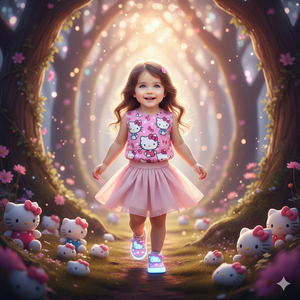
Create a high-quality, ultra-detailed 8K photorealistic portrait of a 4-year-old baby girl based exactly on the uploaded reference photo, without changing her natural facial features, face shape, or expressions. She is walking playfully through a magical fantasy forest filled with Hello Kitty plush toys, taking a small step forward while gently swinging one arm and looking ahead with a joyful smile. Her movement feels natural and childlike. Warm cinematic sunlight filters through the trees, creating a dreamy fairy-tale atmosphere with pastel tones and soft glow. She is wearing a pink Hello Kitty design blouse, a pink pleated skirt, and luminous Hello Kitty sneakers. Her brown wavy hair moves softly with her step. Ultra-sharp focus, realistic textures, cinematic lighting, no text, no watermark. Create the image in 9:16 aspect ratio.
How to Customize This Prompt
You can easily personalize this prompt without changing the main style:
- Replace clothing colors (pink → lavender, peach, sky blue)
- Change forest mood (golden sunset, soft morning light)
- Modify plush toy theme (keep Hello Kitty or add fairy lights)
Important:
Do not change lines related to face accuracy if you want the same child’s features.
How to Create This Image Using Google Gemini
Follow these simple steps:
- Open Google Gemini on your phone or computer
- Paste the prompt given above
- Type at the end:
“Create an image in 9:16 ratio” - Generate and download your image
That’s it. No paid tools needed.
Conclusion
This adorable baby girl fantasy portrait style is perfect for Instagram Reels, parenting pages, and memory collections.
The soft lighting, magical forest, and Hello Kitty theme make the image instantly emotional and share-worthy.
Create your image using Google Gemini, post it proudly, and don’t forget to tag your creativity.
If you love viral AI art trends, keep following Techy Gabru for the latest Google Gemini prompts and tutorials.







