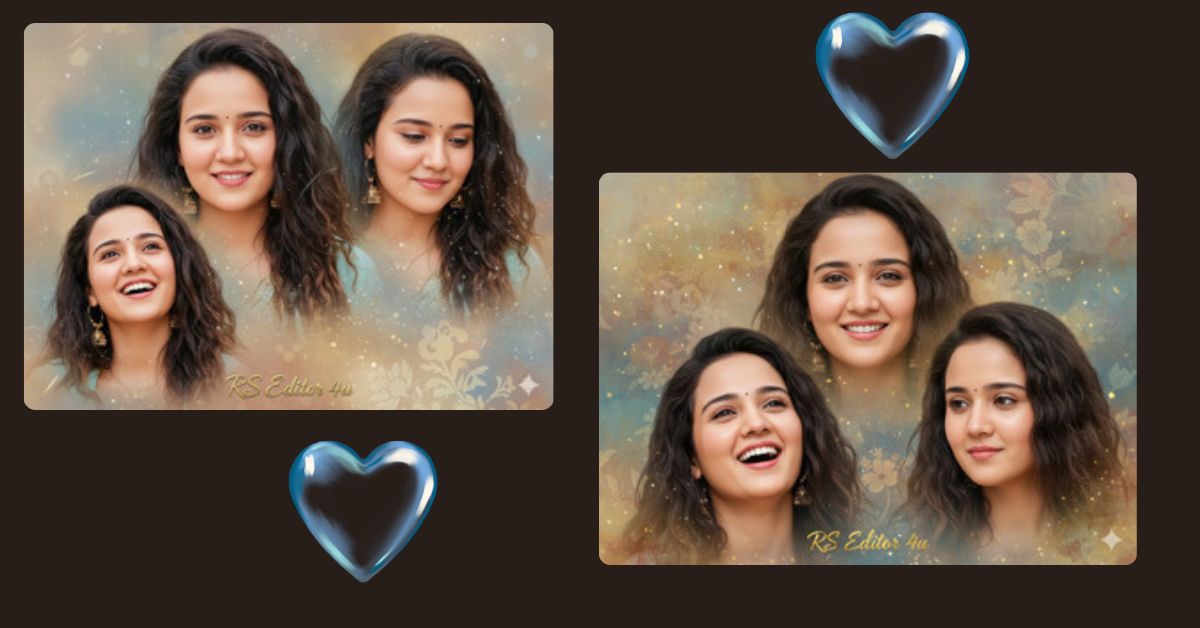
Creating stunning, realistic AI portraits has become a viral trend on Instagram and social media. People love dreamy, cinematic images that showcase soft lighting, natural expressions, and elegant aesthetics. With Google Gemini, you can generate these professional-quality images for free, without needing expensive cameras or editing software. Today, we’ll show you how to create a beautiful 9:16 aspect ratio collage portrait of “RS Editor 4u,” perfect for Instagram Reels.
The Viral Prompt
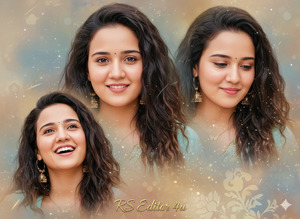
Create a realistic, ultra-detailed 8K collage portrait in 9:16 aspect ratio of a young Indian woman with the exact same face as in the uploaded reference image (100% match, no alteration), named “RS Editor 4u”.
Appearance: Long, dark, wavy hair, glowing skin, soft joyful expression.
Collage composition with three blended poses:
Pose Variant 1: Elegant Thoughtful Poses
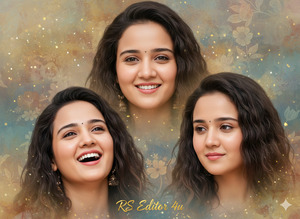
Create a realistic, ultra-detailed 8K collage portrait in 9:16 aspect ratio of a young Indian woman with the exact same face as in the uploaded reference image (100% match, no alteration), named “RS Editor 4u”.
Appearance: Long, dark, wavy hair, glowing skin, soft joyful expression.
How to Customize This Prompt
You can easily personalize this prompt:
- Name: Replace “RS Editor 4u” with your own or a different subject’s name.
- Hair/Outfit Colors: Change “ivory-white dress” to any color you prefer.
- Flowers/Props: Swap roses for lilies, sunflowers, or other flowers.
- Background: Adjust the garden scene to beach, city, or indoor aesthetic.
- Pose or Expression: Slightly tweak “smiling” or “looking downward” to match your vision.
This allows you to create a unique AI portrait while keeping the same dreamy style.
How to Create This Image Using Google Gemini
Follow these 4 simple steps:
- Open Google Gemini in your browser.
- Paste the prompt from the box above into the text field.
- Type: “Create an image in 9:16 aspect ratio” along with the prompt.
- Generate and download your image once it appears. You can now share it on Instagram or other social media platforms.
Conclusion
With this high-quality AI prompt, you can instantly create a dreamy, professional portrait collage of “RS Editor 4u” or yourself. The soft golden lighting, flowing chiffon dress, and magical garden background make it perfect for Instagram Reels and social media posts. Try customizing the colors, poses, and flowers to match your style.
Don’t forget to share your creations online and tag your friends—these viral AI images are made to inspire and impress!







