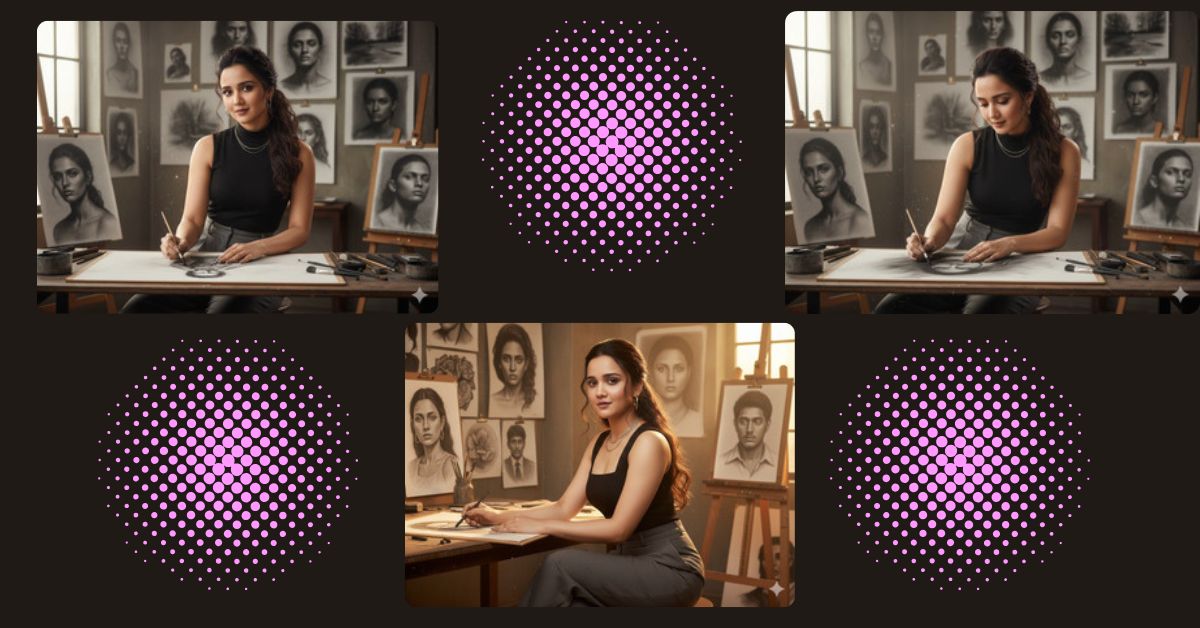
Creative artist studio portraits are trending on Instagram and social media right now.
People love cinematic scenes that show focus, creativity, and realistic details like textures, light, and mood.
This charcoal artist style feels intimate, refined, and professional, which makes it perfect for viral Instagram Reels.
You can create this Viral AI Image for free using Google Gemini, with just one powerful prompt.
The Viral Prompt (Google Gemini Prompt)
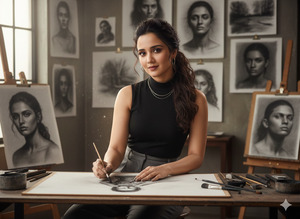
Use the face from the provided reference photo.
Create an ultra-detailed, ultra-realistic cinematic mid-shot portrait with no face alteration.
She is a charcoal artist working inside her studio, surrounded by soft natural light filtering through high windows.
The background features textured walls with large charcoal artworks hanging behind her,
including dramatic portraits, abstract shadows, and expressive strokes in rich matte black and deep gray tones.
Some sketches are clipped onto boards, while others lean casually on wooden easels.
In front of her, a large sheet of thick drawing paper rests on a sturdy wooden table.
Her hands are captured mid-motion, gently smudging charcoal into shape.
Fine charcoal dust lightly covers parts of the table and her fingertips.
Charcoal sticks, blending stumps, erasers, and soft brushes are scattered aesthetically around the workspace.
She wears a sleek, fitted black sleeveless top with a structured neckline,
paired with high-waisted tailored charcoal-gray trousers.
Accessories include a thin layered silver necklace, delicate silver hoop earrings,
and neatly painted taupe-colored nails.
Her hair is styled in soft voluminous waves tied into a loose low ponytail,
with gentle face-framing tendrils.
Makeup features a soft matte base, sculpted cheekbones,
smoky gray eyeshadow, defined lashes, and a natural mauve lip.
Lighting is soft cinematic studio lighting with gentle shadows,
warm highlights on her face, and a subtle glow reflecting through floating charcoal dust.
She is seated or slightly leaning over her artwork with confident posture,
one hand holding a charcoal stick while the other blends gently.
She looks toward the camera with a soft, confident smile.
Shot on a 50mm lens, shallow depth of field,
crisp focus on her face and hands,
background artworks softly blurred for depth.
High quality, realistic texture, cinematic lighting,
8K resolution, professional color grading.
Pose Variant 1 – Focused While Drawing (No Camera Eye Contact)
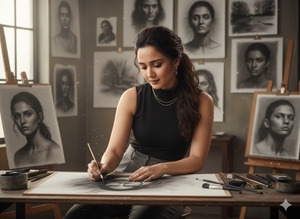
Use the face from the provided reference photo.
Create an ultra-detailed, ultra-realistic cinematic mid-shot portrait with no face alteration.
She is a charcoal artist seated in her studio, slightly leaning forward over a wooden table.
Her full attention is on the drawing paper in front of her.
One hand holds a charcoal stick actively sketching,
while the other hand gently blends and smudges the charcoal into form.
Her posture is calm, focused, and confident,
with her head tilted slightly downward toward the artwork.
She is NOT looking at the camera.
All studio elements, outfit, accessories, hair, makeup, lighting, and background remain the same.
Soft cinematic studio lighting, floating charcoal dust visible in the air,
50mm lens, shallow depth of field,
8K resolution, realistic texture, professional color grading.
Create the image in 9:16 aspect ratio.
Pose Variant 2 – Turning Toward Camera with Soft Smile
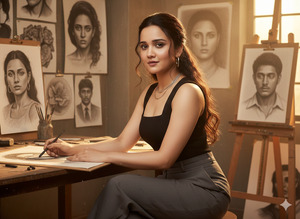
\Use the face from the provided reference photo.
Create an ultra-detailed, ultra-realistic cinematic mid-shot portrait with no face alteration.
She is seated at her wooden worktable inside the charcoal art studio.
Her body is angled slightly toward the artwork,
but her upper body is gently turned toward the camera.
One hand rests on the table holding a charcoal stick,
while the other hand rests lightly near the drawing paper.
She looks directly at the camera with a soft, confident smile,
maintaining an elegant, relaxed posture.
All studio details, outfit, accessories, hair, makeup, lighting, and background remain unchanged.
Cinematic studio lighting, warm highlights,
50mm lens, shallow depth of field,
8K resolution, ultra-realistic texture, professional color grading.
Create the image in 9:16 aspect ratio.
How to Customize This Prompt
You can personalize this prompt easily:
- Change outfit color (black top, gray trousers)
- Adjust studio background (modern studio, loft, minimal room)
- Modify art tools (charcoal → pencil, graphite, ink)
- Replace expression (soft smile, serious focus)
Always keep “use the face from the reference photo with no alteration” for accurate results.
How to Create This Image Using Google Gemini
Follow these 4 simple steps:
- Open Google Gemini on your mobile or desktop.
- Paste the prompt given above.
- Add this line at the end:
“Create an image in 9:16 aspect ratio (Instagram Reel size)” - Generate the image and download it.
Your cinematic AI image is now ready for Instagram.
Conclusion
This Google Gemini Prompt helps you create a powerful Viral AI Image that captures creativity, confidence, and realism.
The charcoal studio environment, cinematic lighting, and artistic mood make it perfect for Instagram Reels and aesthetic posts.
Once your image is ready, share it on Instagram, write a creative caption, and showcase your artistic side.
Keep exploring AI creativity and stay connected with Techy Gabru for more trending Google Gemini prompts







