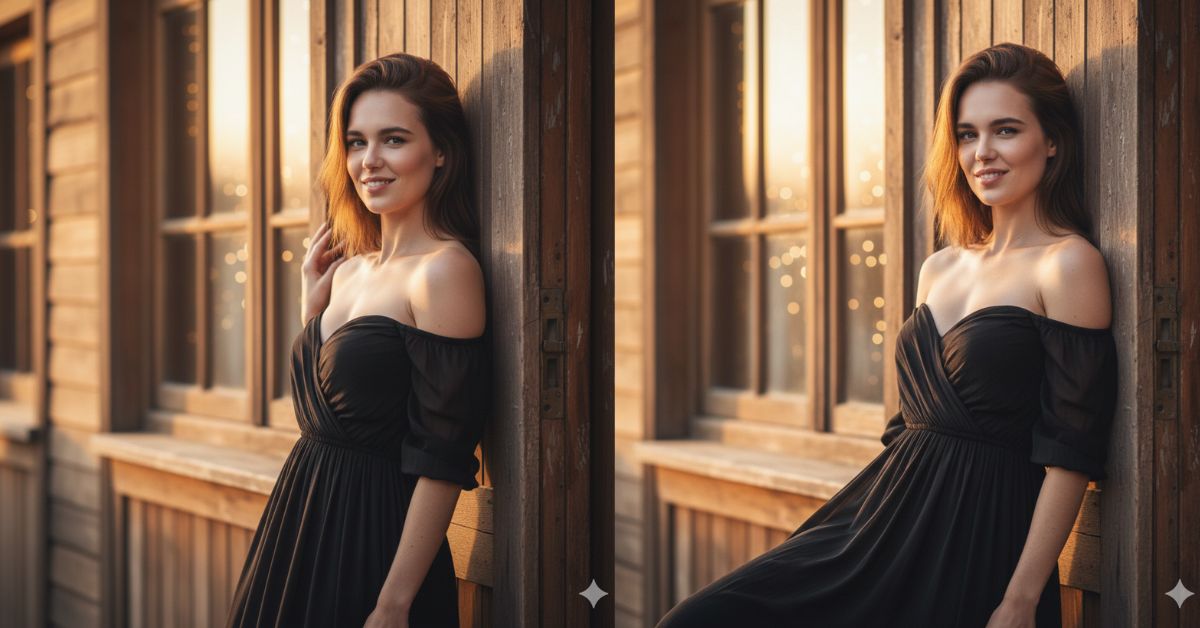
Ultra-realistic cinematic portraits are trending fast on Instagram Reels right now.
Creators love this style because it feels romantic, natural, and luxury-inspired, just like a professional photoshoot.
The best part? You can create this stunning viral AI image for free using Google Gemini, without any editing skills.
If you love soft golden light, realistic skin texture, and cinematic vibes, this prompt is perfect for you.
The Viral Prompt (Google Gemini)
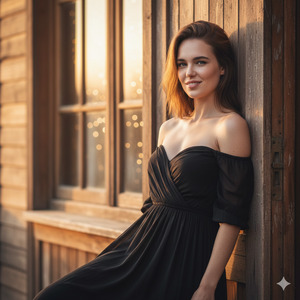
Use the uploaded photo as a reference and create an ultra-realistic cinematic portrait with 100% facial accuracy.
The woman has an athletic body and is posing gracefully, leaning against the frame of an old wooden door.
She has a warm, natural smile and a soft, calm gaze.
Her dark brown hair remains identical to the reference photo, softly illuminated by golden hour sunlight.
She is wearing an elegant black off-shoulder dress made of light, flowing fabric that moves gently.
Warm golden hour light enters through nearby windows, highlighting the rustic interior and creating a romantic atmosphere.
Extremely realistic skin texture, natural glow, visible micro-details, and realistic light reflections.
Detailed wood grain textures on the door and walls, cinematic depth of field.
Shot on an 85mm lens, shallow depth of field, professional DSLR photography.
High quality, 8K resolution, ultra-realistic, cinematic lighting, romantic and timeless mood.
Create the image in 9:16 aspect ratio.
Pose Variant 1 – Soft Lean & Crossed Arms (Elegant)
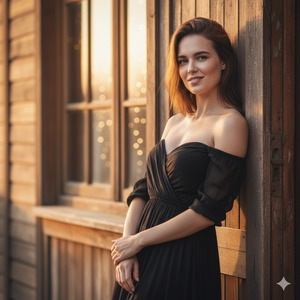
The woman is gently leaning against the old wooden door frame, her arms softly crossed at the waist, shoulders relaxed, body slightly angled toward the camera, with a calm and confident expression.
Pose Variant 2 – One Hand on Door, Natural Flow (Romantic)
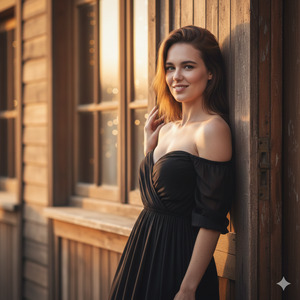
The woman is standing beside the old wooden door, one hand resting lightly on the door frame while the other hangs naturally by her side, body turned slightly sideways, giving a warm smile with a relaxed, romantic posture.
How to Customize This Prompt
You can easily personalize this prompt:
- Replace dress color (black) with your favorite color
- Change pose mood (soft smile → confident look)
- Adjust environment (rustic room → vintage hallway)
- Add accessories like earrings, necklace, or rings
Do not change the facial reference if you want accurate results.
How to Create This Image Using Google Gemini
Follow these simple steps:
- Open Google Gemini
- Upload your reference image and paste the prompt above
- Add: “Create an image in 9:16 ratio”
- Generate and download your image
That’s it — your viral AI image is ready!
Conclusion
This ultra-realistic golden hour portrait style is perfect for Instagram Reels, profile photos, and aesthetic feeds.
The mix of cinematic lighting, natural expressions, and realistic textures makes your image stand out instantly.
Create your image using Google Gemini, post it proudly, and don’t forget to share your creation on Instagram.
Tag your friends, inspire others, and enjoy the magic of AI-powered photography







