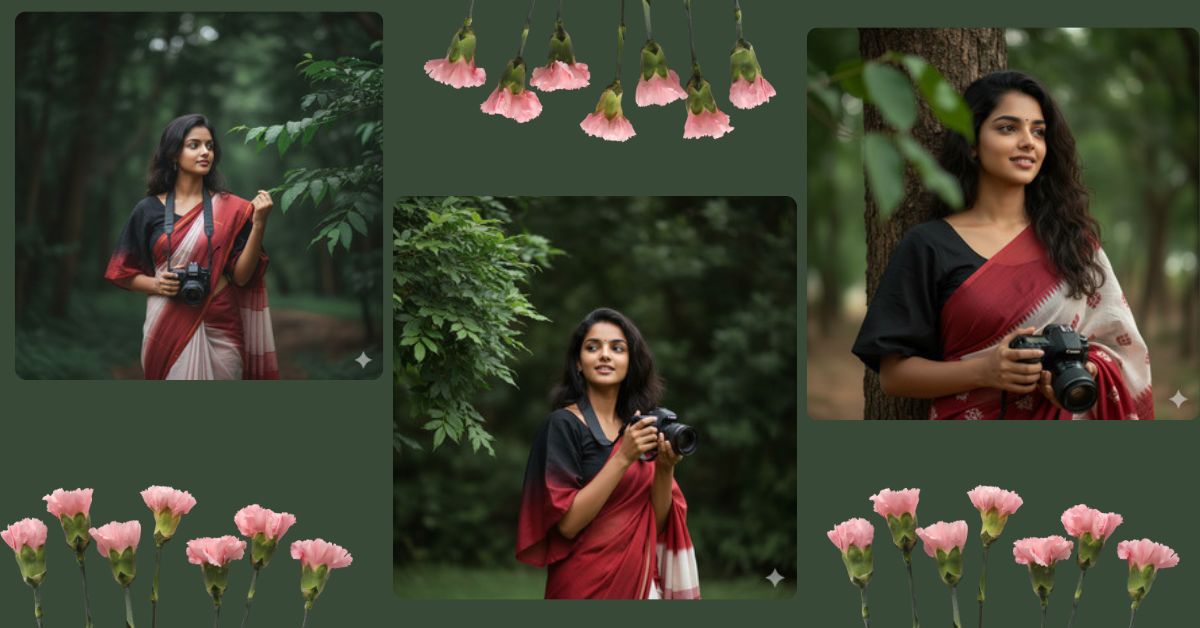
Dark, cinematic portraits with traditional outfits are trending massively on Instagram and social media. The mix of dramatic lighting, candid expressions, and vintage camera aesthetics makes these images look premium and emotional. That is why this style is getting high engagement on Reels and Explore pages.
The good news is that you can now create this viral AI image for free using Google Gemini, without any professional camera or editing skills. Let’s see how.
The Viral Prompt
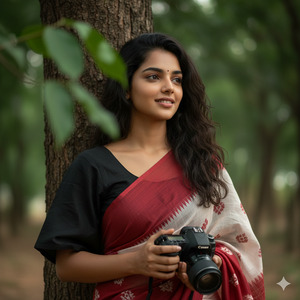
Create an ultra-realistic 8K cinematic portrait using the uploaded reference image with 100% exact face match, no facial changes. A stylish, beautiful young woman with a slightly dark, messy hairstyle, wearing a loose black and maroon gradient half-sleeve blouse paired with a red and white saree. She is holding a Canon camera in her hands. Her expression shows a dramatic, confident smile while she looks thoughtfully off-camera. The portrait is captured outdoors in a candid, high-key cinematic style. Deep dark green color tones dominate the scene, with natural elements and a vivid branch partially framing the composition. High quality, 8K resolution, realistic skin texture, cinematic lighting, DSLR look, shallow depth of field, hyper-realistic details. Create an image in 9:16 aspect ratio.
Pose Variant 1 – Camera Hanging, One Hand on Saree Pallu
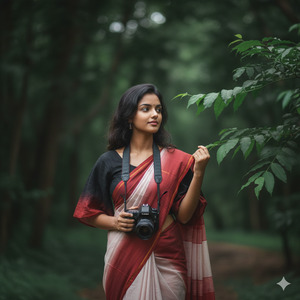
Create an ultra-realistic 8K cinematic portrait using the uploaded reference image with 100% exact face match, no facial changes. A stylish, beautiful young woman with a slightly dark, messy hairstyle, wearing a loose black and maroon gradient half-sleeve blouse paired with a red and white saree. Pose: standing relaxed, Canon camera hanging naturally from her hand by her side, other hand softly holding the saree pallu near her shoulder, subtle dramatic smile, gaze looking off-camera thoughtfully. Outdoor candid cinematic setting with deep dark green tones and a vivid branch framing the scene. High quality, 8K resolution, realistic skin texture, cinematic lighting, DSLR look, shallow depth of field, hyper-realistic details. Create an image in 9:16 aspect ratio.
Pose Variant 2 – Camera Raised Slightly, Mid-Candid Moment
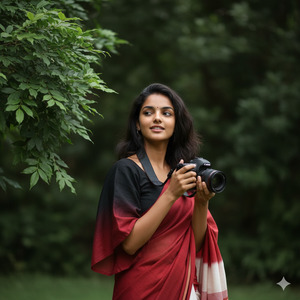
Create an ultra-realistic 8K cinematic portrait using the uploaded reference image with 100% exact face match, no facial changes. A stylish, beautiful young woman with a slightly dark, messy hairstyle, wearing a loose black and maroon gradient half-sleeve blouse paired with a red and white saree. Pose: holding a Canon camera slightly raised as if about to take a photo, elbows relaxed, body facing forward, head slightly tilted, dramatic smile captured mid-candid moment while looking off-camera. Outdoor high-key cinematic portrait with deep dark green tones and a vivid branch framing the composition. High quality, 8K resolution, realistic skin texture, cinematic lighting, DSLR look, shallow depth of field, hyper-realistic details. Create an image in 9:16 aspect ratio.
How to Customize This Prompt
You can personalize the image easily by changing small details:
- Saree Color: Replace red and white saree with black-gold or pastel tones
- Camera Brand: Change Canon camera to any camera you prefer
- Expression: Modify dramatic confident smile to soft smile or serious look
- Background Tone: Adjust dark green tones to warm brown or moody blue
Only change what you need. Keep lighting and quality details the same for viral results.
How to Create This Image Using Google Gemini
Follow these simple steps:
- Open Google Gemini on your browser
- Paste the prompt given above
- Type “Create an image in 9:16 ratio” along with the prompt
- Download the generated image and post it on Instagram Reels
Your cinematic AI portrait will be ready in seconds.
Conclusion
This dark green cinematic saree portrait is perfect for Instagram Reels, fashion pages, and personal branding. With Google Gemini, you can create studio-quality, hyper-realistic images that look professional and emotional at the same time.
Once your image is ready, share it on Instagram and watch the engagement grow. Try different saree colors, expressions, and lighting moods to create more viral content. Keep experimenting and let your creativity shine with AI.







