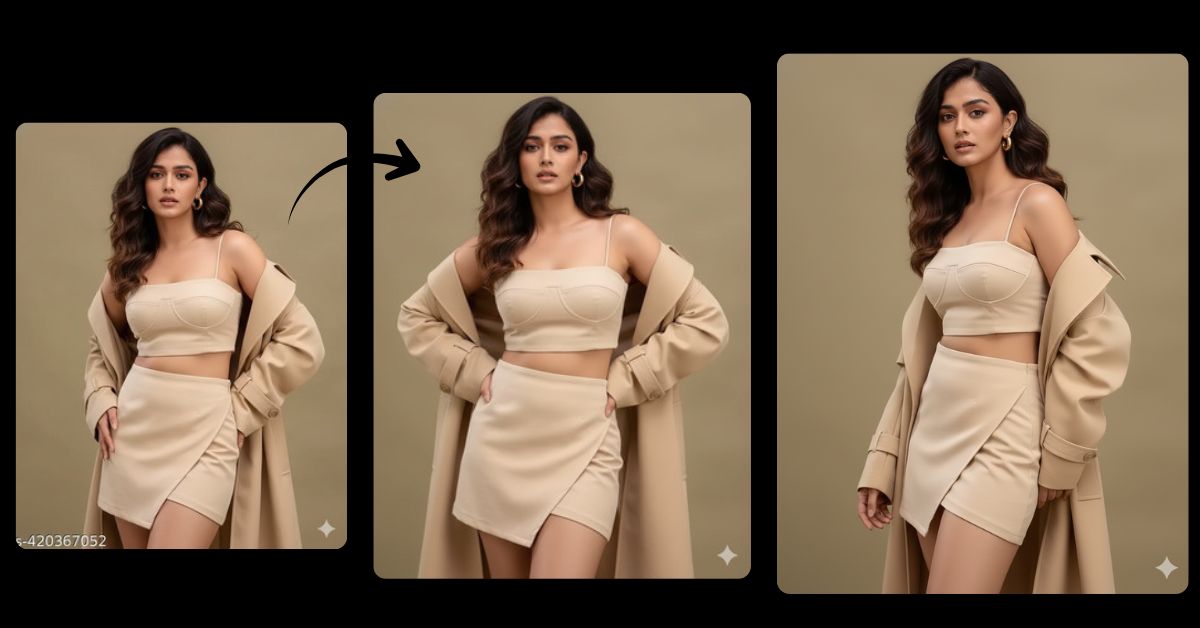
Editorial fashion portrait AI images are trending fast on Instagram Reels and fashion pages.
Clean outfits, confident poses, and cinematic lighting give a luxury magazine-style look that people love to share.
You can create this Viral AI Image for free using Google Gemini, even if you are not a designer or photographer.
In this Techy Gabru guide, you’ll get one perfect Google Gemini prompt to create a high-fashion editorial portrait.
📌 Important Before Using
- Upload your reference image in Google Gemini
- Ask clearly for 9:16 Aspect Ratio (Instagram Reel Size)
- Keep facial features exactly the same
Editorial Fashion Portrait
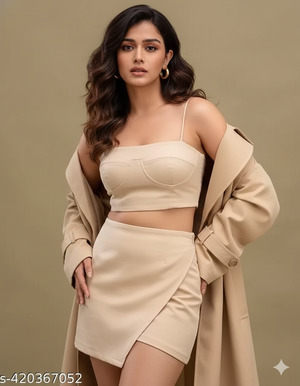
onvert the uploaded reference image into an ultra-realistic editorial fashion portrait.
Keep the exact same face, facial features, skin tone, and expressions from the uploaded image.
Do not alter the face in any way.
A confident woman with medium-length, wavy dark brown hair styled in loose natural waves.
She is wearing elegant gold hoop earrings.
Pose: She stands confidently with a neutral, high-fashion expression,
looking slightly downward with a strong editorial posture.
Outfit: a structured cream-beige bandeau top,
a matching asymmetric mini skirt,
and a long oversized trench coat draped open over her shoulders.
Lighting: soft cinematic studio lighting with gentle shadows,
highlighting facial structure and outfit textures.
Background: clean, minimal, editorial-style background with a premium fashion magazine feel.
Style: ultra-photorealistic editorial fashion photography,
high quality, 8K resolution, realistic fabric textures,
cinematic lighting, professional camera look,
sharp focus, shallow depth of field.
Create the image in 9:16 aspect ratio, vertical Instagram Reel size.
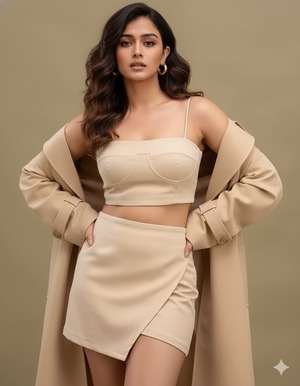
Pose Variant 1: Hands-on-Hips Editorial Pose (Bold & Confident)
c
Convert the uploaded reference image into an ultra-realistic editorial fashion portrait.
Keep the exact same face, facial features, skin tone, and expressions from the uploaded image.
Do not alter the face in any way.
A confident woman with medium-length, wavy dark brown hair styled in loose natural waves.
She is wearing elegant gold hop earrings.
Pose: She is standing straight with both hands placed confidently on her hips,
shoulders slightly back, chin gently lowered,
looking slightly downward with a strong, editorial expression.
Outfit: a structured cream-beige bandeau top,
a matching asymmetric mini skirt,
and a long oversized trench coat draped open over her shoulders.
Lighting: soft cinematic studio lighting with gentle shadows,
highlighting facial structure and outfit textures.
Background: clean, minimal editorial-style background.
Style: ultra-photorealistic editorial fashion photography,
high quality, 8K resolution, realistic fabric textures,
cinematic lighting, professional camera look,
sharp focus, shallow depth of field.
Create the image in 9:16 aspect ratio, vertical Instagram Reel size.
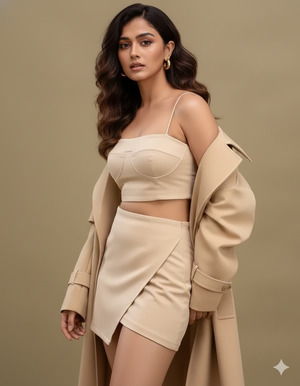
Pose Variant 2: One-Shoulder Lean Pose (Luxury Magazine Feel)
Convert the uploaded reference image into an ultra-realistic editorial fashion portrait.
Keep the exact same face, facial features, skin tone, and expressions from the uploaded image.
Do not alter the face in any way.
A confident woman with medium-length, wavy dark brown hair styled in loose natural waves.
She is wearing elegant gold hoop earrings.
Pose: She is standing with her body slightly angled,
one shoulder subtly leaned forward,
one arm relaxed by her side while the other lightly touches the trench coat,
head slightly tilted downward with a calm, high-fashion gaze.
Outfit: a structured cream-beige bandeau top,
a matching asymmetric mini skirt,
and a long oversized trench coat draped open over her shoulders.
Lighting: soft cinematic studio lighting creating smooth highlights and shadows.
Background: minimal, premium editorial background.
Style: ultra-photorealistic editorial fashion photography,
high quality, 8K resolution, realistic fabric textures,
cinematic lighting, professional camera look,
sharp focus, shallow depth of field.
Create the image in 9:16 aspect ratio, vertical Instagram Reel size.
How to Customize This Prompt
You can personalize the image easily by changing a few words.
You may replace:
- Outfit color → cream-beige to black, white, or pastel shades
- Jewelry type → hoop earrings to studs or minimal gold pieces
- Hair style → loose waves to straight or soft curls
- Important Tip:
- Do not remove the line “Keep the exact same face” if you want your facial identity to remain unchanged.
How to Create This Image Using Google Gemini
Follow these 4 simple steps:
- Open Google Gemini
Visit Google Gemini on your browser or app. - Upload Your Reference Image
Upload the photo whose face you want to keep exactly the same. - Paste the Prompt
Paste the prompt above and type:
“Create an image in 9:16 ratio” - Download the Image
Once the image is generated, download it and post it on Instagram.
Conclusion
This Trending Viral AI Image style is perfect for:
- Instagram Reels
- Fashion influencers
- Personal branding
- Editorial-style profile photos
Using this Google Gemini Prompt, you can transform a normal image into a luxury editorial fashion portrait that looks straight out of a magazine.
Try it today and share your creation on Instagram to stand out.Follow Techy Gabru for more trending AI image prompts and smart tech guide.







