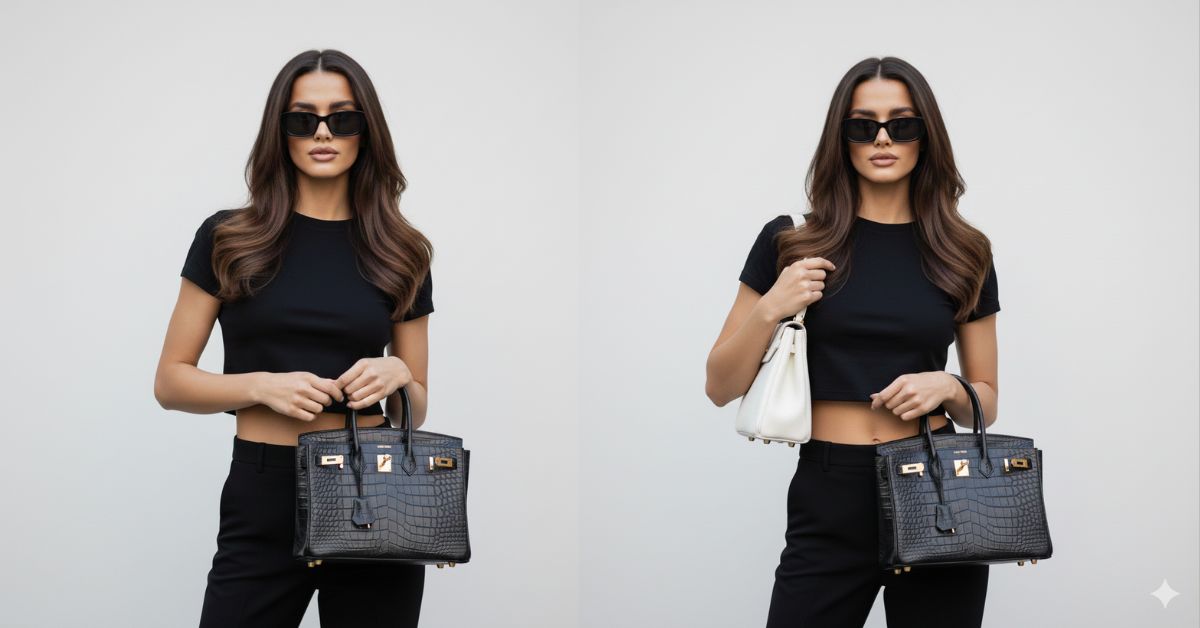
Luxury street-style fashion images are trending heavily on Instagram right now.
This “model off-duty” paparazzi editorial look feels rich, confident, and effortless, which is why creators love it.
The best part? You can create this viral AI image for free using Google Gemini, without changing your real face or identity.
In this blog, I will give you one perfect Google Gemini prompt that creates a high-fashion, ultra-realistic luxury street-style portrait in Instagram Reel size (9:16).
The Viral Prompt (Google Gemini)
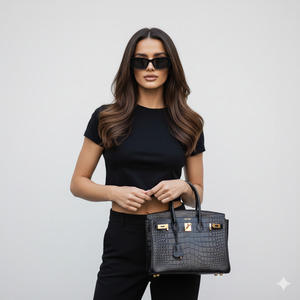
Create a hyper-realistic luxury street-style editorial portrait using the uploaded reference image.
Keep the face 100% identical to the reference image with no change in facial features, identity, skin tone, hair color, or eye color.
Subject: A stylish woman with long brunette hair, naturally highlighted, worn loose with soft waves and elegant volume. Athletic body with natural proportions and a defined yet feminine silhouette.
Composition: Vertical fashion editorial portrait, waist-up framing, eye-level angle. The subject is centered in the frame, with the torso, sunglasses, and handbag clearly visible. Slight crop revealing a hint of the midriff while keeping the handbag fully visible.
Pose: Confident and natural editorial pose. One hand subtly adjusts the black cropped t-shirt, while the other firmly and elegantly holds a luxury handbag at waist level. The gaze is directed straight ahead through the sunglasses, calm, confident, and sophisticated.
Outfit & Styling: Minimal “model off-duty” look. Black cropped t-shirt paired with a low-waist black skirt or trousers. Black rectangular sunglasses. Minimal glam makeup with clean skin, soft contour, and nude lips.
Accessories: A black Hermès Birkin handbag with gold hardware, textured or crocodile-style leather. The bag is angled slightly toward the camera as the main luxury statement piece.
Lighting: Strong direct on-camera flash, creating clean highlights and subtle shadows on the wall behind. Paparazzi-style luxury editorial lighting.
Camera Details: Shot on a high-end DSLR camera, 50mm lens, f/2.2 aperture, ISO 200, 1/125 shutter speed. Shallow depth of field with the subject and handbag extremely sharp and the background softly blurred.
Background: Clean off-white wall, minimal and distraction-free, resembling a luxury apartment or studio setting.
Color Palette: Black, cream, warm skin tones, and gold accents.
Style & Mood: High-fashion luxury street style. Silent wealth aesthetic. Editorial meets paparazzi. Effortless confidence, clean, modern, and extremely sophisticated.
High quality, ultra-detailed, 8K resolution, photorealistic textures, cinematic lighting.
Pose Variant 1: Bag Forward (Luxury Statement Pose)
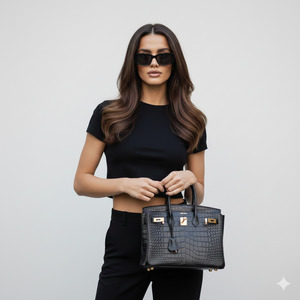
Confident, natural editorial stance, waist-up.
Both hands hold the black Hermès Birkin at waist level, bringing it slightly forward toward the camera as the main statement piece.
Elbows relaxed close to the body.
Shoulders squared and calm.
Head straight, gaze forward through the sunglasses.
Expression neutral, confident, slightly serious.
Pose Variant 2: Shoulder Strap Touch + Crop Top Adjust (Model Off-Duty)
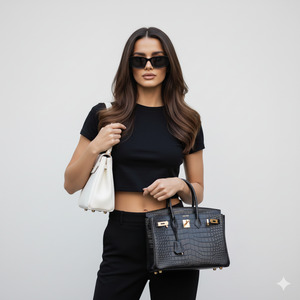
Relaxed “model off-duty” waist-up pose.
One hand lightly touches the white/black shoulder bag strap area (or jacket/strap area if visible) near the shoulder line, creating a candid paparazzi feel.
The other hand subtly adjusts the black cropped t-shirt near the hem.
Upper body remains centered and steady.
Gaze forward through the sunglasses, expression calm, confident, and serious.
How to Customize This Prompt
You can easily personalize this prompt:
- Change outfit color (black → beige, grey, white)
- Replace handbag brand (Birkin → Kelly, Chanel, YSL)
- Adjust cropped top or bottom style
- Modify makeup intensity (natural → bold glam)
- Never change the “keep face identical” line if you want exact facial accuracy.
How to Create This Image Using Google Gemini
Follow these simple steps:
- Open Google Gemini
- Upload your reference photo
- Paste the prompt above and add:
“Create an image in 9:16 aspect ratio” - Generate and download your image
Your Instagram Reel–ready image is now complete.
Conclusion
This luxury street-style Google Gemini prompt is perfect for creators who want a high-fashion, rich aesthetic without heavy editing or expensive shoots.
It creates an image that feels editorial, confident, and viral-ready, ideal for Instagram Reels, fashion pages, and personal branding.
Create your image today, post it confidently, and don’t forget to tag @sukoonpromt when you share your stunning results.







