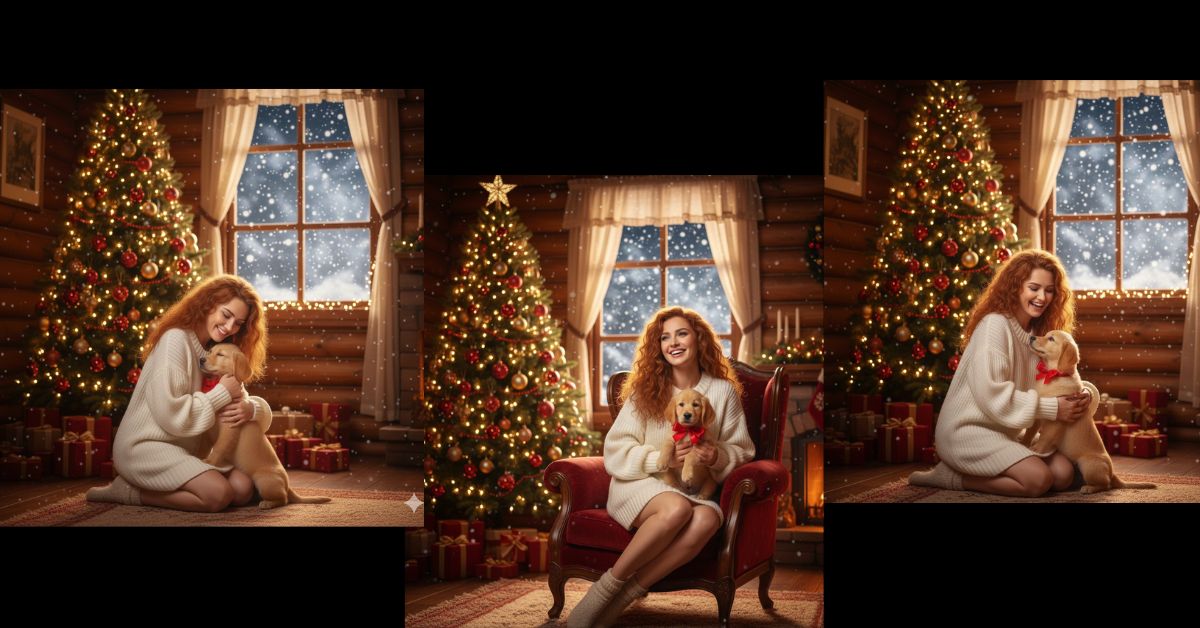
Magical glowing dress portraits are trending heavily on Instagram Reels and Pinterest right now.
Creators love this style because it looks dreamy, cinematic, and premium, yet very personal.
The best part? You can create this viral AI image for free using Google Gemini, without editing skills.
All you need is one perfect prompt and the right 9:16 aspect ratio for social media.
The Viral Prompt (Copy–Paste Ready)
Below is a single, highly detailed English prompt optimized for Google Gemini.
Just copy it exactly as it is.
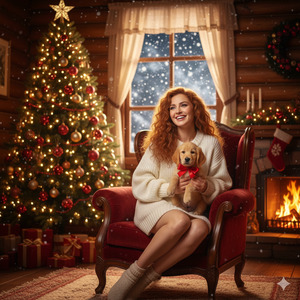
<!– wp:code –>
<pre class=”wp-block-code”><code>Create a stunning ultra-realistic 8K cinematic portrait using my uploaded photo.
Do not change my face, facial structure, skin tone, or body proportions in any way.
A young woman with long, dark chestnut hair is looking directly into the camera with a calm, confident expression.
She is wearing a light-colored gala dress made of delicate tulle fabric.
The dress has a fitted bodice with voluminous, sheer puff sleeves softly draping over the shoulders.
The most unique feature is that the dress is illuminated from within by tiny warm golden lights.
These lights glow softly across the bodice and spread beautifully through the wide, fluffy skirt,
creating a magical, radiant effect as if the dress itself is alive with light.
Background is deep navy blue to black with soft, blurred golden bokeh lights,
creating a starry night and elegant festive atmosphere.
Ultra-realistic photography, cinematic lighting, 8K resolution,
realistic skin texture, soft glow, shallow depth of field,
ethereal mood, premium fashion photoshoot look.
Ensure the face looks exactly like the uploaded reference image.
Create the image in 9:16 aspect ratio (Instagram Reel size).
</code></pre>
<!– /wp:code –>
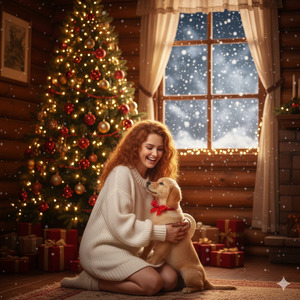
Pose Variant 1 – Gentle Prayer Pose
<!– wp:code –>
<pre class=”wp-block-code”><code>Create a beautiful, ultra-realistic Christmas scene using my face and body exactly as they are.
Do not change my facial features, facial structure, or body proportions in any way.
I am seated gracefully on my knees in front of a magnificent Christmas tree setting.
My posture is calm and elegant, with both hands softly joined together in a gentle prayer-like pose resting near my lap.
My head is slightly tilted downward with a peaceful, warm smile.
Surrounding me are multiple Christmas trees decorated with vibrant, colorful holiday lights glowing softly in the winter night.
I am wearing a magical dress made entirely of glowing, multicolored lights.
The illumination reflects naturally onto my face without altering my real features.
Shimmering snowflake earrings, a delicate glowing tiara, long dark wavy hair flowing naturally.
Soft snowfall, dreamy Christmas ambiance, ultra-realistic photography, cinematic lighting, 8K quality.
Create the image in 9:16 aspect ratio.
</code></pre>
<!– /wp:code –>
Pose Variant 2 – Looking Up at Falling Snow

<!– wp:code –>
<pre class=”wp-block-code”><code>Create a beautiful, ultra-realistic Christmas scene using my face and body exactly as they are.
Do not change my facial features, facial structure, or body proportions in any way.
I am seated on my knees in front of a magnificent Christmas tree setting.
My posture is relaxed and graceful, with one hand resting on my knee and the other slightly raised as if feeling the falling snow.
My face is gently lifted upward, smiling softly while looking at the snowfall.
Surrounding me are multiple Christmas trees decorated with vibrant, colorful holiday lights glowing softly in the winter night
I am wearing a magical dress made entirely of glowing, multicolored lights.
The soft illumination highlights my smile and natural facial features.
Snowflake earrings, glowing tiara, long dark wavy hair flowing freely
Soft snow falling, cinematic winter glow, ultra-realistic 8K photography, shallow depth of field.
Create the image in 9:16 aspect ratio.
</code></pre>
<!– /wp:code –>
How to Customize This Prompt
You can easily personalize this prompt by changing small details like:
- Dress color → replace “light-colored” with white, pastel pink, ivory, etc.
- Light color → change “warm golden lights” to silver, soft pink, or champagne
- Mood → add words like royal, fairy-tale, or Christmas vibe
Do not change the face-preservation lines if you want realistic results.
How to Create This Image Using Google Gemini
Follow these simple steps:
- Open Google Gemini
- Upload your photo and paste the prompt above
- Add this line at the end:
“Create an image in 9:16 ratio” - Generate and download your image
That’s it! Your viral AI portrait is ready
Conclusion
This glowing dress AI portrait style is perfect for Instagram Reels, profile photos, and viral posts.
It looks luxurious, emotional, and cinematic—exactly what performs well on social media today.
Try this prompt in Google Gemini, post your creation, and watch the engagement grow.
Don’t forget to tag your friends and share the magic







