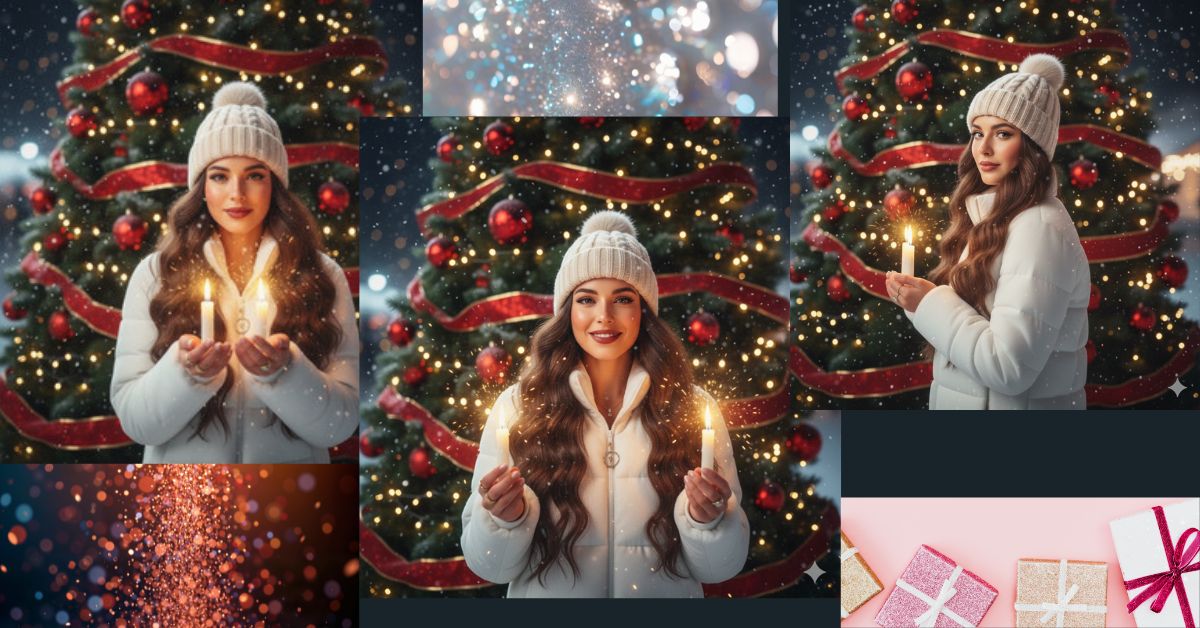
Magical Christmas-themed AI portraits are trending heavily on Instagram and Reels right now. People love festive lights, glowing effects, and cinematic winter vibes that look dreamy and nostalgic.
The best part? You can create this viral AI image for free using Google Gemini, even with your own photo, in just a few steps.
In this blog, I will give you one perfect Google Gemini prompt to generate a stunning Christmas portrait in 9:16 aspect ratio, ideal for Instagram Reels.
The Viral Prompt (Copy & Paste)
<!– wp:code –>
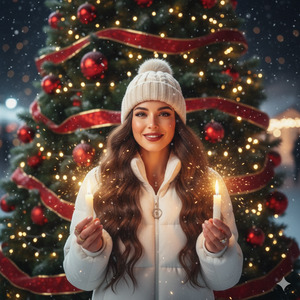
<pre class=”wp-block-code”><code>Create a high-quality, ultra-realistic 8K cinematic Christmas portrait using my uploaded photo.
Do not change my face, facial structure, skin tone, or body proportions in any way.
Scene Description:
A young woman stands outdoors in front of a large green Christmas tree decorated with red ornaments, festive ribbons, and warm cascading string lights. The background is slightly blurred with a soft Christmas bokeh light effect.
Appearance & Outfit:
She is wearing a fluffy white winter jacket and a cream-colored cap. Her very long, dark, wavy hair flows naturally over her shoulders. Her facial expression is soft, dreamy, and gently smiling, with a warm and healthy complexion.
Magical Elements:
She is holding two glowing magical candles, one in each hand. Golden sparks float in the foreground, creating small reflections and a magical festive atmosphere. Add a soft glow around the lights with subtle chromatic aberration for a retro-futuristic early-2000s aesthetic.
Makeup & Details:
Expressive polished makeup with long natural black eyelashes, defined eyeliner, luminous highlighter, sculpted cheeks with blush, flawless skin, and full matte dark red lips. Eyebrows are well-defined and filled in. Preserve original facial features exactly.
Accessories:
Elegant earrings, matching rings, and a delicate charm accessory.
Lighting & Style:
Soft winter lighting with cool yellow tones and gentle golden shimmer from the sparks. Ultra-realistic photography, cinematic lighting, shallow depth of field, high detail, realistic skin texture.
Output:
High-quality 8K resolution, cinematic Christmas mood, festive, magical, nostalgic.
</code></pre>
<!– /wp:code –>
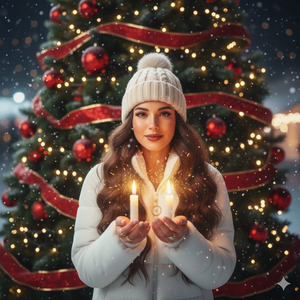
Pose Variant 1 – Gentle Forward Glow Pose
<!– wp:quote –>
<blockquote class=”wp-block-quote”><!– wp:paragraph –>
<p>She stands facing the camera, shoulders relaxed. Both hands are held slightly forward at chest level, palms open, gently presenting the glowing candles toward the viewer. Her head is slightly tilted, eyes softly focused on the camera, with a calm, magical smile.</p>
<!– /wp:paragraph –></blockquote>
<!– /wp:quote –>
Pose Variant 2 – Side Angle Magical Look
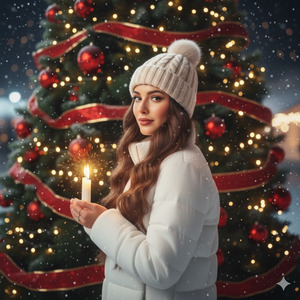
She stands at a soft three-quarter angle, body slightly turned to the side. One hand holds a glowing candle close to her heart, while the other hand is lowered gently at her side holding the second candle. Her face turns back toward the camera over her shoulder with a dreamy, festive expression.
How to Customize This Prompt
You can easily adjust this prompt to match your style:
- Change jacket color (white → beige, pastel pink, red)
- Replace candle color (gold → silver, warm white)
- Adjust lip color (dark red → nude or berry)
- Add or remove accessories like rings or necklaces
Do not remove the line about preserving facial features if you want accurate results.
How to Create This Image Using Google Gemini
Follow these simple steps:
- Open Google Gemini
- Upload your photo and paste the prompt above
- Add this line at the end:
“Create an image in 9:16 aspect ratio (Instagram Reel size)” - Generate the image and download your final result
That’s it!
Conclusion
This Christmas AI image style is perfect for Instagram Reels, profile photos, and festive posts. The magical candles, glowing sparks, and cinematic lighting give your photo a premium viral look that people love right now.
Once you create your image using Google Gemini, share it proudly on Instagram and watch the engagement grow.
If you want more trending AI image prompts like this, keep following Techy Gabru







