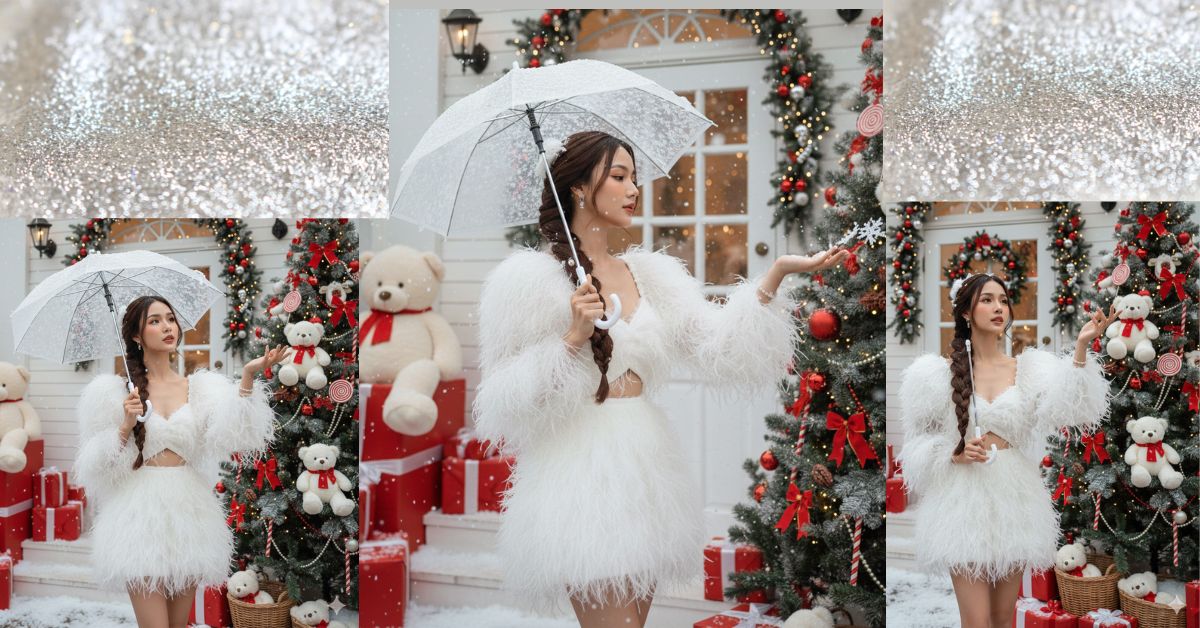
Christmas-themed snow portrait AI images are trending heavily on Instagram and Reels.
People love soft winter vibes, fluffy dresses, snow effects, and cute Christmas decorations.
This image style looks like a high-end magazine shoot, but you can create it for free using Google Gemini.
All you need is the right prompt and to select 9:16 aspect ratio for Instagram Reels.
The Viral Prompt (Google Gemini Prompt)
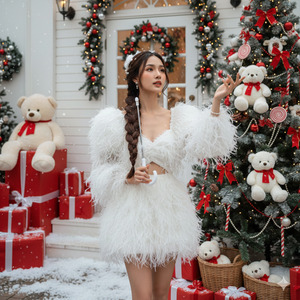
Create an ultra-realistic close-up portrait photo of a young girl with a slender body, captured in high quality 8K resolution. Her facial features must look soft, fresh, and natural with realistic skin texture.
She is wearing a large fluffy fashion dress with white feather details. The dress has white fluffy feathers on the shoulders, long puffy sleeves, an open belly design, and a short skirt made of the same soft feathered fabric. Her overall outfit looks elegant, cute, and winter-themed.
She is holding an umbrella in one hand, while her other hand is gently raised, catching falling snowflakes. Her expression is light, calm, and dreamy, as if she is looking at the snow with curiosity and freshness.
Her hair is dark brown, long, thick, and naturally textured. It is styled into a long braid flowing down one side past her waist, with soft natural tangles. Her hair is tied with white fluffy hair accessories. Her makeup is soft and lovely, with blush-toned cheeks, natural glowing skin, and gentle eye makeup.
Scene & Background: The photo is set in an early Christmas-themed outdoor decorative space, in front of a café or shop entrance painted white. On the right side, there is a large Christmas pine tree decorated with white teddy bears wearing red scarves, red bows, red pearls, and red-and-white spiral lollipop ornaments. Beneath the tree are white teddy bears placed inside bamboo baskets.
On the left side of the entrance, a very large teddy bear is sitting on top of a red gift box. Many red gift boxes with white and silver bows are arranged neatly around the scene.
Snow Effect & Lighting: Soft artificial snow made of white foam particles is scattered on the ground and ornaments, creating a fake falling snow effect. Natural soft daylight mixed with warm Christmas lighting creates a cinematic winter glow with gentle shadows.
Style & Quality: High-quality magazine photography, cinematic look, ultra-realistic details, realistic skin texture, sharp focus, perfect lighting, high quality, 8K resolution, no blur.
IMPORTANT: Create the image in 9:16 aspect ratio (Instagram Reel size).
Negative Prompt:
cartoon, anime, illustration, painting, unrealistic skin, blur, noise, watermark, logo, text, extra fingers, deformed body, bad anatomy, low quality, overexposed, underexposed
Pose Variant 1 – Looking Up at Snow Pose
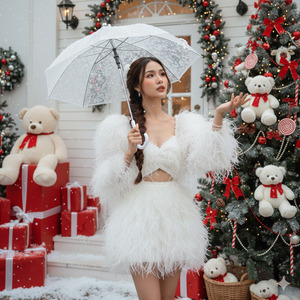
Pose: She is holding the umbrella slightly above her head with one hand, tilting her face upward and looking at the falling snowflakes. Her other hand is raised softly in front of her, gently trying to catch a snowflake. Her expression is dreamy and fresh.
Pose Variant 2 – Side Profile Elegant Pose
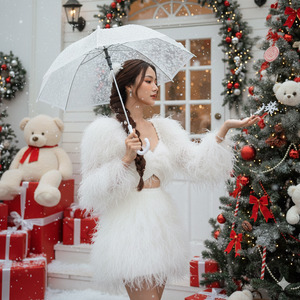
Pose: She is standing in a soft side-profile angle under the umbrella, looking gently toward her raised hand as snow falls onto her glove. One hand holds the umbrella close, and the other hand is extended outward to catch snowflakes. Her expression is calm, cute, and graceful.
How to Customize This Prompt
You can easily personalize this Christmas AI image:
- Change dress color (white → pastel pink, cream, silver)
- Change hair style (braid → loose waves or twin braids)
- Change umbrella color (transparent → white or red)
- Change gift box colors (red → gold or silver)
Do not remove quality lines like 8K resolution, realistic skin, cinematic lighting.
How to Create This Image Using Google Gemini
Follow these 4 simple steps:
Step 1
Open Google Gemini on your mobile or desktop.
Step 2
Paste the Viral Prompt given above.
Step 3
Type clearly at the end:
“Create an image in 9:16 aspect ratio”
Step 4
Generate the image and download it for Instagram Reels.
That’s it—your Christmas AI portrait is ready.
Conclusion
This Viral AI Christmas Snow Girl Image is perfect for Instagram Reels, aesthetic posts, and festive content.
The mix of fluffy fashion, snow effects, teddy bears, and Christmas lights creates instant emotional appeal.
With Google Gemini, you can turn imagination into a professional winter photoshoot without spending money.
Always use 9:16 ratio, focus on lighting, and keep textures realistic.
Once your image is ready, share it on Instagram with soft Christmas music and spread festive vibes.
Keep creating magical visuals with Techy Gabru







