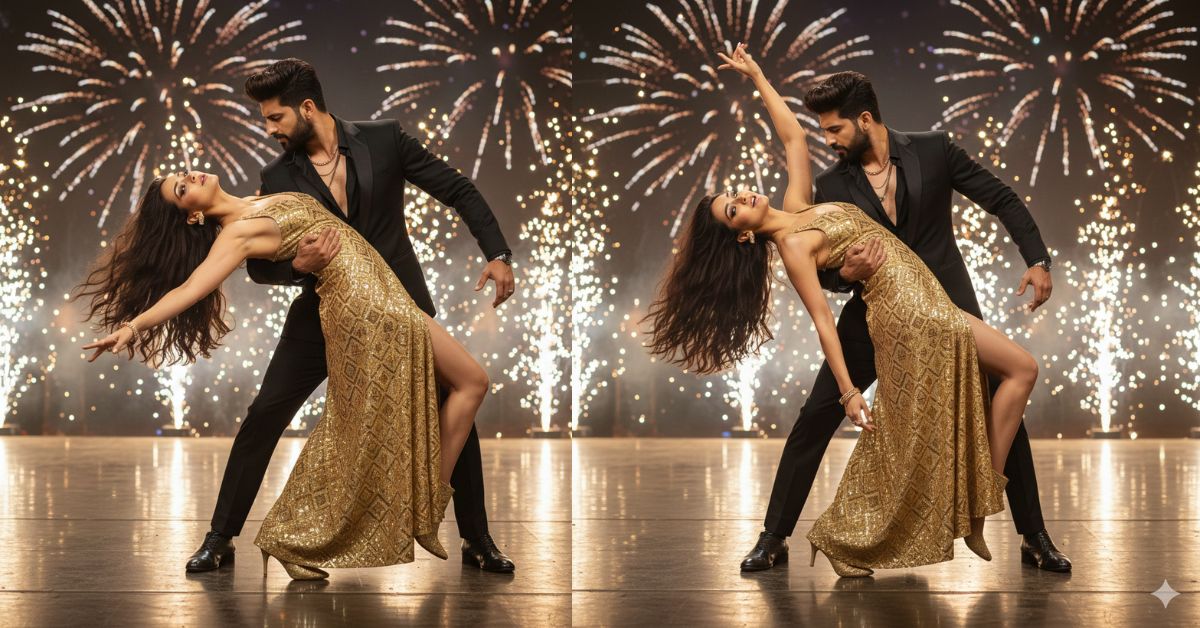
Instagram is full of cinematic couple dance shots right now—especially the ones that look like a Bollywood stage photoshoot with fireworks, glossy reflections, and dramatic movement.
This style looks premium, emotional, and “movie-like,” so it gets more saves, shares, and Reel views.
The best part? You can create this for free using Google Gemini, even if you are a beginner. Just make sure you generate it in 9:16 aspect ratio (Instagram Reel size).
The Viral Prompt (Copy-Paste for Google Gemini)
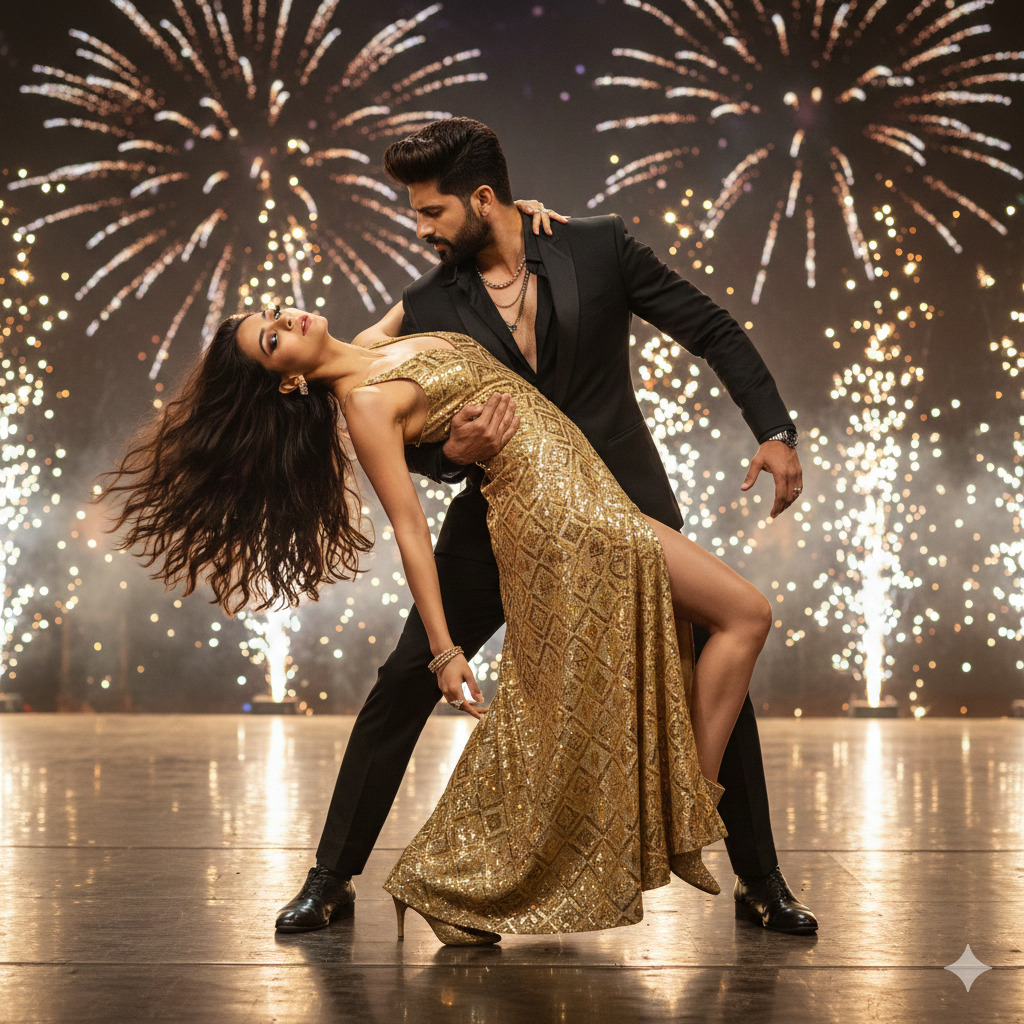
Create an ultra-realistic, cinematic high-fashion Bollywood dance photoshoot on a stage at night, with sparkling fireworks bursting in the background and warm studio spotlights. The scene has glossy floor reflections, firework sparks creating soft bokeh, vibrant colors, and premium magazine-level lighting. 8K ultra-HD, hyper-realistic photography, realistic skin texture, sharp details, cinematic lighting, shallow depth of field, no text, no watermark.
Couple pose: A powerful romantic dance dip. The man holds the woman confidently—one hand supporting her raised leg and the other arm firmly around her waist. The woman’s head is tilted back in a dramatic passionate pose, expressing intensity and emotion. Her long wavy hair flies backward with motion.
Man: well-groomed faded beard, voluminous styled hair, wearing a tailored black suit with an open black shirt, layered necklaces, rings, confident expression
Woman: wearing a shiny golden geometric-pattern high-slit gown, elegant hand jewelry, golden ankle boots, glamorous makeup, intense expression.
IMPORTANT FACE INSTRUCTION: Keep the woman’s face 100% identical to the uploaded reference photo (same identity, facial proportions, skin tone, eye color, and features). Do not change her face.
Camera: 35mm look, medium full-body framing, dynamic motion feel, crisp focus on the couple, background fireworks softly blurred.
Output: Create the image in 9:16 aspect ratio (vertical Instagram Reel size).
Pose Variant 1 (Classic Dip)
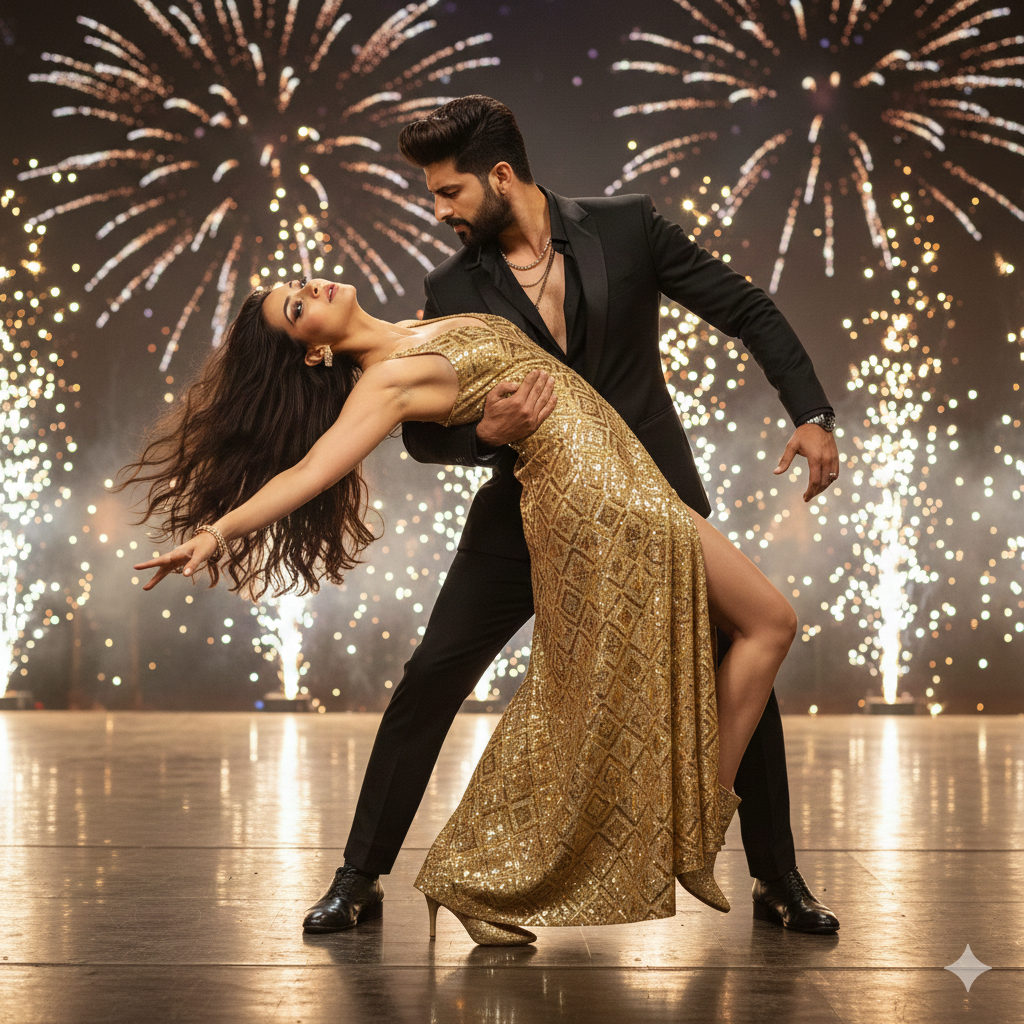
The man holds the woman in a deep dip—his right arm firm around her waist, his left hand supporting her upper thigh as her lifted leg bends at the knee. The woman’s back arches gracefully, head tilted back, chin up, one arm extended outward with fingers elegantly spread.
Pose Variant 2 (Lifted Spin Hold)
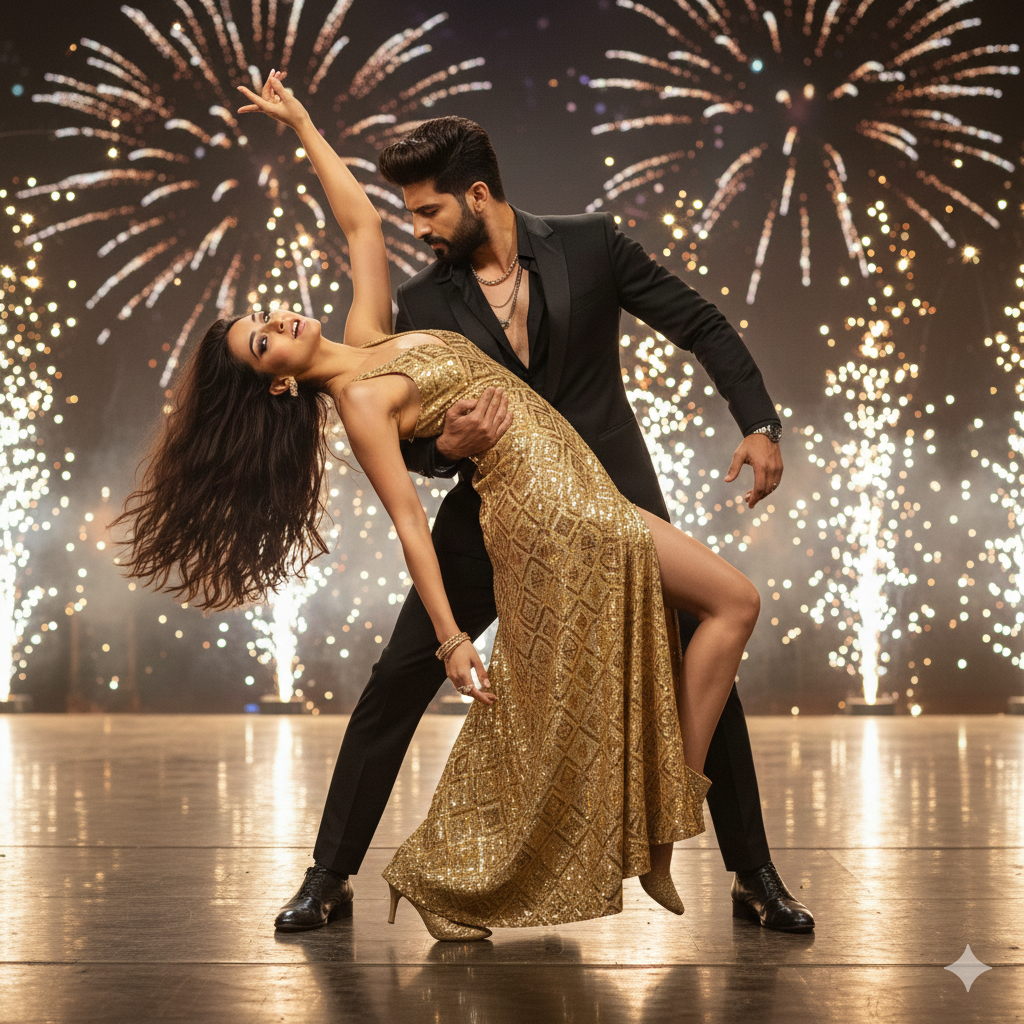
The man lifts the woman slightly off the ground in a spin-hold—one arm under her back, the other supporting her waist. The woman’s legs are together and angled diagonally, toes pointed, one hand gripping his shoulder for balance while her free arm reaches up above her head in a dramatic curve.
How to Customize This Prompt (Easy Changes)
You can edit small parts without changing the main style. Replace only the words you want:
- Dress color: Change “golden” to “silver” or “red”
- Fireworks style: Change “sparkling fireworks” to “gold confetti cannons”
- Stage vibe: Change “Bollywood stage” to “luxury award show stage”
- Man’s outfit: Change “black suit” to “velvet tuxedo”
Keep these lines the same for best results:
- “8K ultra-HD, hyper-realistic photography”
- “cinematic lighting, shallow depth of field”
- “Keep the woman’s face 100% identical to the uploaded reference photo”
- “Output: 9:16 aspect ratio”
How to Create This Image Using Google Gemini (4 Steps)
- Open Google Gemini on your phone or laptop.
- Upload your reference face photo (the one you want to match).
- Paste the prompt and also type: “Create an image in 9:16 ratio”.
- Generate and download the best result, then use it as your Reel cover or post.
Conclusion
This Viral AI Image style is perfect for anyone who wants a powerful, dramatic, and luxury-looking post—without a real photoshoot. With this Google Gemini Prompt, you can create a Trending cinematic couple dance image that looks like a real Bollywood stage moment.
Now try it, post it on Instagram, and don’t forget to share it as a Reel cover too. If you want extra reach, use a short caption like “Movie scene vibes 🔥” and let people guess if it’s real!







