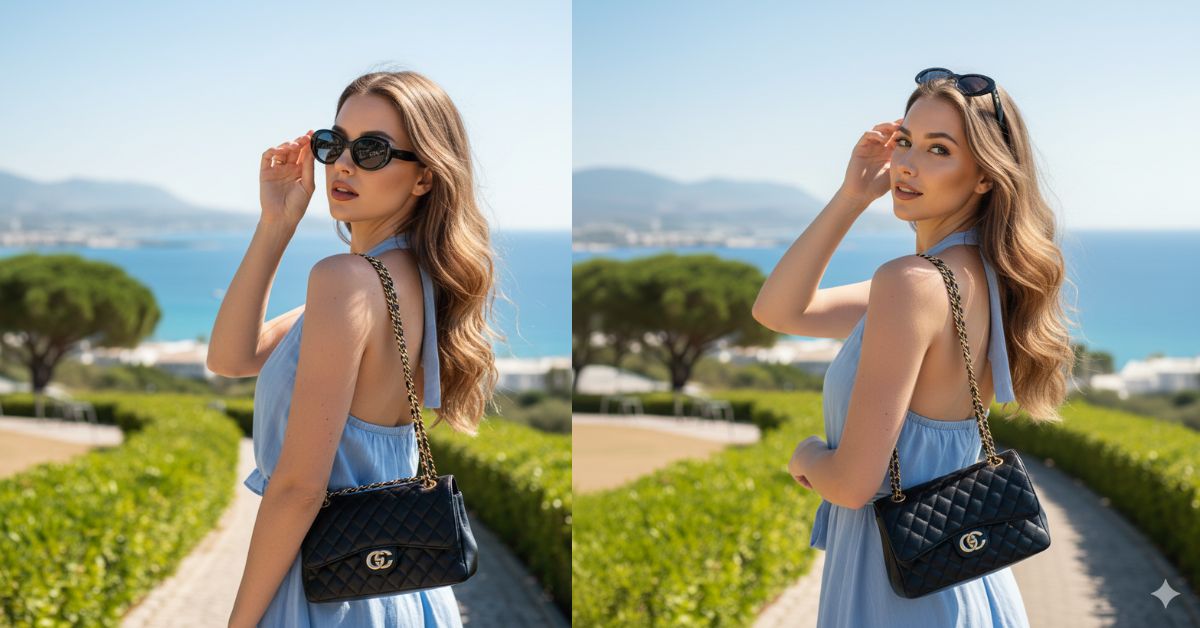
Instagram is full of luxury travel + street style shots right now. One of the most trending looks is the “look back over the shoulder” pose with a dreamy coastal background, designer vibes, and clean natural lighting.
The best part? You can create this Viral AI Image for free using Google Gemini—and make it perfect for Instagram Reels (9:16 aspect ratio).
The Viral Prompt (Copy-Paste for Google Gemini)
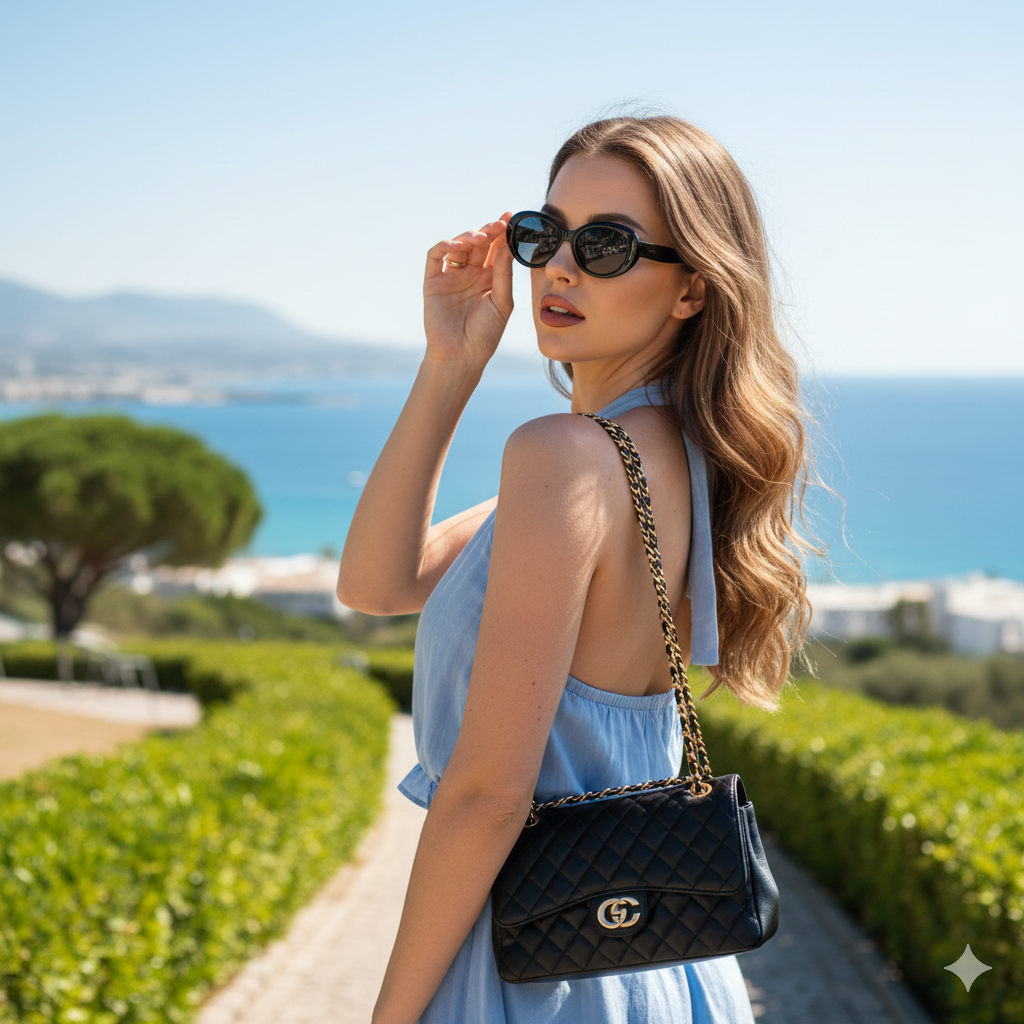
Use my uploaded reference photo as the face identity reference. Keep the woman’s face EXACTLY the same as the reference (do not change facial features, skin tone, eye color, proportions, or identity).
Create an ultra-realistic, high-end fashion travel photo in 8K, realistic skin texture, cinematic natural sunlight, Vogue-style editorial quality, premium lifestyle aesthetic.
Aspect ratio: 9:16 (vertical, Instagram Reel size). No text, no watermark, no logo.
Scene: Outdoors at a scenic coastal viewpoint on a clear sunny day. Background shows a calm vibrant blue sea extending to the horizon, faint distant mountains, and hints of white resort buildings near the coastline. Foreground includes a clean winding road/pathway with manicured green bushes and mature trees (pine-like). Colors are vivid and natural: blue sea/sky, lush greens, light tones of the road.
Subject: A stylish young woman posing confidently and chic. She is turned slightly away from the camera, looking back over her shoulder toward the viewer with a confident, relaxed glamour expression. Natural makeup with soft brown contour and highlight, rose lip color, clean brows.
Hair: Long, luscious light brown hair in soft voluminous waves, some strands gently swept back by the breeze for a dynamic look.
Outfit: Light blue halter-neck or strapless top with airy fabric and subtle ruffle/layer detail, elegant vacation style.
Accessories: Dark oval sunglasses with a bold frame; classic black quilted luxury handbag with a gold chain strap worn on the shoulder; a delicate gold ring visible on the right hand. Right hand is raised to lightly adjust the sunglasses or touch her hair.
Camera & composition: Medium-close shot from waist up, slight low angle (slightly below eye level). Sharp focus on the subject, gentle natural depth of field with soft background separation. High-resolution travel/fashion photography look, realistic shadows and highlights, bright sunlight, subtle hair shine and skin glow.
Avoid: blurry face, face changes, extra fingers, distorted hands, heavy filters, AI-looking skin, plastic texture, over-smoothing, text, watermarks.
Pose Variant 1 (Classic Lookback + Sunglasses Touch)
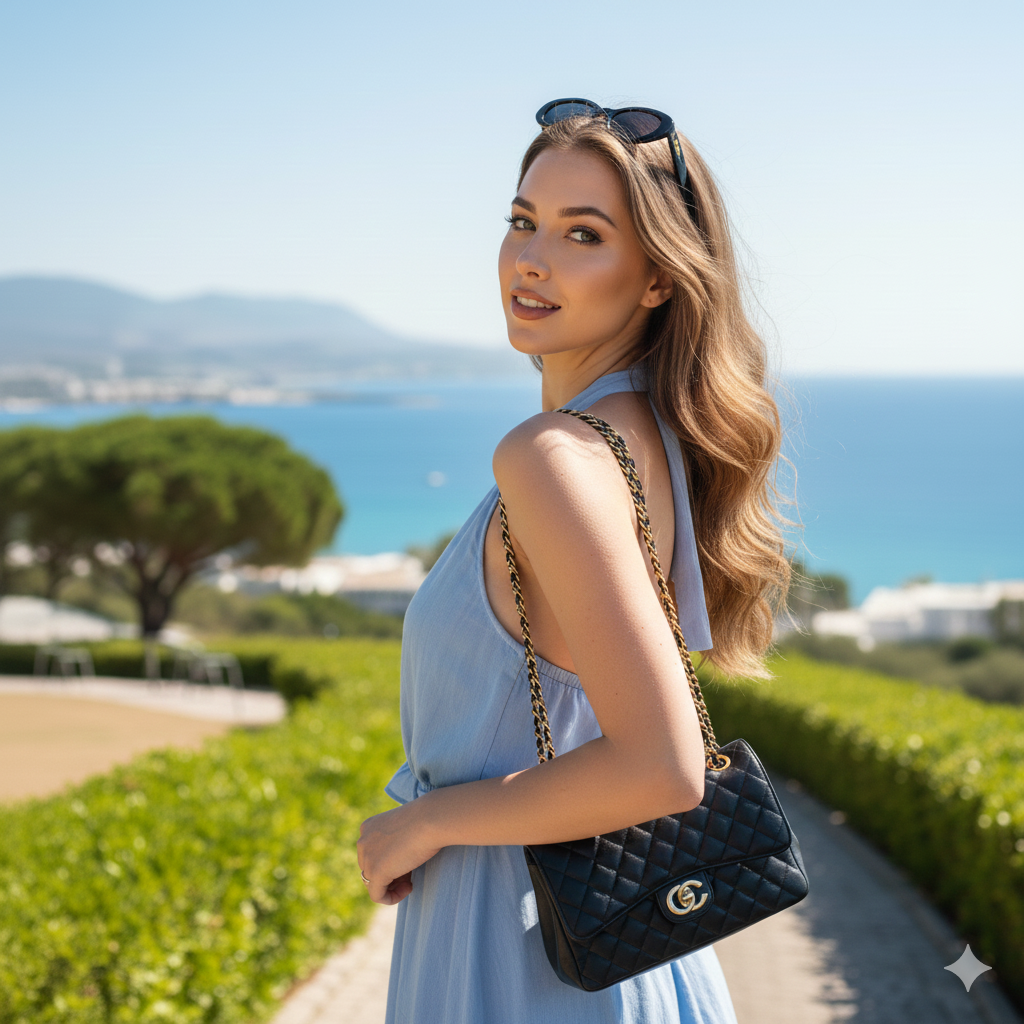
She is turned slightly away from the camera, torso angled 45° to the ocean, looking back over her left shoulder directly at the viewer. Right hand raised to lightly adjust the sunglasses at the outer corner. Left arm relaxed down near the handbag strap. Chin slightly lifted, confident chic expression.
Pose Variant 2 (Hair Sweep + Over-Shoulder Gaze)
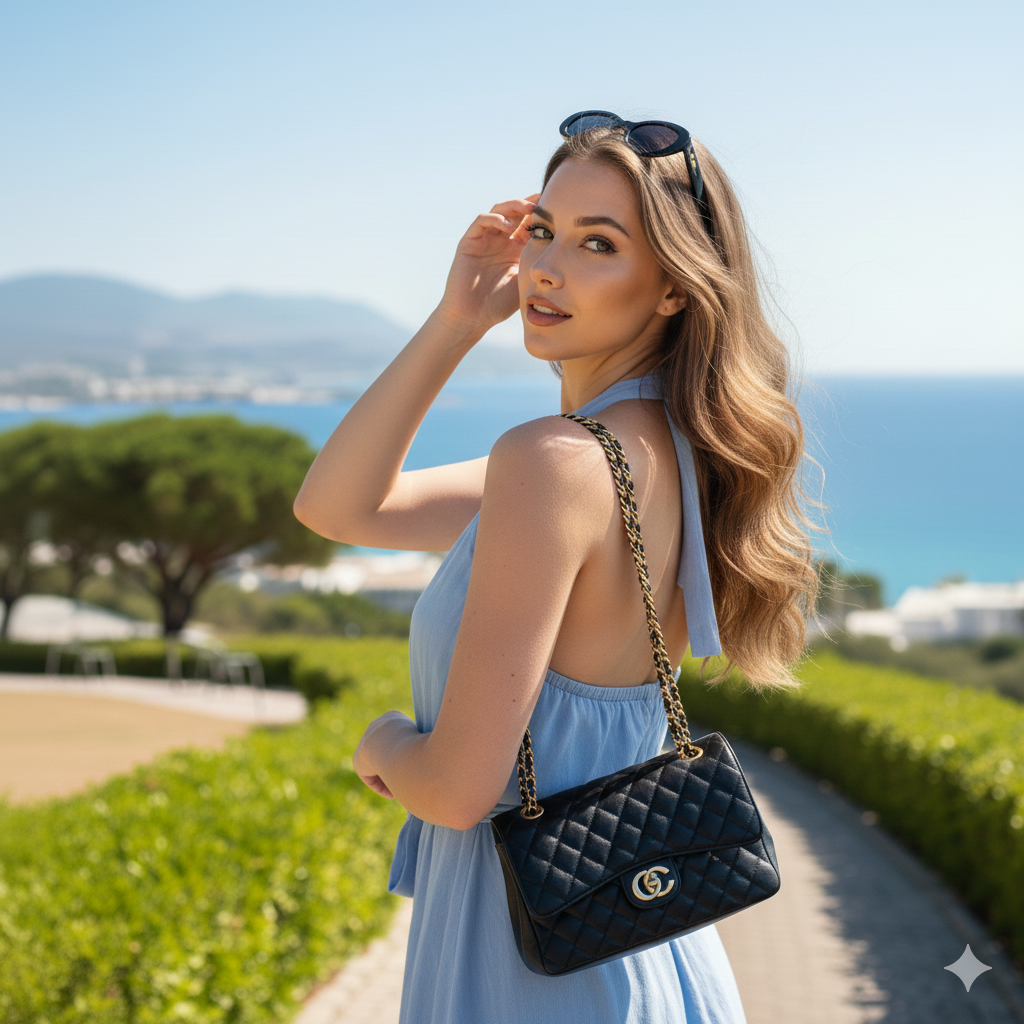
She is turned away from the camera, shoulders relaxed, looking back over her right shoulder with a calm, confident expression. Right hand gently sweeping hair back behind her ear (fingers natural, elegant). Left hand holding the handbag strap near the shoulder. Slight lean toward the camera for a flattering angle.
How to Customize This Prompt
You can change small details without breaking the style. Just replace the parts below:
- Top color: Replace “light blue” with “white”, “beige”, or “pastel pink”.
- Mood: Replace “confident, relaxed glamour” with “soft smile” or “serious editorial”.
- Accessories: Replace “oval sunglasses” with “cat-eye sunglasses” (keep it minimal).
- Background: Replace “coastal viewpoint” with “Santorini cliff view” or “Amalfi coast road”.
Important: If you want the face unchanged, always keep this line:
- “Keep the woman’s face EXACTLY the same as the reference…”
How to Create This Image Using Google Gemini (4 Steps)
- Open Google Gemini (app or web).
- Upload your reference photo (if you want the same face) and paste the prompt above.
- Type this line with your prompt: “Create an image in 9:16 ratio”.
- Download the image and post it as an Instagram Reel/Story.
Conclusion
This Trending Viral AI Image style works because it looks like a real influencer moment—natural sunlight, luxury accessories, and a cinematic travel background. With the Google Gemini Prompt above, you can create a premium-looking photo that feels like a real vacation shoot, even if you never left home.
When you create your image, post it on Instagram and use a clean caption like “Soft luxury, loud confidence.” Tag your friends, and don’t forget to try this in different locations and outfits (while keeping the same vibe). If you want, you can share your result and I’ll suggest the best caption + hashtags for it!







