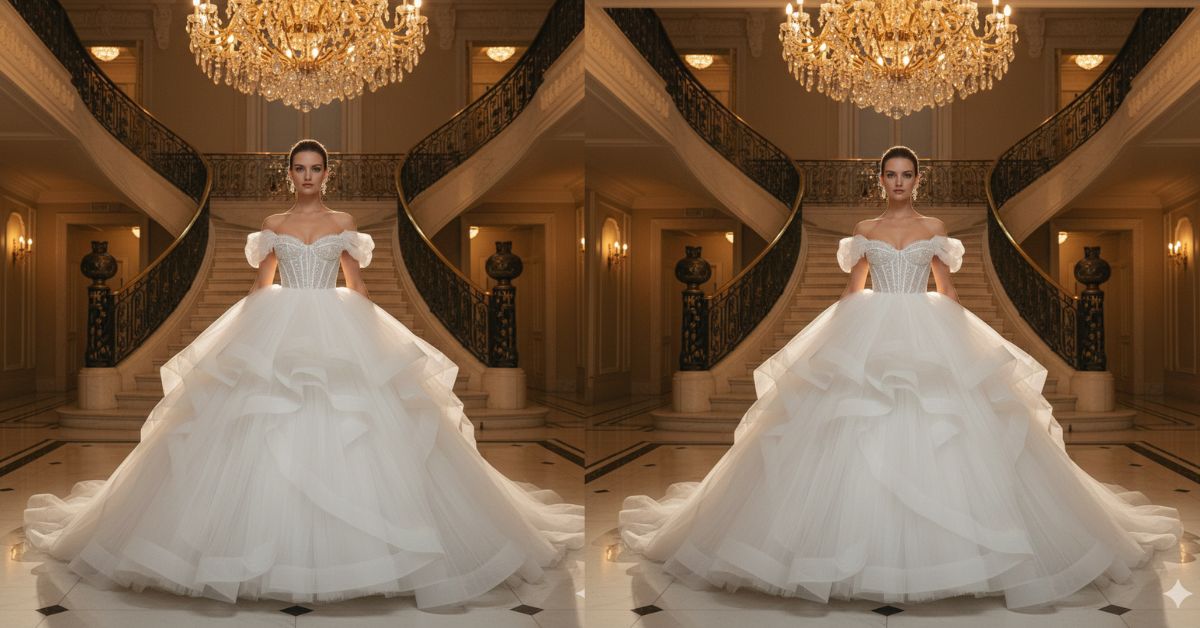
Instagram is full of royal-core, luxury mansion, and bridal couture edits right now. The reason is simple: a huge, dramatic gown + a grand palace background instantly looks premium and “viral”.
The best part? You can create this for free using Google Gemini in just a few minutes. Just make sure you generate it in 9:16 aspect ratio (Instagram Reel size) for perfect social media framing.
The Viral Prompt (Copy-Paste in Google Gemini)
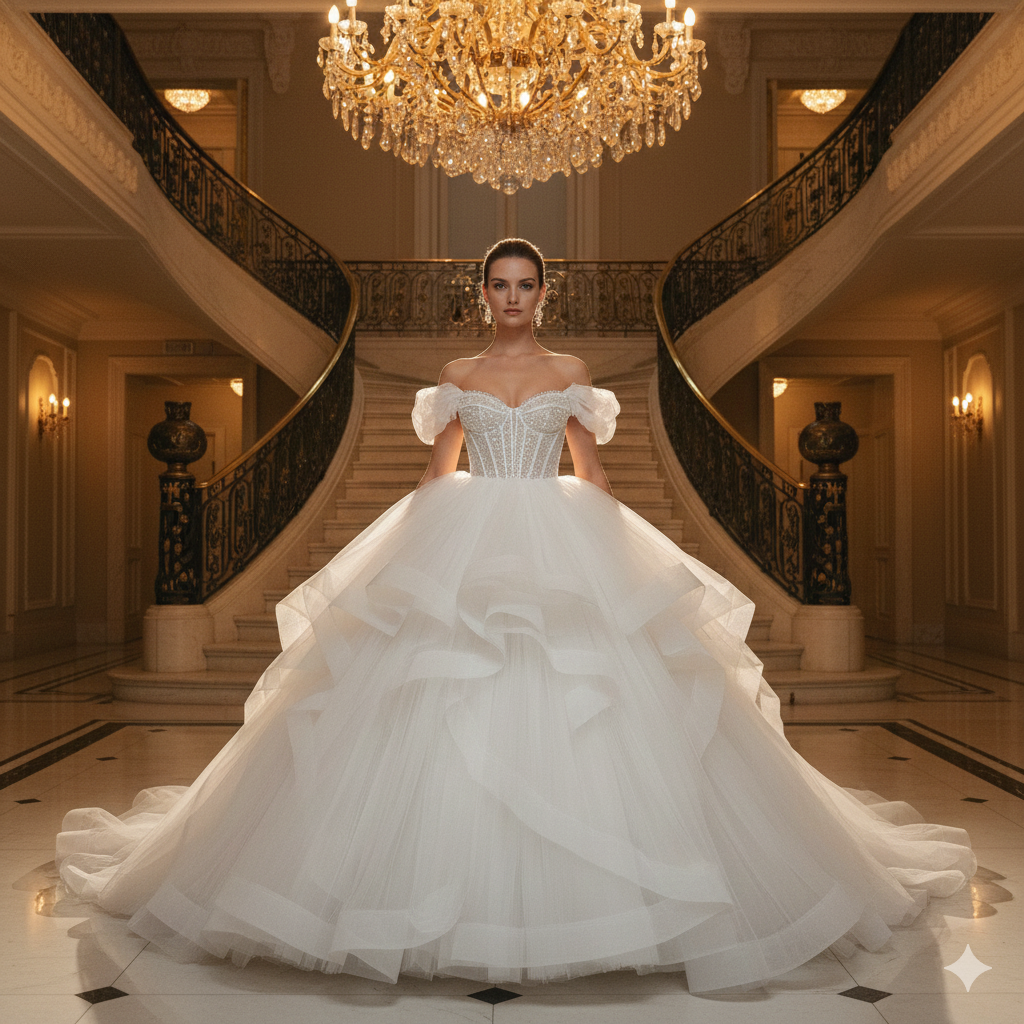
Create a hyper-realistic, high-fashion editorial photograph in 8K resolution, ultra-detailed realistic textures, cinematic warm lighting, luxury mansion atmosphere, and perfect symmetry. Aspect ratio: 9:16 vertical (Instagram Reel size).
Subject: A beautiful woman wearing an enormous ultra-voluminous white bridal ballgown made of hundreds of airy tulle layers, the skirt filling most of the frame like a cloud. The bodice is a shimmering beaded sweetheart corset with delicate off-the-shoulder puff sleeves. The fabric must look real: soft tulle layers, fine beadwork sparkle, natural folds, and premium couture finishing.
Scene: She is standing in the center of a grand opulent mansion lobby with a double curved marble staircase behind her and a massive glowing gold crystal chandelier overhead. The lobby has polished marble floors with soft reflections, elegant architectural details, and a regal palace vibe.
Composition & Camera: Wide-angle fashion shot that captures the full scale of the skirt, centrally framed with strong symmetry. Shot like luxury magazine photography, 35mm lens look, f/1.8 depth of field, soft background bokeh, crisp focus on the woman and gown, subtle cinematic film grain.
Lighting: Warm golden cinematic light from the chandelier and soft fill light to keep facial features clean and natural, gentle highlights on the beadwork, soft shadows for depth, ethereal and regal mood.
Quality rules: ultra-realistic skin texture, natural proportions, no distortions, no extra limbs, clean face details, sharp couture textures, premium editorial finish, not cartoon, not illustration.
Pose Variant 1 (Classic Royal Stance)

Same prompt as above, ONLY change the pose to:
Pose: She stands tall in the center, shoulders back, chin slightly lifted. One hand gently rests on her waist, the other lightly holds a small section of the tulle skirt. Calm, confident expression, looking directly at the camera.
Pose Variant 2 (Elegant Step + Movement)
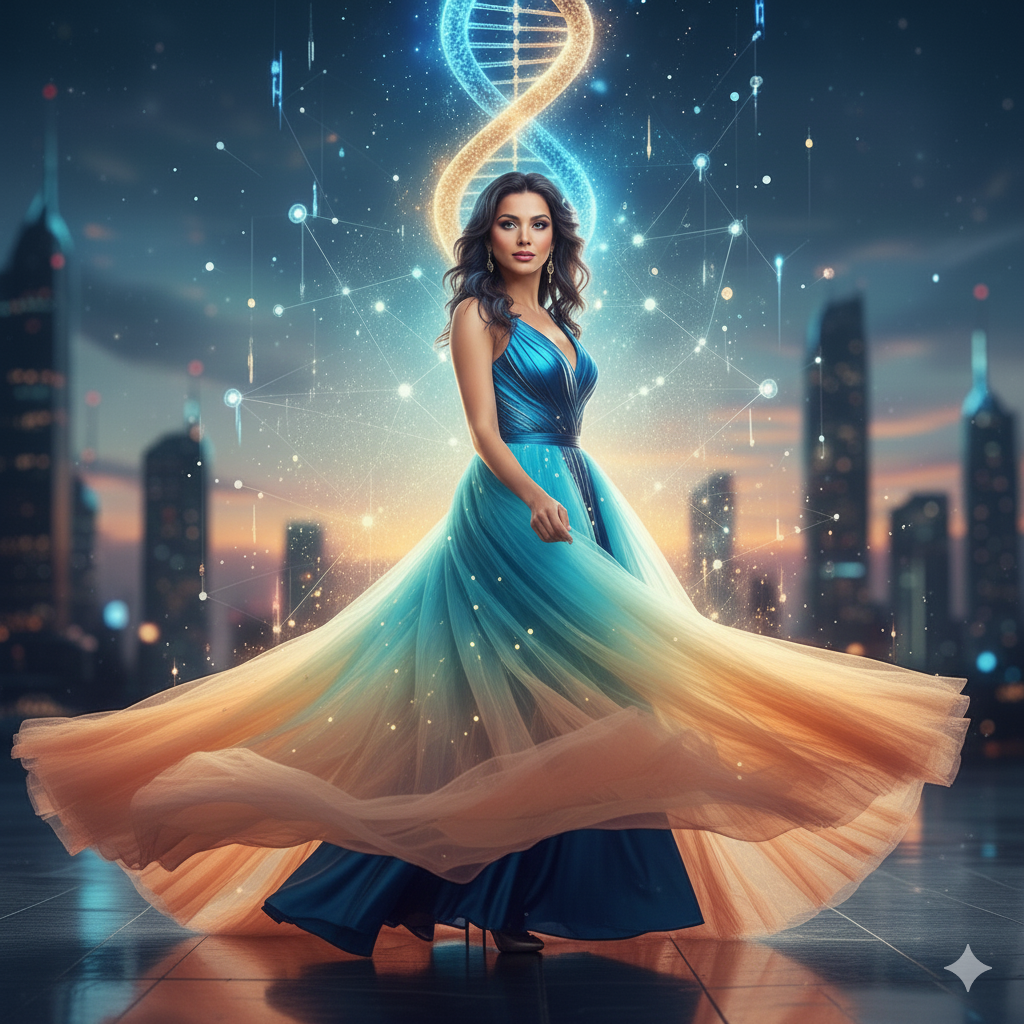
She takes a soft step forward as the skirt flows outward. One hand lifts the skirt slightly to show movement, the other arm relaxed by her side. Head turned slightly to her left, eyes looking back to the camera with a subtle confident smile.
How to Customize This Prompt (Very Easy)
You only need to replace a few words to match your taste. Keep everything else the same.
- Change the dress color: replace “white” with “ivory”, “champagne”, or “soft blush”
- Make it more royal: replace “mansion lobby” with “Versailles-style palace foyer”
- Change the mood: replace “warm golden cinematic light” with “cool white luxury lighting” (for a modern look)
Tip: Don’t remove “8K, hyper-realistic, high-fashion editorial” because these words help Gemini create the premium viral quality.
How to Create This Image Using Google Gemini (4 Steps)
- Open Google Gemini (app or website).
- Paste the prompt given above.
- Add this line at the end: “Create an image in 9:16 ratio.”
- Download the image and post it as an Instagram Reel cover or story.
Conclusion
This royal mansion ballgown style is perfect for anyone who wants a Trending Viral AI Image that looks like a luxury magazine shoot. When you generate it in 9:16, it instantly fits Instagram Reels and looks more professional on the feed.
Try it today in Google Gemini, then post your result on Instagram and tag your friends. If you want extra reach, use a caption like “AI made this couture look 👑✨” and watch the engagement jump!







