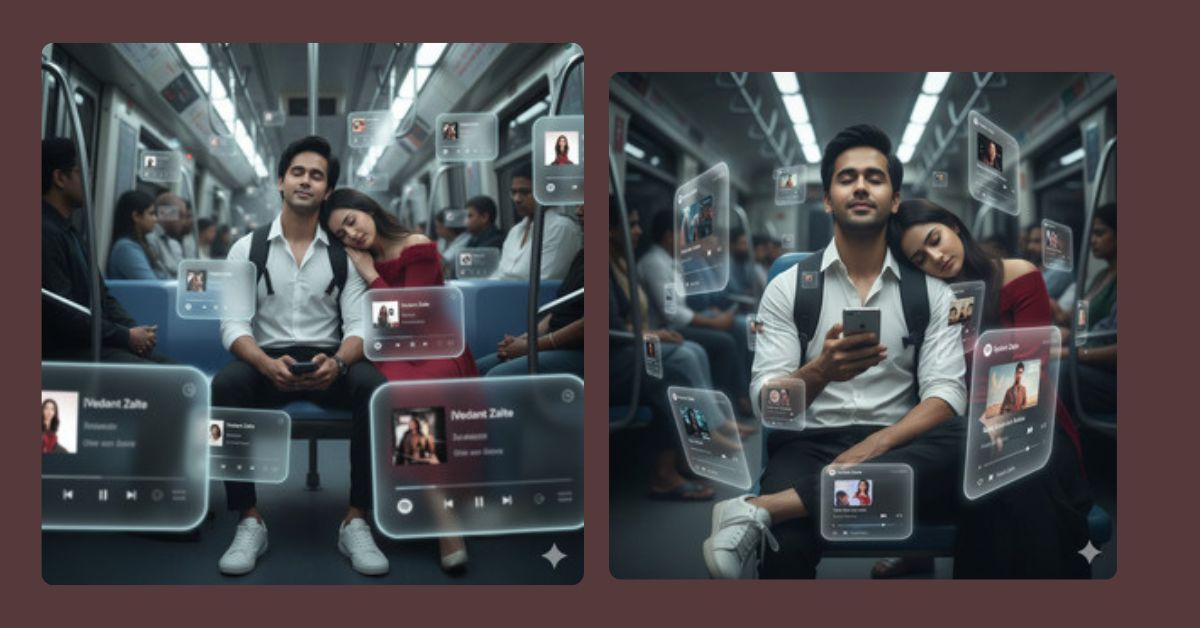
Right now, cinematic AR-style images with floating Spotify music cards are going viral on Instagram Reels.
Creators love this style because it mixes real emotions, music vibes, and futuristic visuals in one frame.
This dreamy train scene feels calm, personal, and cinematic, just like a movie moment.
You can create this Viral AI Image for free using Google Gemini, with just one powerful prompt.
The Viral Prompt (Google Gemini Prompt)
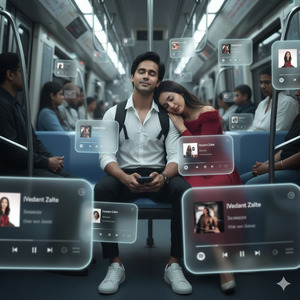
Create a dreamlike, movie-quality augmented reality cinematic image using the uploaded face with 100% facial accuracy, no facial changes, and no extra brightness, keeping the natural dark skin tone intact. The subject is sitting inside a realistic crowded train at midnight, wearing a white shirt, black pants, white sneakers, and a backpack. The subject has closed eyes, a calm and relaxed expression, with a subtle smile, holding a phone in one hand and facing forward toward the viewer. A beautiful young woman is sleeping peacefully with her head resting on the subject’s shoulder, softly blurred using DSLR lens depth of field for realism.
The scene features a complete 3D spatial composition where multiple hovering Spotify-style music player interface cards orbit around the subject. Some cards float in front, partially covering the subject, while others appear behind and beside at different distances. Each card uses authentic Instagram Reels and Spotify-style UI elements such as playback bars, progress indicators, and album art, featuring songs by [Vedant Zalte]. The music cards have smooth rounded edges, subtle angular perspective shifts, and a translucent frosted-glass appearance with soft glowing borders and gentle cinematic light bloom that blends naturally with the environment.
Use a cool-to-neutral color palette with preserved shadow details, medium-high contrast, smooth highlight transitions, and small bursts of color from album artwork. Near cards remain sharp while distant cards are slightly blurred for depth. Add subtle motion accents while keeping the subject fully photorealistic and naturally integrated into the train environment. Ultra-realistic, cinematic lighting, realistic textures, shallow depth of field, high quality, masterpiece look, 8K resolution. Create an image in 9:16 aspect ratio.
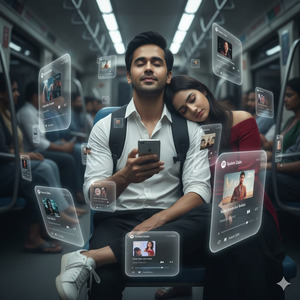
Pose Variant 1: Upright Posture + Phone Raised (Modern & Stylish)
Create a dreamlike, movie-quality augmented reality cinematic image using the uploaded face with 100% facial accuracy, no facial changes, and no extra brightness, keeping the natural dark skin tone intact. The subject is sitting upright inside a realistic crowded train at midnight, shoulders relaxed, wearing a white shirt, black pants, white sneakers, and a backpack. The subject’s eyes are closed with a composed, confident calm expression and a soft smile, holding a phone slightly raised in front of the chest. A beautiful young woman is sleeping peacefully with her head resting on the subject’s shoulder, softly blurred using DSLR lens depth of field.
The scene includes multiple hovering Spotify-style music player interface cards arranged in a layered 3D spatial orbit around the subject. Some cards overlap the foreground while others float behind and to the sides. Each card uses realistic Instagram Reels and Spotify-style UI elements with playback indicators and album art featuring songs by [Vedant Zalte]. The UI cards have smooth rounded corners, frosted-glass transparency, subtle perspective angles, and gentle glowing borders with cinematic light bloom.
Apply a cool-to-neutral color palette, preserved shadow detail, medium-high contrast, smooth highlight roll-off, depth-based focus with crisp near cards and softly blurred distant cards, and subtle motion accents. Maintain full photorealism, cinematic lighting, realistic textures, shallow depth of field, ultra-realistic, high quality, masterpiece look, 8K resolution. Create an image in 9:16 aspect ratio.
How to Customize This Prompt
You can easily personalize this prompt by changing:
- Artist name → replace
[Vedant Zalte]with your name - Outfit colors (white shirt, black pants)
- Time (midnight to evening or morning)
- Music UI color tone if you want warmer or darker vibes
Just edit the words directly in the prompt before generating the image.
How to Create This Image Using Google Gemini
Follow these simple 4 steps:
- Open Google Gemini on your phone or computer
- Upload your photo and paste the viral prompt
- Make sure to add: “Create an image in 9:16 aspect ratio”
- Generate the image and download it
Your Instagram Reel–ready AI image is now complete.
Conclusion
This Trending Spotify AR Train AI Image is perfect for Instagram Reels, music creators, aesthetic profiles, and storytelling posts.
The combination of music, emotions, futuristic UI, and cinematic realism creates a powerful visual that instantly connects with viewers.
Create your image using Google Gemini, post it on Instagram, and let your Reel tell a story.
For more Viral AI Image prompts, Google Gemini guides, and trending ideas, keep following Techy Gabru and stay ahead of the trend.







