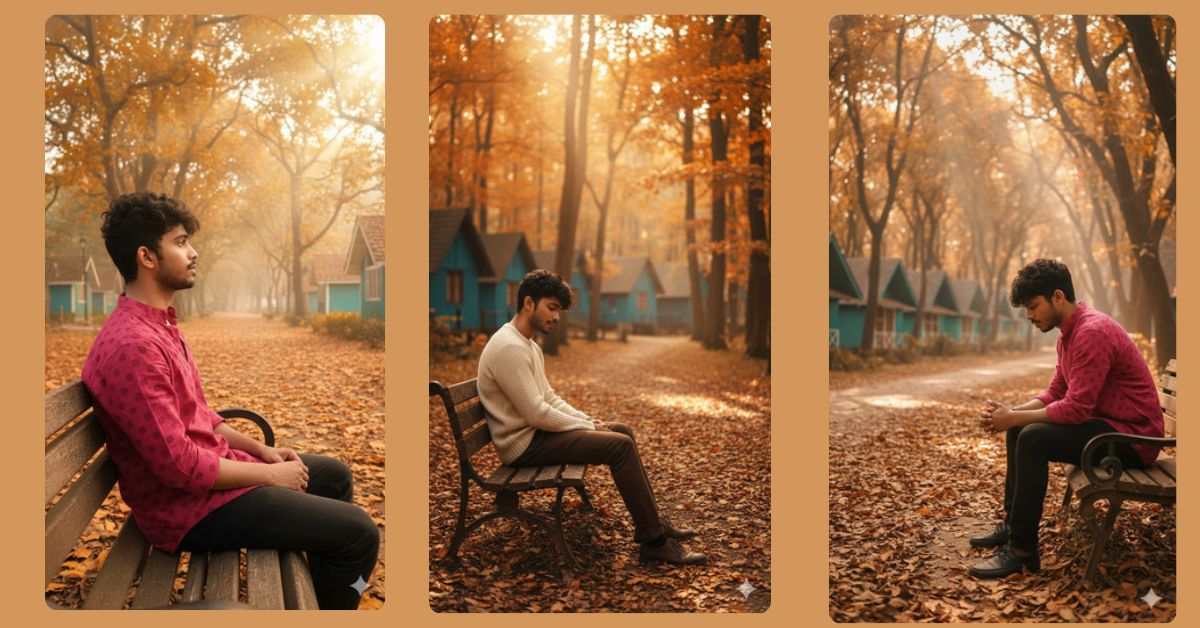
Autumn is one of the most visually stunning seasons, and creating viral AI images inspired by cozy fall vibes is trending on Instagram right now. People love seeing cinematic outdoor portraits with warm sunlight and golden leaves. The best part? You can create this ultra-realistic autumn forest scene for free using Google Gemini, and it will look like a professional photoshoot!
The Viral Prompt
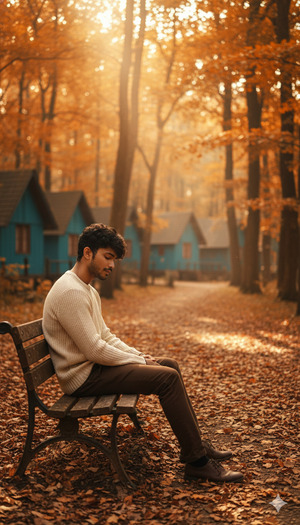
Ultra-realistic cinematic outdoor portrait of a young man sitting alone on a wooden bench in an autumn forest lodge environment. Golden-orange autumn leaves fill the trees above, teal-colored cottages with slanted roofs line the pathway, and the ground is fully covered in dry fallen leaves. Soft warm sunlight filters through the branches, creating a peaceful and emotional atmosphere. High quality, 8k resolution, realistic texture, cinematic lighting, shallow depth of field, dramatic mood, 9:16 aspect ratio.
Pose Variant 1: Leaning Forward, Hands Together
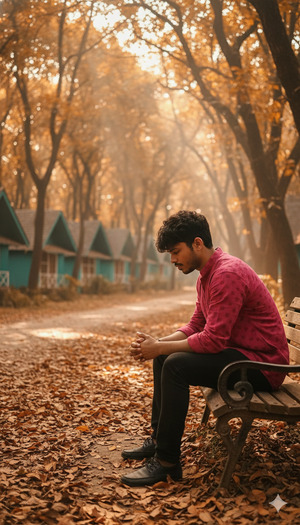
Ultra-realistic cinematic outdoor portrait of a young man sitting alone on a wooden bench in an autumn forest lodge environment. Golden-orange autumn leaves fill the trees above, teal-colored cottages with slanted roofs line the pathway, and the ground is fully covered in dry fallen leaves. The young man is leaning slightly forward with his elbows on his knees and hands together, looking deeply thoughtful and emotional. Soft warm sunlight filters through the branches, creating a moody and cinematic atmosphere. High quality, 8k resolution, realistic texture, cinematic lighting, shallow depth of field, dramatic mood, 9:16 aspect ratio.
Pose Variant 2: Looking Away, Side Profile
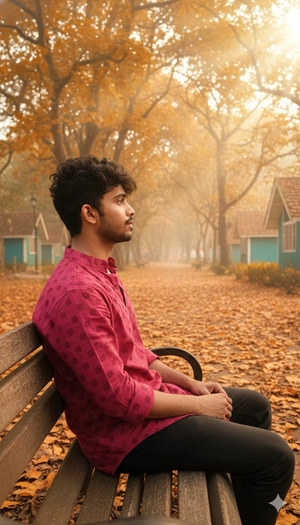
Ultra-realistic cinematic outdoor portrait of a young man sitting alone on a wooden bench in an autumn forest lodge environment. Golden-orange autumn leaves fill the trees above, teal-colored cottages with slanted roofs line the pathway, and the ground is fully covered in dry fallen leaves. The young man is sitting sideways, showing his side profile, looking away down the pathway with a contemplative expression. Soft warm sunlight filters through the branches, creating a peaceful yet emotional cinematic scene. High quality, 8k resolution, realistic texture, cinematic lighting, shallow depth of field, dramatic mood, 9:16 aspect ratio.
How to Customize This Prompt
You can easily personalize this image to match your vision:
- Change the subject: Replace “young man” with “woman,” “child,” or “elderly person.”
- Alter the setting: Swap “teal-colored cottages” with “wooden cabins,” “stone huts,” or any color you prefer.
- Adjust emotions: Replace “emotional and lost in thought” with “happy and smiling,” “pensive,” or “dreamy.”
- Lighting and mood: Modify “soft warm sunlight” to “golden hour sunlight” or “misty morning light” for different atmospheres.
How to Create This Image Using Google Gemini
Follow these simple steps to generate your viral autumn forest portrait:
- Open Google Gemini: Launch the Google Gemini AI platform in your browser.
- Paste the Prompt: Copy the refined prompt from above and paste it into the input box.
- Specify Aspect Ratio: Add the instruction:
"Create an image in 9:16 ratio"along with the prompt. - Download Your Image: Once the AI finishes generating, download your stunning autumn portrait and get ready to post on Instagram!
Conclusion
Now you have the ultimate guide to creating viral AI images in a cinematic autumn forest setting using Google Gemini. Don’t be afraid to experiment with colors, lighting, and emotions to make your image truly unique. Once done, share your creations on Instagram or other social media platforms and watch your followers fall in love with your artistic skills. Happy creating!







