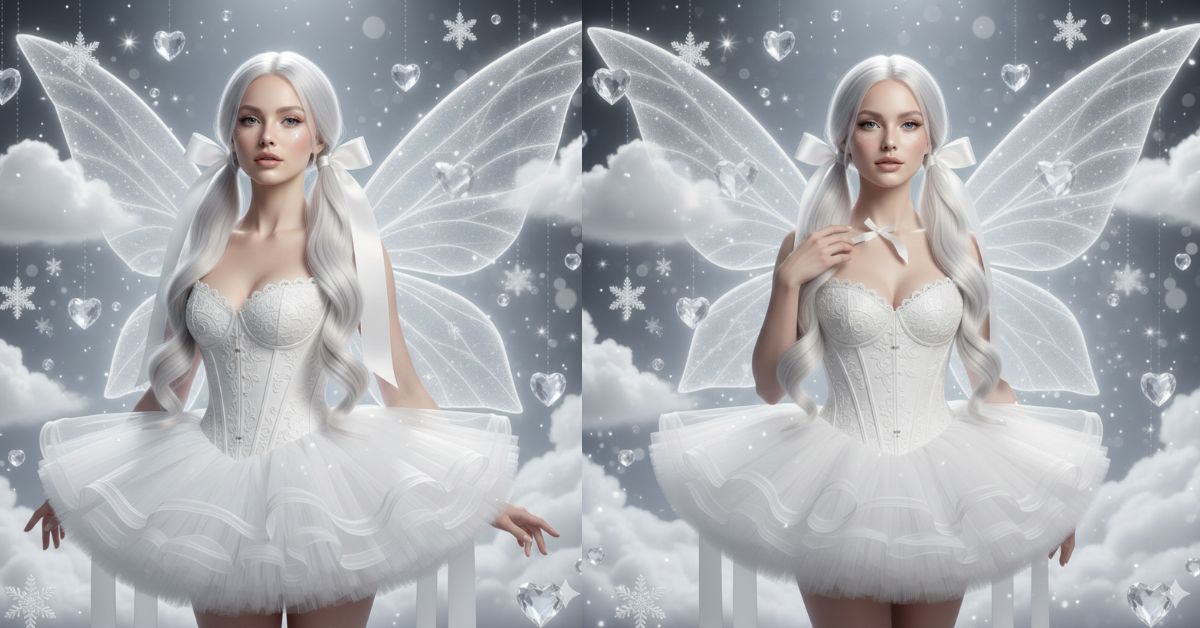
Instagram is full of dreamy “all-white” fantasy portraits right now. This style looks premium because it mixes high-fashion editorial vibes with magical realism, soft bokeh, and clean monochrome lighting.
The best part? You can create this Viral AI Image for free using Google Gemini. Just make sure you generate it in 9:16 aspect ratio (Instagram Reel/Story size) so it looks perfect on social media.
The Viral Prompt (Copy-Paste for Google Gemini)
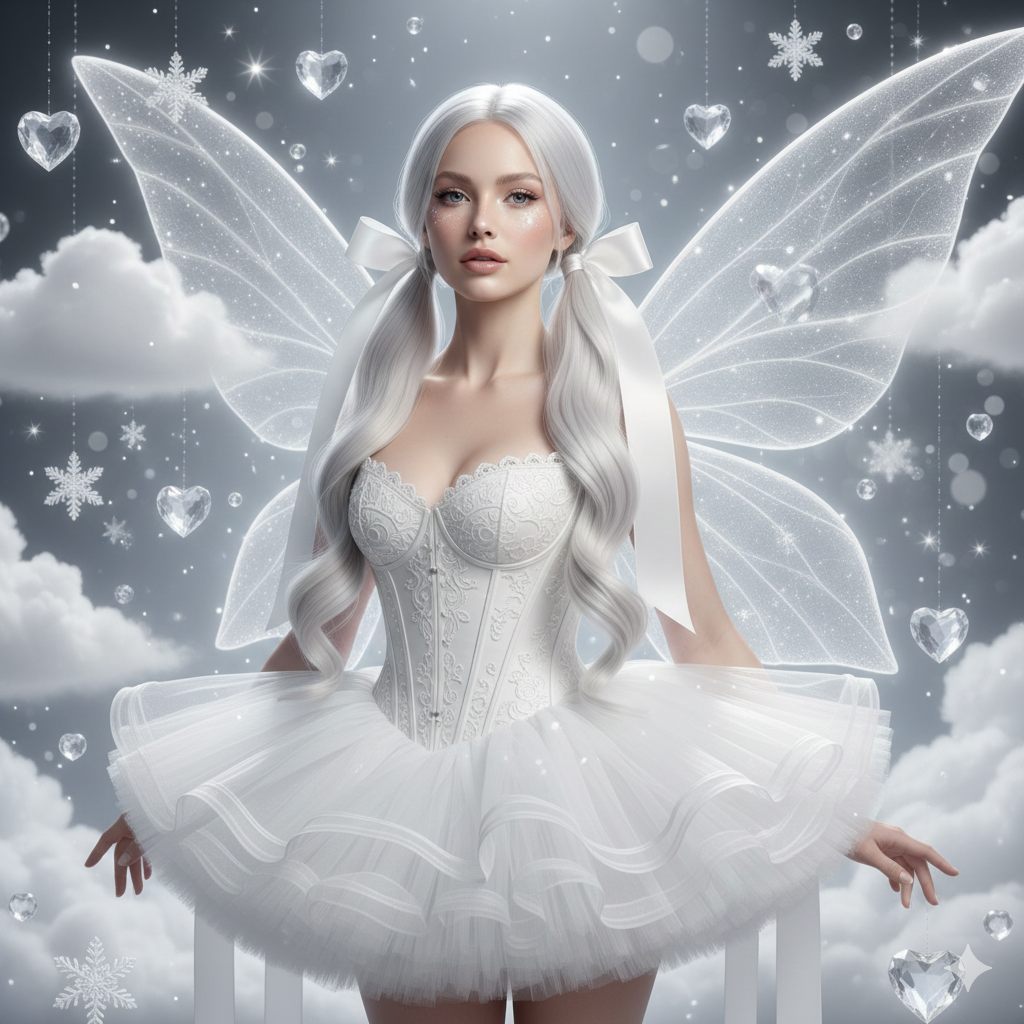
Create a hyper-realistic, ethereal high-fashion fantasy portrait of a winter fairy in a pure all-white monochromatic aesthetic. Vertical 9:16 aspect ratio.
Subject: A beautiful winter fairy with long, flowing platinum-white hair styled into neat pigtails, tied with oversized silk bows. Her face is elegant and soft, with luminous porcelain skin, subtle glass-skin glow, icy shimmer around the eyes, glossy nude-pink lips, and calm confident expression.
Outfit: An intricate white corset bodice with delicate embroidery and pearl-like beading, paired with a voluminous ruffled tutu skirt made of sheer crystalline tulle/organza. Ultra-detailed fabric texture, visible layers, realistic folds, couture finish.
Wings: Massive glowing translucent wings with feather-like texture and internal bioluminescence, softly rim-lit so they stand out from the white background. Fine wing veins and subtle sparkle dust.
Background: A magical dreamscape with floating crystal hearts, suspended snowflakes, soft white clouds, and shimmering particles. Dreamy depth, soft haze, elegant bokeh highlights.
Lighting & Camera: Cinematic soft studio glow with gentle rim lighting, high dynamic range, soft-focus background, premium editorial look. Sharp focus on face and outfit textures, shallow depth of field, realistic skin texture, no plastic look.
Quality: Ultra-realistic, 8K resolution, high detail, clean composition, magical realism, Vogue-level fantasy editorial photography.
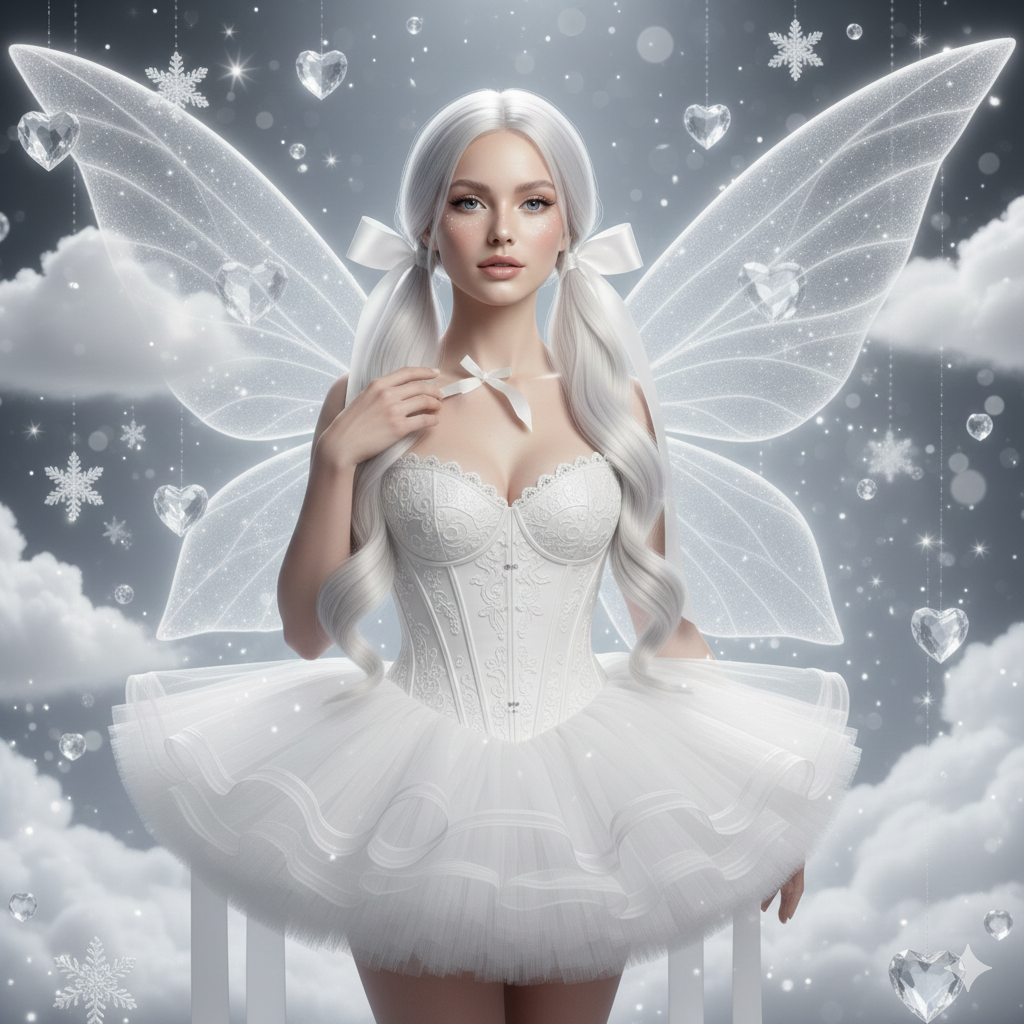
Pose Variant 1 (Front, elegant hand placement)
<!– wp:code –>
<pre class=”wp-block-code”><code>
The winter fairy is standing upright, shoulders relaxed, facing the camera. One hand gently touches the silk bow near her collarbone, and the other hand rests softly at her waist. Chin slightly lifted, calm confident expression, eyes looking directly into the lens.
Create an image in 9:16 ratio.
</code></pre>
<!– /wp:code –>
Pose Variant 2 (Three-quarter turn, over-the-shoulder)

The winter fairy is standing in a three-quarter body angle, torso turned slightly away from the camera while her head turns back over her shoulder toward the lens. One hand lightly holds the edge of her ruffled tutu skirt, the other hand lifts near her hair bow as if adjusting it. Soft confident expression.
Create an image in 9:16 ratio.
How to Customize This Prompt
You can keep the same style and only change a few placeholders to match your taste. Just replace the words inside brackets:
- Hair: Replace “platinum-white hair” with [your hair color]
- Bows: Replace “oversized silk bows” with [ribbons / pearls / crystal clips]
- Wings: Replace “glowing translucent wings” with [opalescent wings / frosted glass wings]
- Background props: Replace “crystal hearts” with [snow roses / star lanterns]
- Makeup vibe: Replace “icy shimmer” with [soft glam / pearl highlight]
Keep the keywords like “hyper-realistic, 8K, cinematic lighting, soft bokeh, realistic texture” to maintain the trending look.
How to Create This Image Using Google Gemini
Step 1: Open Google Gemini
Go to Google Gemini on your phone or laptop.
Step 2: Paste the Prompt
Copy the prompt from the box above and paste it into Gemini.
Step 3: Add the 9:16 Instruction
At the end, type: “Create an image in 9:16 ratio” (Instagram Reel size).
Step 4: Download the Image
When Gemini generates the image, download it and post it as a Reel/Story.
Conclusion
This Trending Winter Fairy Viral AI Image is perfect for Instagram because it feels like a luxury fantasy photoshoot—clean, bright, and premium. The all-white monochrome look grabs attention instantly, and the glowing wings + bokeh background make it feel magical without looking messy.
Create your version in Google Gemini (9:16 aspect ratio), post it on Instagram, and tag your friends who love aesthetic edits. If you make this image, share it as a Reel and watch how fast it pulls views, saves, and shares!







